GETTING STARTED
PlayStation 2 Console Types
Illustration may not match all PlayStation 2 console types. For owners of SCPH-70000 series PlayStation 2 systems, refer to the setup instructions supplied with your system. Setting Up Your System
Set up your PlayStation®2 computer entertainment system according to the instructions in its Instruction Manual. Make sure the MAIN POWER switch (located on the back of the console) is turned ON.
Press the RESET button. When the power indicator lights up, press the OPEN button and the disc tray will open.
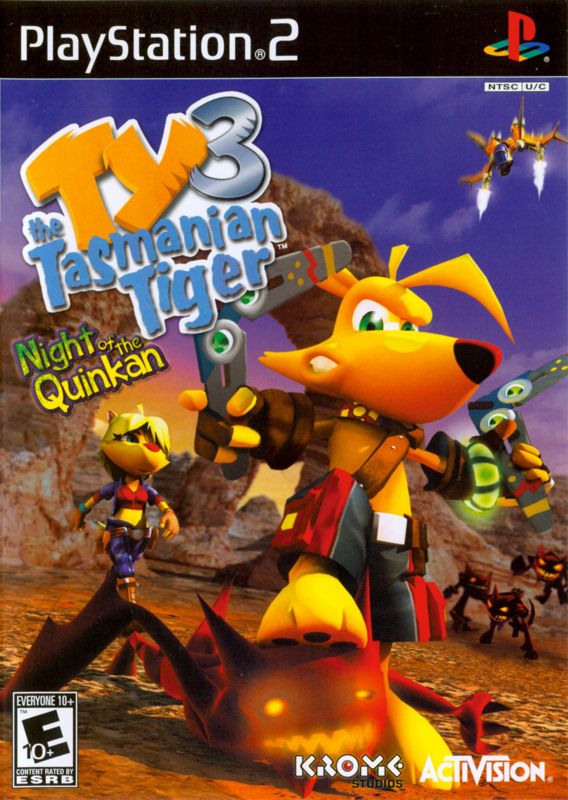
Place the TY THE TASMANIAN TIGERT™ 3: NIGHT OF THE QUINKAN disc on the disc tray with the label side facing up. Press the OPEN button again and the disc tray will close.
Attach game controllers and other peripherals, as appropriate. Follow on-screen instructions and refer to this manual for information on using the software.
Memory Card
To save game settings and progress, insert a memory card (8MB) (for PlayStation®2) into MEMORY CARD slot 1 of your PlayStation®2 system.
You can load saved game data from the same memory card or any memory card (8MB) (for PlayStation®2) containing previously saved games.
Extras
Select to access the game credits, music player, movie player, and developer concept art.
PAUSE MENU
During gameplay, access the Pause Menu by pressing the START button. Navigate to your selection within the pause menu by using the directional buttons or the left analog stick.
Callsheet
Select this option to view mission objectives.
Game Totals
Select to view the totals of game items that TY has found, collected and bought.
Options
Select to make adjustments to the sound, screen, controls, or game camera.
Science Facts
Select to view the controls for vehicles like the Shadow Bunyip, Crabmersible, and Gunyip.
'Rang Stones
Select this option to view the different 'Rang Stones TY has collected or purchased, and to customize his 'rangs.
Exit
Select this option to exit the level, restart a race, or return to the Main Menu.
Save Game
Select this option to manually save your game.
Map
Select to view the map for the current level.
'Rang Stone Types
Zoom
Adding these Stones will let TY throw any 'rang further, and will also provide a sniper zoom mode when he's in TY's View (First Person Mode).
Multi
These Stones make TY's 'rangs move much, much faster than normal, which means that TY can throw more of 'em!
Magnet
This technological Stone adds some extra grab to your 'rangs. Just equip one or more, and watch collectibles flock to you as you throw your 'rangs at them!
SHOPS
There are several shops scattered around Southern Rivers, where TY can use his opals to purchase new 'rangs, buy Bunyip Stone upgrades for the 'rangs he has, and buy weapons for the Shadow and Extreme Bunyips. Generally, shops are found within towns, but there may be a few more scattered around the place selling specialty goods.
•
Use the left analog stick to highlight an item you want to purchase
•
Press to purchase the highlighted item
•
Press to view information on the item you want to purchase
COLLECTIBLES
There are many collectibles scattered throughout Southern Rivers for TY to uncover, and many of them will be vital to the success of TY's quest, so keep your eyes peeled!
Game Total Percentage
Some collectibles (Gooboo Berries, Bilbies, Kromium Orbs, Steves and Picture Frames) add to the total percentage on the Game Totals screen of the Pause Menu. Bunyip Weapon Upgrades, 'rang chassis you buy and Missions you complete will also add to the game total percentage. Once you reach 100%, something special will happen at the very end of the game.
.png)


.png)
.png)
.png)
