Starting Up The Game
1. Make sure the POWER switch is OFF. Never insert or remove a Game Pak when the power is ON.
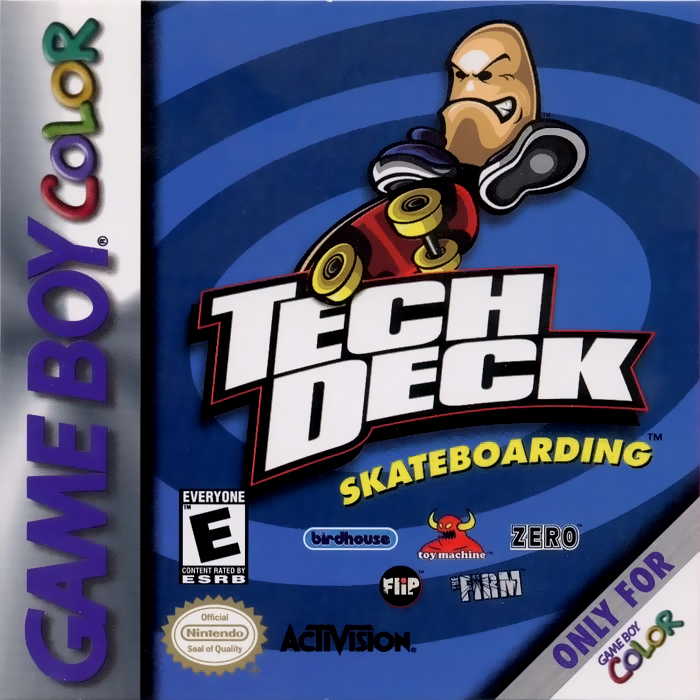
2. Insert the Tech Deck Skateboarding™ Game Pak into the slot on the back of the Game Boy® Color, with the label facing out. Press the Game Pak firmly to lock it in place.
3. Turn the Game Boy Color POWER switch ON.
4. When the Tech Deck Skateboarding title screen appears, press START to continue.
Note: Tech Deck Skateboarding is for Game Boy Color only.
Main Menu
There are five options available on the Main Menu. Press UP or DOWN on the Control Pad to make a selection, then press the A BUTTON to confirm. To get back to the Main Menu from another menu screen, press the B BUTTON.
Start Game
Select START GAME to start a new game and begin riding and collecting Tech Decks!
Free Play
Select Free Play to practice your moves without the pressure of a timer. Of course, you can't collect Tech Decks in this mode, but you can ride on all the levels.
Difficulty
Once you select Start Game, you must select the difficulty level you want to play at. There are three difficulty levels in the game–Easy, Medium and X-Treme. Push UP or DOWN on the Control Pad to select the difficulty level.
The difficulty levels not only affect the amount of time you are given to complete a game round, but also affect the number of boards that you can collect.
WARNING: The only way to collect all the boards in the game is to play at X-Treme difficulty.
Easy Mode
In Easy Mode, you have a lot of time and can collect a maximum of 2 boards per skatepark. This mode is for newbies and groms to tune their skills.
Medium Mode
In Medium mode, you have a normal amount of time and can collect a maximum of 4 boards per skatepark. This mode is for the average skate punk.
X-Treme Mode
In X-Treme mode, you have next to no time, but can collect all 5 boards per skatepark. This mode is for the hardcore Tech Deck collectors ONLY!
Note: There is no arrow to help you out, so be sure to pay attention to the Level Previews!
Note: You will not be able to change the difficulty during the game.
Start Button
Pressing START during gameplay will pause the game and bring up the Pause Menu.
Game Reset
You can reset to the Tech Deck Skateboarding title screen at any time during gameplay by holding down the START, SELECT, A BUTTON, and B BUTTON simultaneously.
WARNING: You will abort your current game and lose all information when you do this.
Game Paused Menu
Continue
Select CONTINUE or press the B BUTTON to take you back to the game.
Music On/Off
Turn Music On or Off with this option by toggling with the A BUTTON or B BUTTON.
Sound FX On/Off
Turn Sound FX On or Off with this by toggling with the A BUTTON or B BUTTON.
Show Decks
Select Show Decks to see what Tech Decks you have already collected. Press the Control Pad LEFT or RIGHT to scroll through the boards you have collected.
Boards with a question mark have not been collected yet. Keep in mind that the only way to collect all the boards in the game is to play on X-Treme difficulty. Press the A BUTTON, B BUTTON or START to exit this screen.
Exit Game
Select EXIT GAME to quit the current game and go back to the Main Menu.
HUD (Heads Up Display)
•
Time—This counts down how much time the player has to reach the next Tech Deck pickup in the round. If the timer hits zero, the round is over.
•
Directional Arrow—This indicates the direction of the next Tech Deck pickup the player must collect. It is red when the player is far away from the next pickup. When it turns green, the player is VERY CLOSE!
•
Trick—This indicates the name of the trick that Finger Guy just completed.
Pickups
Tech Deck
The Tech Deck pickups are shaped like skateboards. The player must grab all the pickups on a level, in the correct sequence, in order to add a new Tech Deck board to their collection.
Time Bonus
When skating around the level, the player can obtain extra time on the clock by performing a series of tricks. If the player pulls off a series of 3 tricks, they will gain an extra 5 seconds on the clock in Easy and Medium mode, 10 seconds in X-Treme mode.
To earn more time, the player needs to perform a different series of 3 tricks. 5 seconds are also awarded for each pickup collected. Keep in mind that there is a limit to the number of time bonuses that can be earned, and the clock cannot exceed 60 seconds.
Note: It is easiest to get the time bonus by pulling off a series of tricks on a ramp.
.png)



.png)
.png)



_1.png)


