Getting Started
Thank you for purchasing this Hudson game software. Please read this instruction manual carefully before use. Handling Precautions
•
Avoid extreme temperatures, high humidity, and strong shocks. Do not bend the card forcibly.
•
Do not touch terminal parts, get the card wet, or allow it to become dirty.
•
Wipe dirty terminal parts lightly with soft gauze or gauze soaked in ethyl alcohol.
•
Do not disassemble the card under any circumstances, as this voids the warranty.
Health Precautions
Play in a comfortable state and maintain a distance from the TV screen. Take a 10 to 15-minute break every hour during long play sessions.
If you experience symptoms like temporary muscle spasms or loss of consciousness from strong light stimulation, consult a doctor. Stop the game and seek medical attention if symptoms occur during play.
System Information
•
HuCARD: Game card exclusive to the H E system.
•
Reset: Press the SELECT button while holding the RUN button to restart the game from the beginning.
•
Warranty: We will exchange the product for a new one if a problem is due to our responsibility. Reproduction without permission and use in rental businesses are prohibited.
Mode Overview
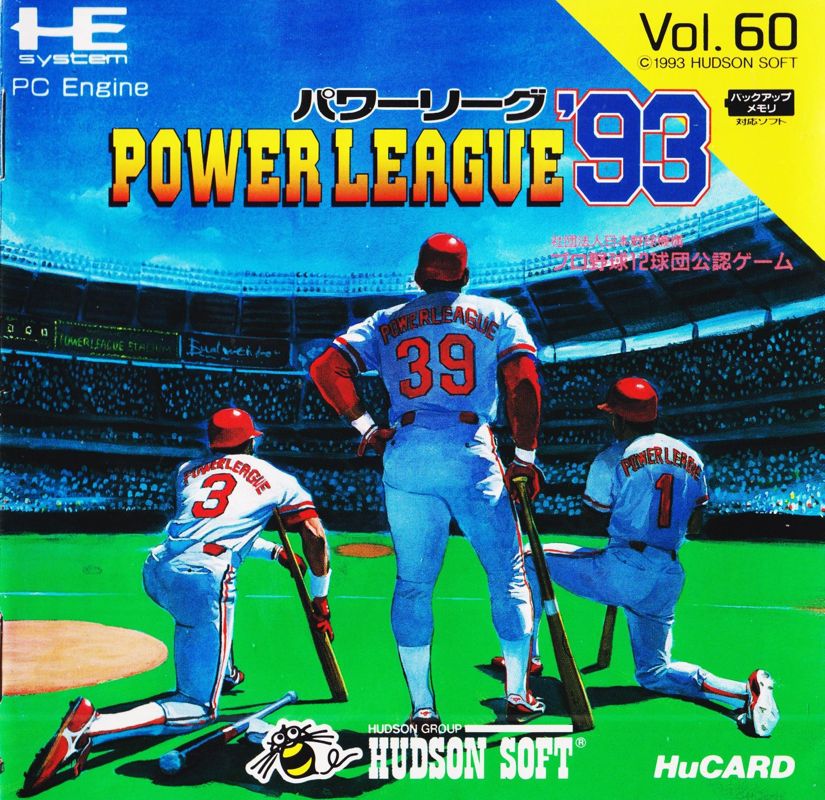
*Power League '93* features five play modes, including the Pennant Race, and an edit mode for modifying or adding data. Pennant Race Mode
Compete against the computer using your favorite team in a pennant format following the official schedule. Win the league championship to participate in the Japan Series and compete for the title of Japan's Number One.
Starting the Game
•
Select <Pennant Race> and press the ① button.
•
Choose "From the beginning" for a new game or "Continue" to load a previous save.
•
Select your team and the number of games (10, 30, 70, or 130).
•
Set defense and running to Auto or Manual, then select the stadium.
•
Select and confirm the starting pitcher from the eight players displayed.
Load and Backup
•
Password Input: Enter the password displayed at the end of your previous game. Use the ② button to correct characters.
•
Backup: Select the file you want to load to continue. This menu is only available if the backup is connected and save data exists.
Pennant Race Rules
•
Rotation Rule: A pitcher must rest for at least three days after their last start.
•
Extra Innings: Games last up to 15 innings. If tied, the game is a draw and a replay is conducted.
•
Data: Individual player data is saved even in games that end in a draw.
Open Mode
Select your playing team and opponent freely. Play against the computer or with up to four friends in a single match.
Setup Steps
1. Select (Open) on the mode selection screen and choose the number of players.
2. Select your team and opponent. Determine which team bats first and set defense/baserunning to Auto or Manual.
3. Select the stadium and specify a Day or Night Game using the ② button. Selecting the starting pitcher begins the game.
*Note: The DH system is determined by the league of the team batting second (Pacific League = Yes, Central League = No).*
Multi-Play
Supports up to four players using Multi Taps.
•
Offensive Side: Splits into batters and baserunners.
•
Defensive Side: Splits into pitcher and fielders.
•
Fielding Control: Operated by the player assigned as the pitcher.
•
Switching: Use the RUN button and direction keys to switch responsibilities between pitcher and fielders.
•
Substitutions: Handled by the players responsible for the pitcher and fielders respectively.
All-Star Mode
A dream All-Star game featuring top players from both the Central and Pacific Leagues.
•
Similar to <Open> mode, you can play against the computer or in multiplayer.
•
The start process is the same as <Open>, but team selection is changed to league selection.
Home Run Race Mode
A home run contest for one or two players.
•
Select <Home Run Race> and determine the number of players.
•
Choose the number of pitches (10, 20, 50, or 100).
•
Determine the team and stadium.
•
Select the batter to start.
Watch Mode
Watch computer-versus-computer games.
•
The start process is similar to <Open>.
•
You can send in a pinch hitter or join the game during play.
Edit Mode Overview
Modify team data to create a team tailored to your preferences.
•
Team Edit: Change starting lineups and fielding positions.
•
Name Edit: Create and register original players.
•
All-Star Edit: Modify registered All-Star rosters.
•
Backup: Delete individual records or backup data.
•
Setup: Configure game rules and levels.
*Note: You cannot save if the Backup unit is not connected.*
Team Edit
Adjust starting lineups and fielding positions to express your team's strengths in offense, defense, and mechanics.
Steps
1. Team Selection: Use the directional pad to select a team.
2.
Changing the Order:

_2.png)
_2.png)
_3.png)
.png)
.png)

.png)


.png)


.png)

.png)