Game Overview
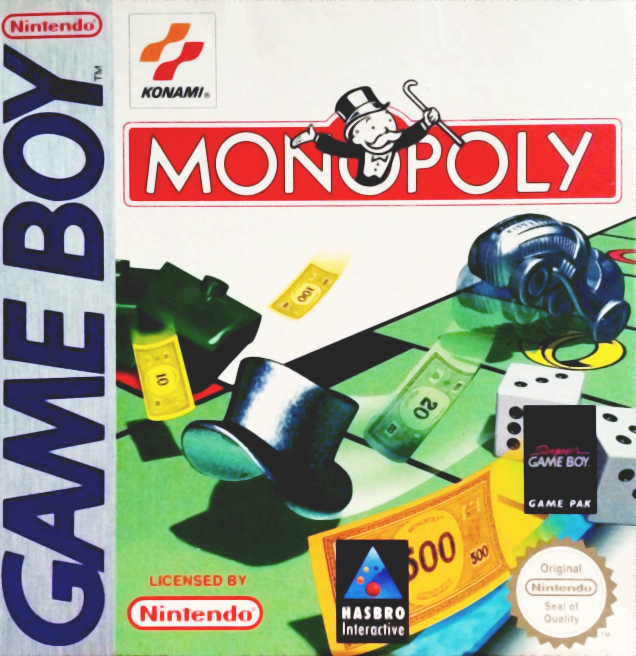
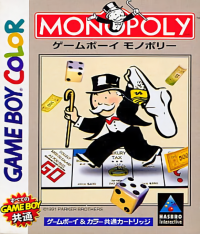
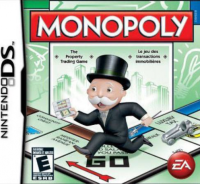
Parker Brothers' MONOPOLY® is a leading proprietary game worldwide, published in 31 countries and 23 languages. This Nintendo Game Boy® version conforms to board game and some tournament rules. The computer acts as the Banker, managing all money, which speeds up play and prevents mathematical errors.
Getting Started
Players should read the Basic MONOPOLY Game Rules to learn or refresh the basics. Play a test game with human players to familiarize yourself with the Game Boy System. Then, you'll be ready to play against eight computer opponents.
A special series of eight pre-set games are available. These four-player setups assume players have already acquired certain properties, allowing you to begin at a high-stakes trading level.
To Start a Game
•
Insert the cartridge; turn the power ON. "NINTENDO®" will appear, followed by "MONOPOLY™."
•
Hit START to begin the game.
How Many Game Boys?
•
If playing with one unit, this screen will be skipped.
•
To link two GAMEBOY units, you need one Game Link™ cable connected between the two units and a MONOPOLY Game Pac for each GAMEBOY unit. •
Turn both power switches on. "NINTENDO®" will appear, followed by "MONOPOLY™."
•
One and only one player should hit start.
•
The message "PRESS: A FOR 1 GAMEBOY; B FOR TWO GAMEBOYS" will appear; the same player should hit B. •
Continue the setup as listed below for HOW MANY PLAYERS.
•
When the screen "PLAYER 1" appears, player 1 should answer, from the unit they will use in gameplay: Human/Name/Token. Each player in turn should do the same, with their GAMEBOY units. •
The game will stop if step 3 has not been carried out correctly, or if the Game Link™ cable is pulled out and inserted during the game. If this happens, turn the power of both units off, and start step 3 again.
How Many Players?
•
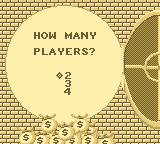
The computer will default to 2 players.
•
You can play with 2 (you and one computer opponent, or you and another human) to 4 players.
•
Use the Control Pad to select the number, then hit the A Button to confirm.
Human or Computer Opponent?
•
If Human, hit A to confirm, and skip to "Enter Name."
•
If Computer, hit B. Your rogue's gallery of possible opponents will appear.
•
Use the Control Pad to move the spinning disk from portrait to portrait; hit the A Button to select each rival.
•
All eight opponents are pictured and described on the enclosed poster. Check them out for clues to how they play the game!
Enter Name
•
Use the Control Pad to select and the A Button to confirm each letter of the player's name.
•
Then move to "OK" and hit the A Button to confirm the name.
•
Use the <—, then hit A twice, to backspace and "erase" a letter.
Token
•
Use the Control Pad to scroll to the one you want; press A to select.
•
Computer opponents pick their own tokens immediately, so enter the human players first so they can pick their own.
•
Choose from: WHEELBARROW, IRON, HAT, DOG, THIMBLE, HORSE, CAR or SHOE.
Repeat for Remaining Players
•
Repeat steps for "How Many Players?", "Human or Computer Opponent?", and "Enter Name" for any remaining players.
Start or Play Pre-Programmed Game?
•
Press A to start immediately.
•
Your alternative is to press B to bring up the pre-set games option; see "Let's Wheel and Deal!" descriptions of all eight games on the separate insert sheet.
Time Limits
•
Press A to play an unlimited game without time limits.
•
Or press B to play a short game: Use the Control Pad to select how long you want to play; hit A to confirm.
•
Move down to "Timer OK," then hit A.
•
When the time in a limited game expires, the game will automatically and immediately end and the winner will be displayed.
•
If the time limit is not established at the start of the game, it can be set later (see "Timer").
Who Goes First?
•
The computer randomly picks who goes first and that player's name appears on the first screen.
•
Press A to start the game.
Cash on Hand
•
Your cash on hand (as well as the number of houses and hotels remaining) will always be displayed at the start of your turn.
Roll the Dice
•
The first player presses A to "roll" the dice.
•
The token will automatically move the number of spaces indicated by the dice.
•
Computer opponents roll their own dice!
Illegal Moves
•
If you try to make a move that does not follow the official MONOPOLY game rules, the computer will let you know!
•
The move will not be carried out, and play will resume at the point before the illegal move was attempted.
Buying and Auctioning Properties
To Buy
•
When you land on an unowned property, press A to buy it immediately.
•
If you need to raise money to buy what you landed on, go to SELECT and pick "Mortgage," "Trade" or "Sell Houses/Hotels."
•
If you don't want to buy it, press
.png)

.png)
 (En,Fr,De).png)
















.png)


_1.png)


.png)

.png)



