PlayStation 2 Setup
Set up your PlayStation® 2 computer entertainment system according to its Instruction Manual. Make sure the MAIN POWER switch (located on the back of the console) is turned on.
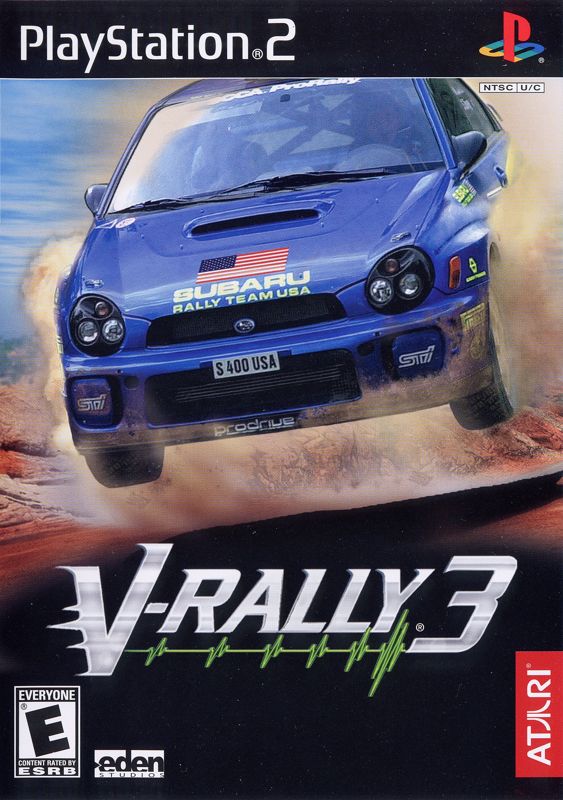
Press the RESET button. When the power indicator lights up, press the open button and the disc tray will open. Place the V-Rally® 3 disc on the disc tray with the label side facing up. Press the open button again and the disc tray will close.
Attach game controllers and other peripherals, as appropriate. Follow on-screen instructions and refer to this manual for information on using the software.
Notes
V-Rally 3 uses an auto-load and auto-save feature.
V-Rally 3 supports the DUALSHOCK® 2 analog controller.
V-Rally 3 supports the Logitech™™ Driving Force (Force Feedback). Before switching ON the power to your console, connect the Logitech Driving Force (Force Feedback) directly to the console's USB connector, and do not disconnect it while the console is booting up.
Warning
Make sure there is enough free space on your memory card (8MB) (for PlayStation® 2) before commencing play.
It is advised that you do not insert or remove accessories once the power is turned on.
Multiplayer Mode
V-Rally 3 can be played with up to four players. To attribute a DUALSHOCK® 2 analog controller to the player of your choice, select the Options Menu, then select the Controllers option and make your selections.
If you want to play in Multiplayer Mode using a Logitech Driving Force (Force Feedback), two wheels can be connected to the top and bottom USB connectors before switching the console ON.
Drivers
To play V-Rally 3 you must create a driver. You can create up to eight different drivers.
Create Driver
Everything starts here. First enter your last and first names, using the directional buttons to highlight each letter of your name. Press the button to confirm each letter. Select SPC to add a space, or DEL to delete a letter. Select OK and press the button when you are finished.
Next choose a nationality and look for your driver. Use the directional buttons to select the flag of your chosen nation and press the button to confirm. Select a look for your driver, using the left and right direction buttons to scroll through the available drivers and press the button to confirm your choice.
Finally, select OK and press the button when you are ready to hit the road. You can't play V-Rally 3 if you have not created a driver.
Delete Driver
If you run out of space on your memory card, you can delete the driver(s) you have already created. Select the name of the driver you want to delete and press the button.
Compare Drivers
To compare the performance and records of two drivers, select Compare and choose the first driver you want to compare from the on-screen list and press the button. If you want to compare your chosen driver with a driver from another memory card, insert that memory card into MEMORY CARD slot 1 now. Then select the second driver for comparison and press the button.
Drivers are compared in Track Time, Challenges, V-Rally Mode and Overall. In Track Time and Challenges, drivers are compared either on a per country basis or overall. In V-Rally Mode, drivers are compared by details (each driver's score through their career) or progression (how far each driver has progressed through the game). Overall comparisons shows each driver's score for the entire game in all modes.
Pressbook
The Pressbook contains two separate volumes that summarize the records and important events in your career. The Records album contains your course records and the records you've set in Challenge Mode throughout your career. The Career album shows the development curve for your career, your total victories and points, the development of your personal characteristics and pictures testifying to the great moments of your career.
V-Rally Mode
In V-Rally Mode, you play out your career. Prove yourself in the 1.6L FWD (Front Wheel Drive) category, and work your way up at your own pace. Aim for the top to win the supreme title: Champion of the 2.0L 4WD (Four Wheel Drive) category.
New Career
Start your season by signing a contract with a new team, or renewing your contract with your team from the previous season. You'll have several offers in the 1.6L FWD category. You can choose from several different teams and cars. The choice is yours.
Show some skill behind the wheel and you may attract the attention of the top 1.6L FWD teams at the end of your first season. Give it your best shot!
Resume Career
Continue your V-Rally career already in progress.
Quick Races
Time Attack
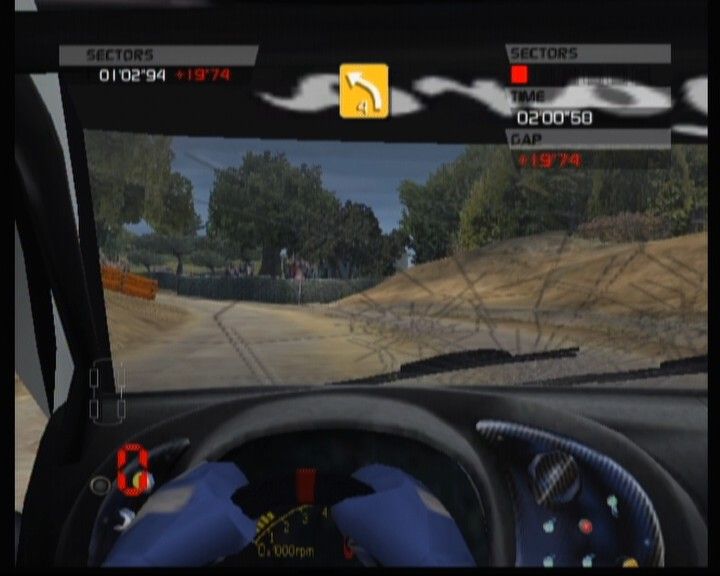
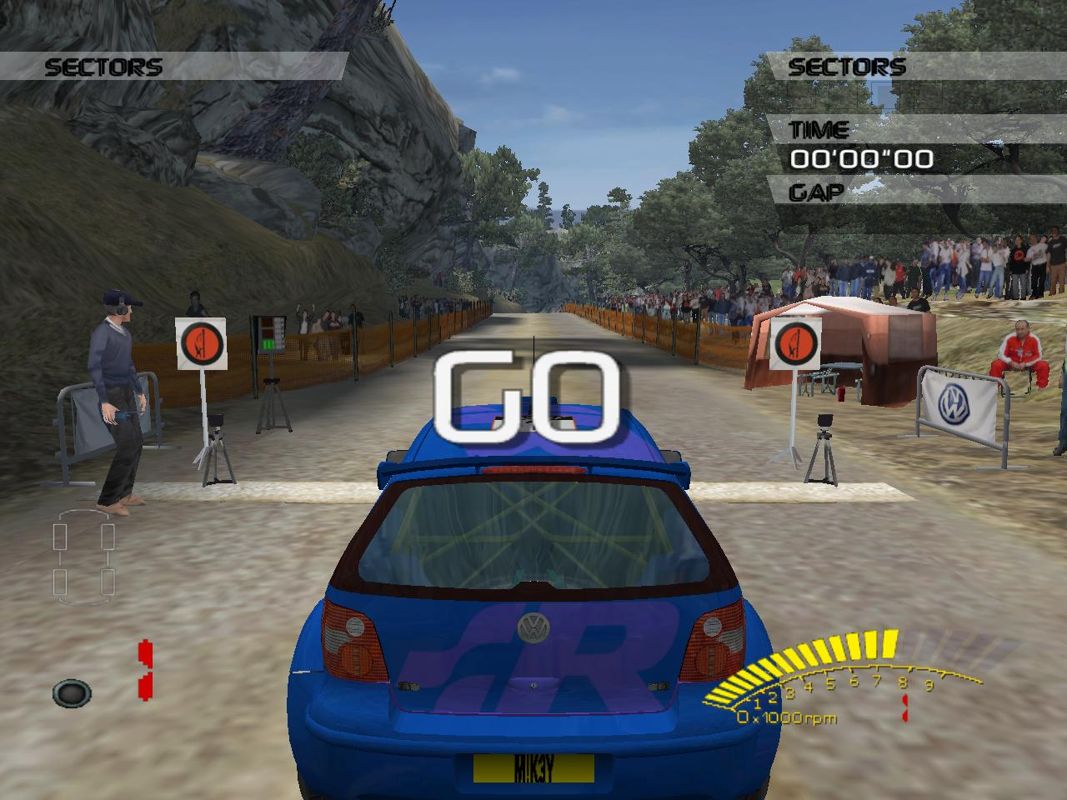
Time Attack Mode is a great way to practice getting the best possible times on the same courses as V-Rally Mode. You can compete against your own ghost if you choose to.
Up to four players can compete on a course, each taking the starting line in turn. Watch out! You may beat the specified time, but you must also beat the times of the other players.
Once you've completed all of the courses in one country, you
.png)

.png)




_1.png)
_1.png)