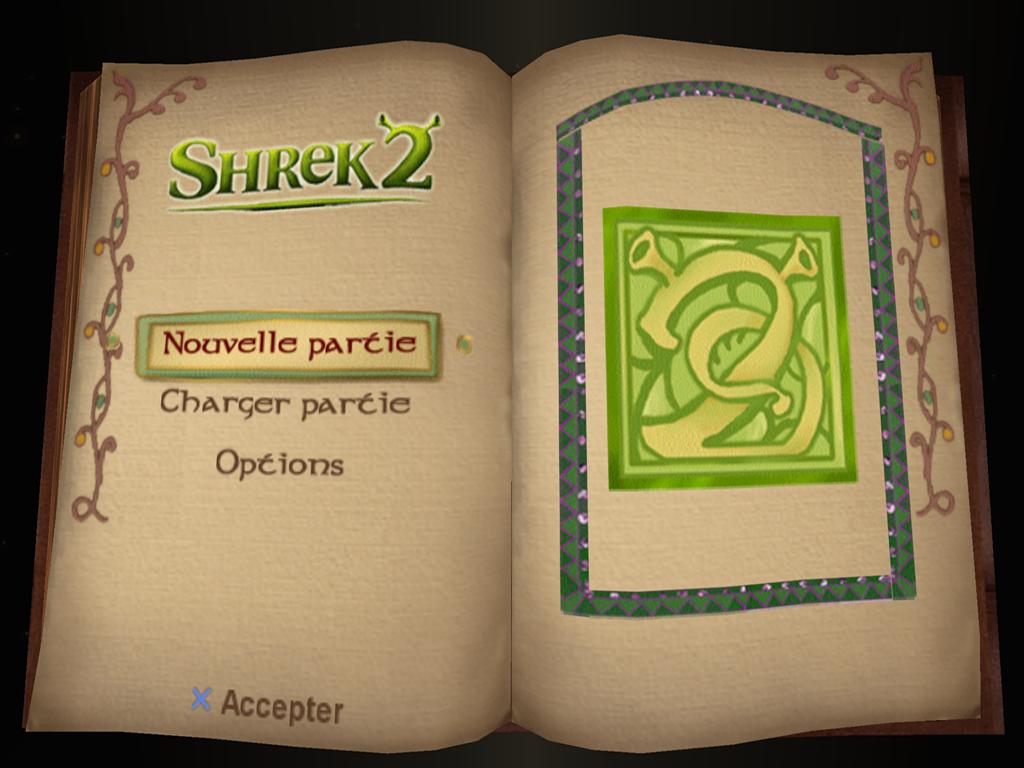
Getting Started
Set up your PlayStation®2 computer entertainment system according to its Instruction Manual. Ensure the MAIN POWER switch (on the back of the console) is turned on.
•
When the power indicator lights up, press the Open button to open the disc tray.
•
Place the Shrek 2™ disc on the disc tray with the label pointing up.
•
Press the Open button again to close the disc tray.
•
Attach game controllers and other peripherals as appropriate.
•
Follow on-screen instructions and refer to this manual for information on using the software.
Memory Card
Shrek 2™ requires a memory card (8MB) (for PlayStation®2) to save your games. A saved game's data takes up 65 KB.
You can obtain a memory card through the retailer where you purchased your PlayStation®2 game console or this game.
•
To access your memory card (8MB) (for PlayStation®2), insert it into MEMORY CARD slot 1.
Starting Up
DUALSHOCK®2 analog controller
•
left analog stick (L3 button when pushed down)
•
right analog stick (R3 button when pushed down)
To select menu options, use the directional buttons to navigate. Highlight the desired option and press the X button to accept.
Follow the on-screen button prompts. Press the X button to accept and the △ button to go back to navigate through the menu options.
Shrek 2™ supports the DUALSHOCK®2 analog controller. When the mode indicator is on, the left analog stick works the same as the directional buttons.
Multitap (for PlayStation®2)
The Storybook
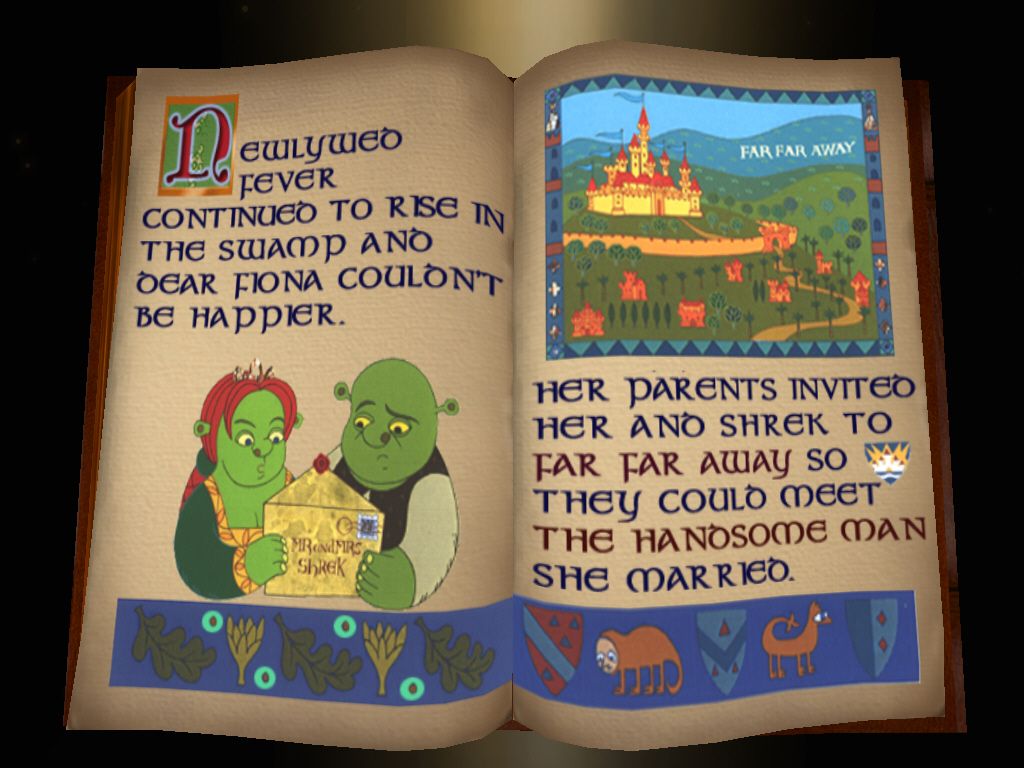
The Storybook is the hub or shell of the game. In it you can access new levels called chapters, view the scrapbook, change game options, enter the bonus section, and view images from Shrek 2™ the movie.
Chapter Select
•
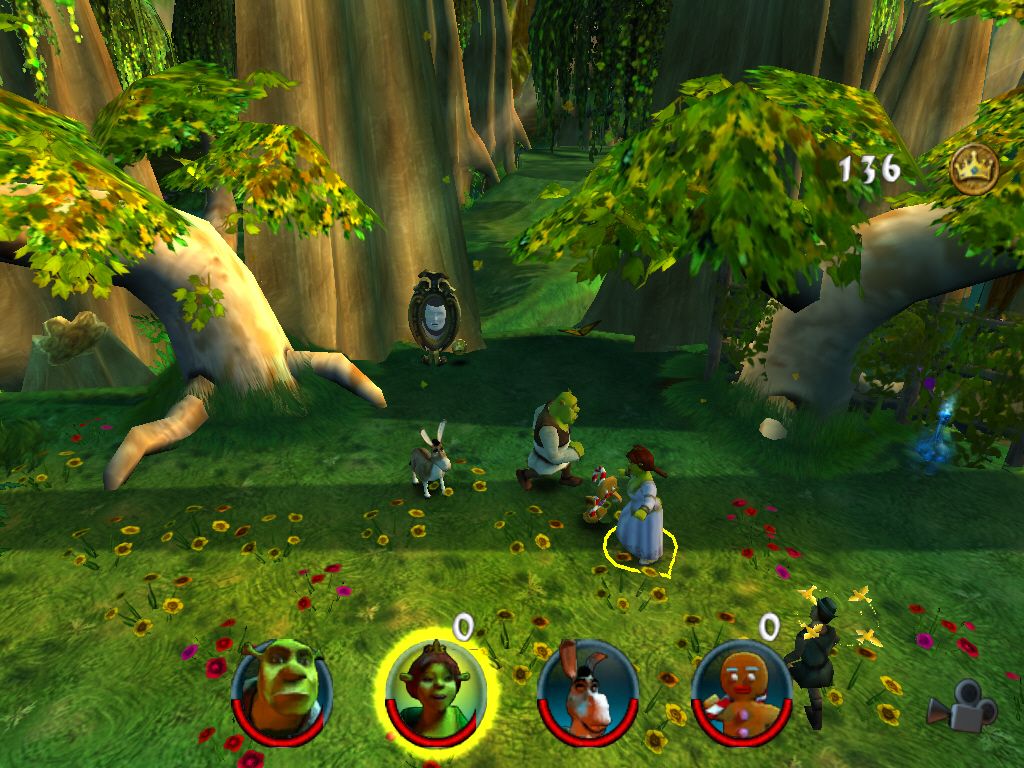
Enter this sub-menu to access the different chapters (levels) in the game and obtain valuable game information. All chapters begin with a magic mirror introduction.
Scrapbook
•
Visit the scrapbook to view all the snapshots collected so far.
Save Game
•
Enter this sub-menu to save your current progress.
Bonus
•
When enough snapshots are earned, this sub-menu will open up. By earning more and more snapshots, more bonus games will be available.
•
When all the snapshots are collected, you can access the Movie Stills sub-menu and see images from Shrek 2™ the movie.
Quit Game
•
This allows you to quit the game.
Snapshots
Every time you complete a specific goal, a picture, or "snapshot," is taken to help remember that moment in your game. There's a total of 70 snapshots in the game.
If you collect enough snapshots, you can open up to 5 bonus levels. Collecting all the snapshots helps you get 100% completion for bonus material concerning the new Shrek 2™ movie!
Snapshots can be viewed by visiting the scrapbook in the storybook, or during gameplay by accessing the Pause menu. When you have fulfilled the requirements of a snapshot, the screen flashes white while the picture's taken and your snapshot icon will change to show your current snapshot count.
Game Tip: Snapshots
•
Most levels have 7 snapshots to collect.
•
The requirements for earning a snapshot vary, such as defeating specific monsters, collecting objects like magic beans, or reaching a specific point like the gingerbread house in chapter 2.
Party Upgrades
Crazy Larry's Leprechaun Shop is open for business. In his humble shop you can find party upgrades for sale.
These upgrades affect your party's attack power, health, or health regeneration abilities. All these lovely items will cost you some pretty gold coins.
It's rumored that Crazy Larry's Leprechaun Shop is only available in certain levels or hidden in secret places.
Game Tip: Upgrades
•
You should buy at least 2 upgrades for your party before you venture into later levels.
•
To earn extra coins, either play the bonus games or replay levels as often as you like.