GETTING STARTED
Set up your PlayStation®2 console according to its Instruction Manual. Attach game controllers and other accessories as appropriate.
Ensure the MAIN POWER switch (located on the back of the console) is turned on. Press the /RESET button.
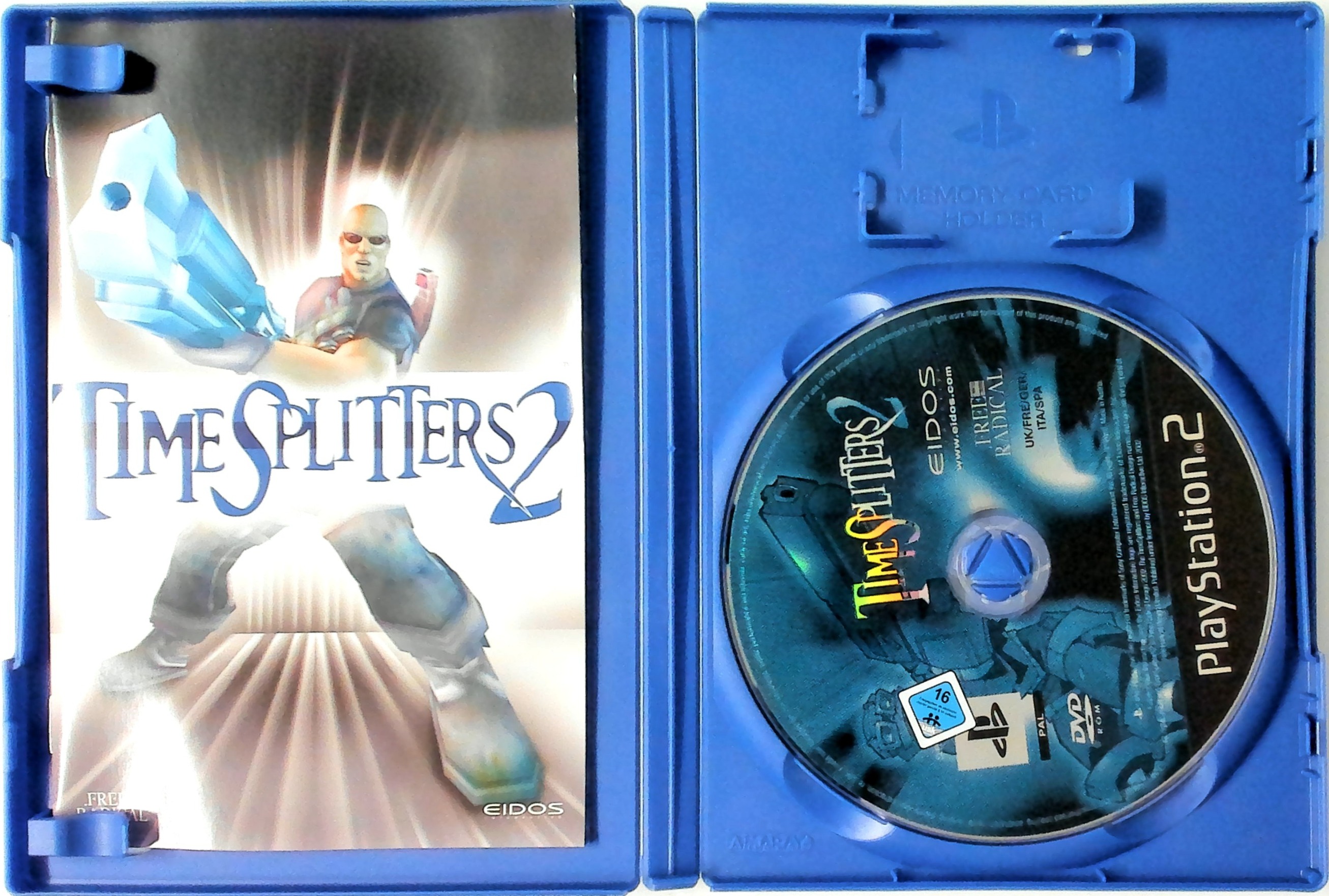
When the indicator lights up, press the button and the disc tray will open. Place the TimeSplitters2 disc on the disc tray with the label side facing up. Press the button again and the disc tray will close.
Follow on-screen instructions and refer to this manual for information on using the software.
If you wish to save your progress, ensure there is enough free space on your memory card (8MB) (for PlayStation®2) before commencing play.
It is advised not to insert/remove controllers or accessories once the power is turned on.
Ensure you have at least one analog controller (DUALSHOCK®2) connected. For 2-player, ensure an analog controller (DUALSHOCK®2) is inserted in controller port 1 and controller port 2.
Note: This game is not compatible with the digital controller.
UP TO 16 PLAYER SIMULTANEOUS PLAY!
An i.Link (IEEE 1394) cable will allow up to sixteen people to play at the same time on a combination of up to four consoles.
Connect the i.Link (IEEE 1394) cable to the i.Link (IEEE 1394) connector.
STARTING UP
ANALOG CONTROLLER [DUALSHOCK®2] CONFIGURATIONS
MENU CONTROLS
Use the following controls to navigate around the menus in TimeSplitters 2: •
right directional button
DIRECTIONAL BUTTONS
Use the directional buttons to highlight the option of your choice.
BUTTON
Press the button to confirm selection of the highlighted option.
BUTTON
Press the button to cancel or return to the previous screen.
WHO ARE YOU?
After you have carried out the instructions in "Setting up", the game will load to the title screen where you can select the number of players.
Use the and directional buttons or left analog stick to highlight the number of people who will be playing the game. Remember the maximum number depends on how many analog controllers (DUALSHOCK®2) you have plugged in. Then press the button to proceed.
NOTE: A self-running demo starts from the title screen after a short time of inactivity. During the demo, you can exit back to the title screen by pressing the button or button.
The "Select Profile" screen will now appear. This is where you can select players. You can choose to create a new player or load an existing player from memory card (8MB) (for PlayStation®2).
CREATING A NEW PLAYER
To create a new player, select Create New Profile and then press the button. Enter the player name as follows:
•
Use the directional buttons to select a character.
•
Use the button to insert the selected character.
•
If you make a mistake, select "DEL" to delete the previous character.
When you have entered the player name, select "END" to finish. The "ABC" function should be detailed; select "ABC" to access lower case letters, symbols, and number characters.
You will now be given the option whether to save the new player to memory card (8MB) (for PlayStation®2) or to not save at all. Press the button to cancel the operation entirely and return to the "Select Profile" screen.
LOADING AN EXISTING PLAYER
Firstly, ensure that you have the relevant memory card (8MB) (for PlayStation®2) inserted into a MEMORY CARD slot. Any player profiles contained on this memory card (8MB) (for PlayStation®2) will load and be displayed automatically.
Check For Saved Profiles will reload the data. If a memory card (8MB) (for PlayStation®2) was replaced, this will re-load all profiles from all MEMORY CARD slots.
Once information has been successfully loaded, you are returned to the "Select Profile" menu where you can highlight and select a player profile. Press the button to continue.
If no "Profile" information exists on the memory card (8MB) (for PlayStation 2), then you will need to create a new player. See the previous section for "Creating a New Player". Finally, if you selected 2-4 players, then each player will need to follow the same "Profile" procedure as described above.
THE MAIN MENU SCREEN
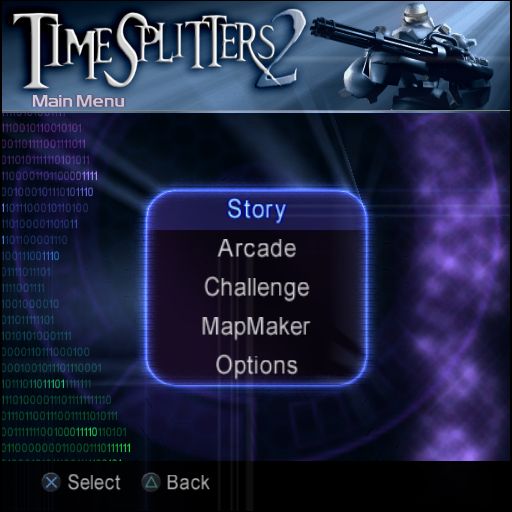
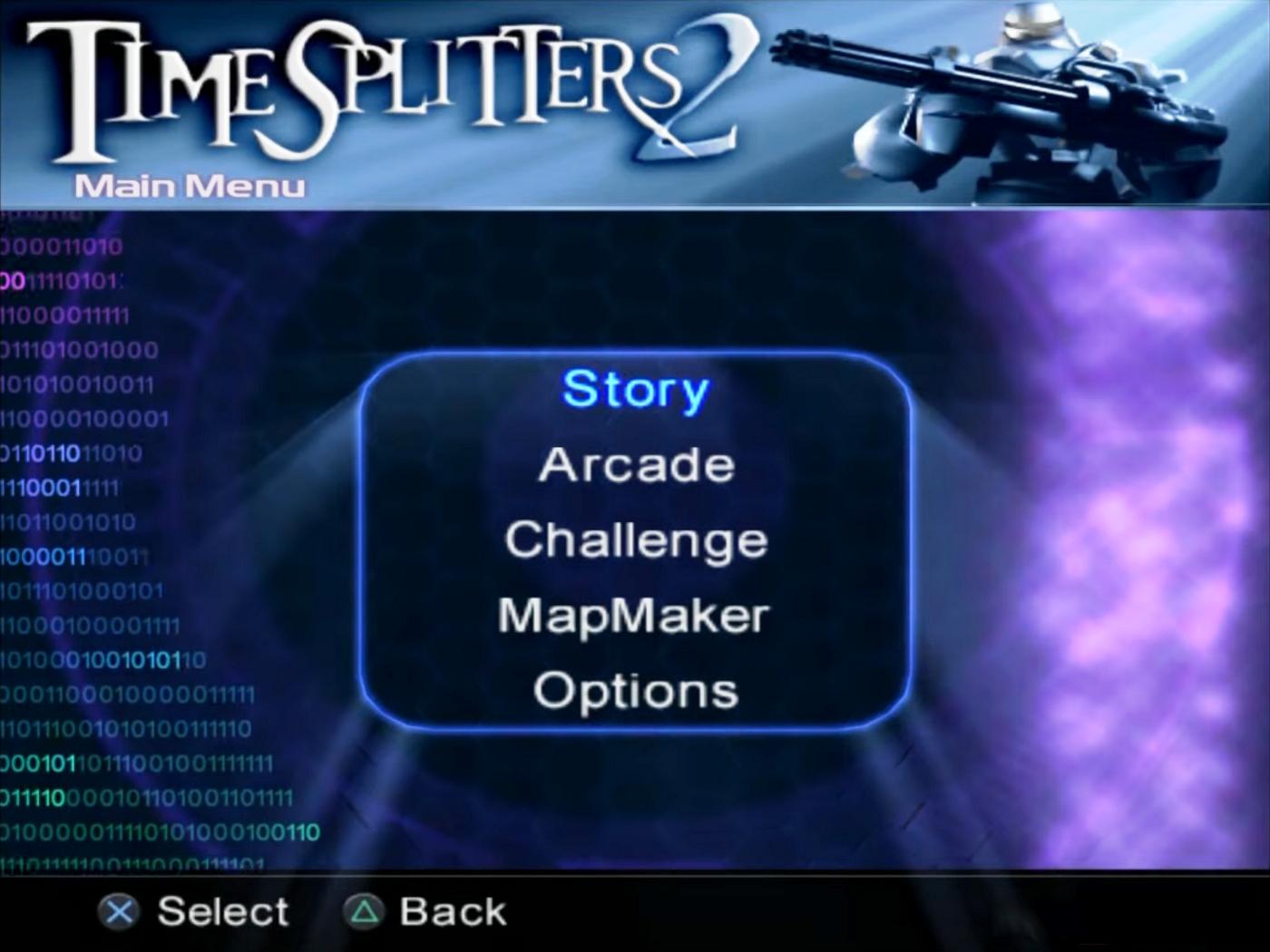
A screen will now appear headed "MAIN MENU". Choose one of the four game modes as listed below. Note that some of these modes can be played by a single player or by up to four players simultaneously.
STORY
This is a mission-based game mode that allows you to play different characters in different locations spanning over 500 years from 1853 to 2401. As you complete each mission, further missions will open up to you until the game is complete.
Story mode can be 1-2 player


_1.jpg)
_2.png)
_3.png)




_1.jpg)
.png)
_1.png)

.png)
_1.jpg)
_1.jpg)

.png)

.png)