INTRODUCTION
Beads of sweat form on your forehead under the blistering desert heat. Your quad vibrates under you as you rev its engines. Your breathing becomes rapid and shallow in anticipation.
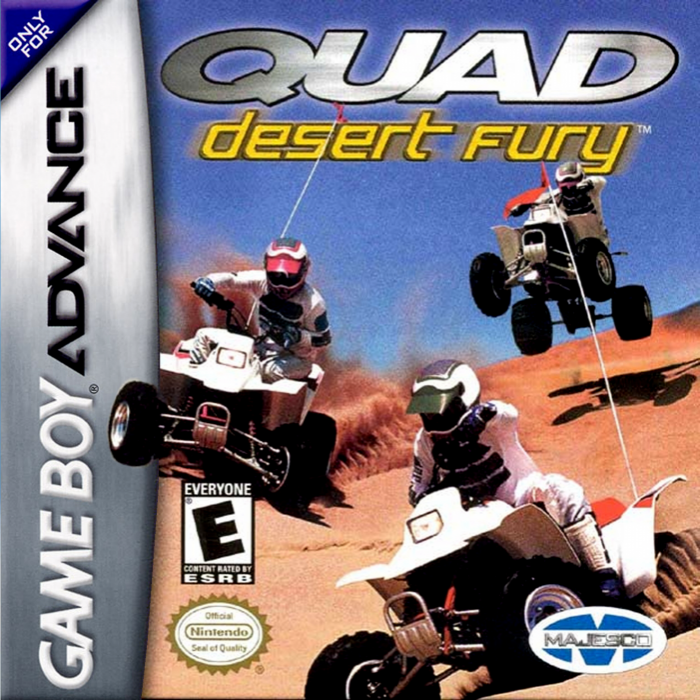
Hit the gas and leave nothing but sand in your wake! Race across the dunes and go from checkpoint to checkpoint to be the first one across the finish line.
Be careful. You have more than just the perils of the desert to look out for! Dangerous land mines are all over this ex-military testing ground. Hit one, and you'll lose precious time.
GETTING STARTED
Follow these steps to begin playing:
•
Make sure your Game Boy® Advance System power switch is set to OFF; plug the QUAD Desert Fury™ Game Pak into the Game Boy® Advance System.
•
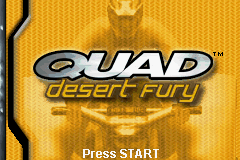
Turn on the Game Boy® Advance System. In a few moments, the Title Screen should appear.
•
Press START to display the Game Option Screen.
Important Note: If nothing appears on the screen, turn the power switch to OFF. Check to make sure the Game Pak is inserted correctly. Then try again. Always set the power switch to OFF before inserting or removing the Game Pak.
RACING MODES
On the Game Option Screen, you can choose to race in either Quick Race Mode or Challenge Mode.
Quick Race Mode
In Quick Race Mode you can race on any track in any order.
Challenge Mode
In Challenge Mode, you must compete on each track in a specific order.
Use the following controls to navigate:
•
Press RIGHT or LEFT on the Control Pad to highlight either Option.
•
Press the A Button to select the desired Option.
THE STARTING LINE
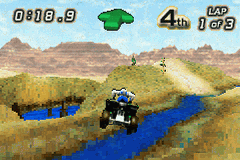
When the Racing Screen appears, all racers will be positioned at the starting line. Your ATV will appear just below the countdown timer. When the timer reaches zero, the race will begin.
In order to successfully complete a race, you must drive through every checkpoint in order, while avoiding obstacles and others racers.
The following information is displayed on the screen:
•
Elapsed Timer: this number indicates the amount of time you have been racing on the current course.
•
Directional Arrow: indicates the direction you must drive to get to the next checkpoint.
•
Position Indicator: displays your position in the race. This number will change as your position in the race changes.
•
Lap Indicator: indicates the current lap, as well as the number of laps in the current race.
THE FINISH LINE
In Challenge Mode, at the successful completion of a race, your racing elapsed time will be displayed. If you came in first place, you will move on to the next track.
If you did not place first, you will have two more chances to compete on the same track.




.png)
 (En,Fr,De,It).png)
 (En,Fr,De,Es,It).png)
.png)
.png)
.png)

_1.png)

.png)


.png)
.png)

_1.png)