Title Screen
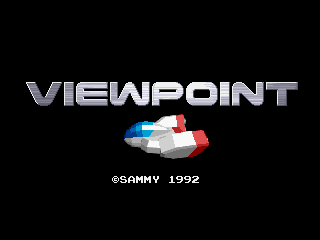
When you insert the cassette and turn on the power, the title and demo screens will appear.
Press the start button on the controller to bring up the option screen.
Game Level Settings
The game difficulty can be set to 5 types. It is initially set to Normal.
To play at other levels, select with the up and down levers and confirm with the A button.
•
Easy Mode: For beginners
•
Normal Mode: For intermediate players
•
Hard Mode: For advanced players
•
Hardest Mode: For experts
•
MVS Mode: A level close to the arcade version (intermediate between Normal and Hard)
Game Start
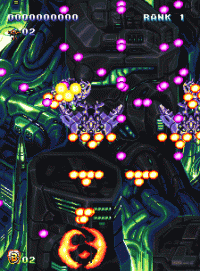
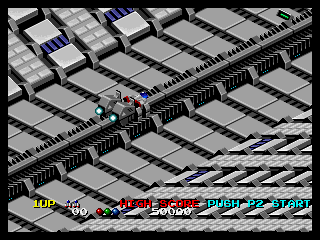
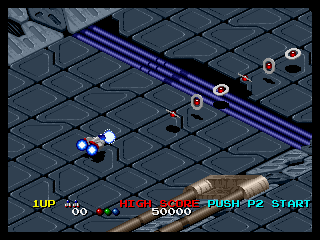
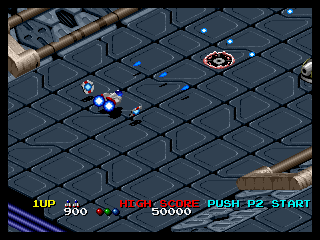
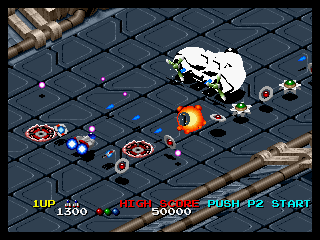
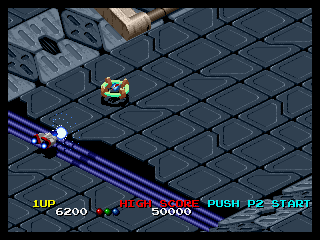
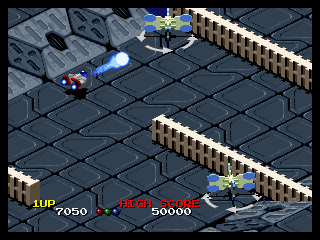
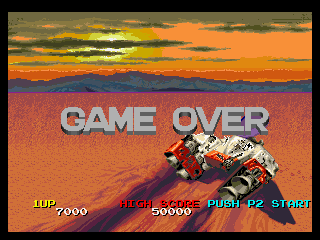
Your ship launches and the battle begins. If you lose all your ships, it's game over.
You can continue up to 3 times by pressing the start button.
About Loading (Data Recall)
If you use a separately sold "Memory Card" with this game, you can easily save and load.
If a memory card with game data is inserted, the "Load Selection Screen" will display after level setting.
•
Select with the lever and confirm with the A button.
•
If you select "YES", you can play from the beginning of the stage you last saved.
About Memory Card Save (Data Recording)
If a memory card is inserted, the "Save Selection Screen" will display when the game is over.
•
Select with the lever and confirm with the A button.
•
If you select "YES", your progress will be recorded.
About 2-Player Play
In this game, you can play alternately by connecting two controllers.
When playing with two people, press both start buttons. After 1P loses their ship, the 2P game starts.
Please prepare a separately sold controller for 2-player play.




_1.png)

_1.png)