Controlling a Fighter
The strength of your attack depends on how long you hold down the attack button. Pressing and holding the attack button will result in greater attack power.
Actions
•
THROW: When close to your opponent, push either ◆ or ► on the + Control Pad and press the A or B Button.
•
DASH: Tap the + Control Pad twice (toward your opponent).
•
BACKSTEP: Tap the + Control Pad twice away from your opponent. This is effective for getting out of an opponent's way or throwing off their attack.
•
DODGING: Tap twice on the + Control Pad downward or push the A and B Buttons simultaneously to dodge all attacks (except throwing attacks) for a specified time.
•
STRIKE: Press the A and B Buttons simultaneously to strike your opponent.
•
TAUNT: Push ▼ on the + Control Pad, then press both the A and B Buttons.
Special Features
Out of the Ring
If any part of a fighter's body falls out of the ring, that fighter loses the match. Invisible ropes around the ring prevent you from falling out.
The ropes can only support you three times. If you fall against the ropes three times during a match, the ropes will dissolve. The next time you will fall out of the ring. When the ropes dissolve, the Rope Gauge will flash.
Attacking From Behind
By avoiding or jumping over an opponent, you may find yourself in a position to attack from behind. Attacks from behind are much more painful!
Game Modes
Select one of three different fighting modes.
•
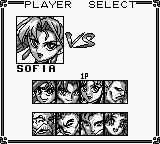
1P GAME (STORY MODE): Choose from eight different fighters and do your best to win the tournament!
•
VS. CPU (PRACTICE MODE): Practice against the computer.
•
VS. HUMAN: Pound a friend to mush by connecting two Game Boy Systems together with the Game Link® cable or with two controllers and the Super Game Boy® accessory.
Super Game Boy
With the Super Game Boy accessory, two players can fight against each other.
Insert the Game Pak firmly into the Super Game Boy, then insert the Super Game Boy into your Super NES. Turn the power switch to the "ON" position.
With Controller I, select "VS. HUMAN." Player I uses Controller I while the second player uses Controller 2.
Game Options
•
LEVEL: The difficulty level for computer-controlled opponents (Easy, Normal, Hard or Expert).
•
BOUT TIME: The length of time for one round.
•
SET POINT: Number of bouts required to win a match.
•
STRENGTH: A fighter's strength can be set to four different strength levels.
•
ROPE: Adjust the number of times a fighter can fall against the ropes without falling out of the ring.
•
BGM: Listen to background music used in the game.
•
S.E.: Listen to sound effects used in the game.
Continuing
When a player loses a match, the Continue screen will appear. Press START before the timer reaches zero to continue fighting.
.png)

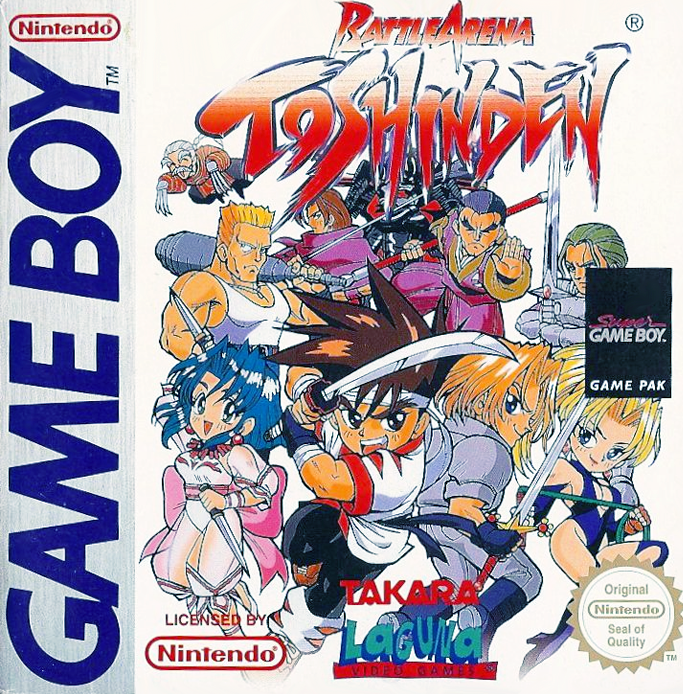
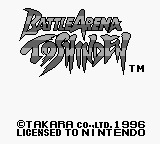
 (SGB Enhanced).png)
 (SGB Enhanced).png)