Starting the Game
•
Turn OFF the power switch on your Nintendo Game Boy Advance.
•
Never insert or remove a Game Pak when the power is on.
•
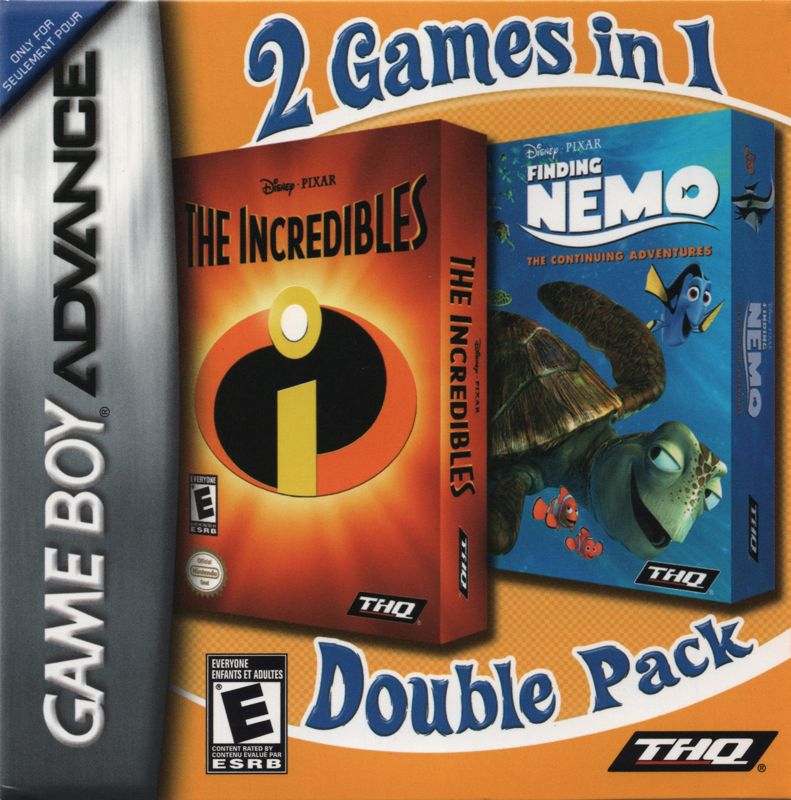
Insert the Game Pak of Disney/Pixar's Finding Nemo: The Continuing Adventures into the slot on the Game Boy Advance. Press firmly to lock the Game Pak in place. •
Turn ON the POWER switch. The legal and logo screens will appear. If you do not see them, begin again at step 1.
•
When the title screen appears, press START to proceed to the Main Menu.
Playing a Game
World Map
Select WORLD MAP from the Main Menu. Use the Control Pad to select any unlocked Tank Gang member's path. Press the A Button to begin your escape.
Note: When playing the game for the first time, the only available escape paths are for Bubbles, Bloat, and Peach. Completing paths unlocks paths for other characters. Pausing the Game
Press START at any time to pause the game and access the following options:
•
Continue - Return to the great escape!
•
Restart - Start the stage over from the beginning.
•
Quit - Exit the stage and return to the World Map.
Two-Player Setup
To play head-to-head against another player, you will each need a Game Boy Advance system and a copy of Disney/Pixar's Finding Nemo: The Continuing Adventures. You also need one Game Link cable to connect the two Game Boy Advance systems together. Connect the Game Boy Advance system with the Game Boy Advance Game Link cable and switch the power ON. Please do not insert a different Game Pak.
Available 2-Player Modes
2-player modes are available in the following stages once unlocked:

 (Fr,De,Nl).png)
.png)
 (En,Es,It,Sv,Da).png)
 (Fr,De,Nl).png)
.png)
 (En,Es,It,Sv,Da).png)
