Starting the Game
Press the START button at the Title Screen to bring up the Main Menu, and use the analog stick ↑↓ and the ⓧ-button to select from the following modes:
•
World Tour: Create and develop your own player character, and enter competitions all around the world for the number one world ranking.
•
Tournament: Take part in a 5 match Singles or 3 match Doubles tournament against COM players.
•
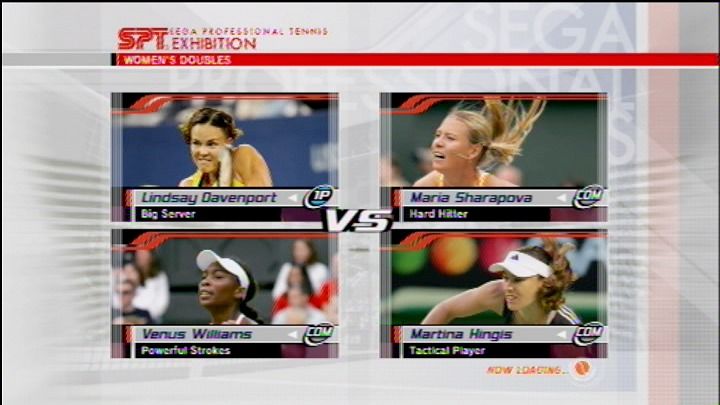
Exhibition: A single match mode where game settings can be set freely.
•
Court Games: A collection of seven mini-games.
•
Multiplayer: Take part in multiplayer events via WLAN AD HOC mode.
Saving and Loading
This game uses an autosave feature which can be enabled or disabled in the Options menu.
Options
Make changes to a variety of game settings as detailed below. Use the analog stick ↑↓ to select a category, and press the ⓧ button to open the settings. Then use the analog stick ↑↓ to select an option, and ⬅➡ and the ⓧ button to make changes. Select Return to Main Menu when finished.
•
Tournament Mode Rankings: View the ranking for each game category in Tournament mode. Use the analog stick ⬅➡ to select a category, and ↑↓ to scroll through the rankings.
•
Game Settings: Adjust overall game rules and camera options.
•
Control Settings: Choose a control configuration from A to D Type. This may also be set via the Pause Menu during gameplay.
•
Autosave: You can enable or disable autosaving. This is ON by default but maybe switched off automatically if the game detects a problem when loading or saving games.
•
Load: You can load a previously saved game manually from here.
•
Screen Settings: You can adjust the brightness setting of the game from here.
•
Sound Settings: Adjust volume and language options.
Game Settings
•
Game Difficulty: Set the overall game difficulty from Very Easy to Very Hard.
•
Number of Games: Set the number of games to be played from 1 to 6.
•
Fix Camera: Set ON to keep the Court Cam at player 1's end of the court, or OFF to follow the server.
•
Service Speed Display: Display the serve speed in mph or km/h.
Sound Settings
•
Music Volume: Set the volume of the background music from Min to Max.
•
Sound Effects Volume: Set the volume of sound effects from Min to Max.
•
Umpire Calls: Choose a language for the umpire, or select Local to set to the court's local language.
World Tour
Create your own player character, develop them through training and coaching, and enter competitions held all around the globe to rise through the ranks to the number one spot.
Starting the World Tour
Select New Game to create a player character from scratch, or Continue to load previously saved World Tour Player Data from your storage Memory Stick Duo™.
Creating a Player Character
At the Player Registration screen, choose a Men's Tour or a Women's Tour and press the ⓧ button. Then use the analog stick ↑↓ to select from the options below, and proceed to each settings screen by pressing the ⓧ button. Select OK to finish.
•
Name: Enter a name for your player up to 10 characters.
•
Face: Choose skin and eye color, face, eye, nose and mouth shape.
•
Head: Choose hair, eyebrow and beard styles and colors.
•
Body: Choose your player's height and weight.
•
Outfit: Choose the racket color and uniform options.
•
Play Style: Decide if your player is left or right handed, and choose their backhand style and postures.
Positioning the Home Base
Choose a position on the World Tour Map to build your Home Base. Rotate the map with the analog stick and press the ⓧ button to set. Once positioned, press the Ⓣ button to immediately return home from anywhere on the World Tour Map.
World Tour Map
This is the main selection screen for competitions and for the various training activities available. Rotate the map using the analog stick to select a location or activity and press the ⓧ button to proceed.
The World Tour Map screen also includes information on the current date, name and standing of the player, and the player's stamina.
•
Incoming Mail: Whenever mail comes in, the New Mail indicator will be displayed at the upper left of the World Tour Map screen. Press the Ⓛ button to open your mailbox, and ↑↓ to select the mail to read. Your coach and other players will often mail you with advice, requests for practice games, words of encouragement, and occasionally expressions of rivalry.
•
Tour Calendar: Press the Ⓡ button at the World Tour Map screen to see the tour schedule for the year. This contains details of every competition, so plan ahead and make sure your player is in top form when it's time to compete. Practice games offered by other players will also automatically be placed in the schedule, identifiable by the player's icon.
•
Finishing the Game Mode: Press the START button and select Yes to exit the mode and return to the Main Menu. Remember to save your progress first, as any unsaved changes will be lost.
Home
Come here to rest your player, change gear and manage your World Tour Player Data. The complete player status and parameters are displayed on the right side of the screen for your reference.
•
Change Gear: Select Change Gear from the Home menu
.png)



 (En,Ja,Fr,De,Es,It) (v1.02).png)





















_1.jpg)