Console Top View
Console Front View
Setting Up
Set up your PlayStation game console according to the instructions in its Instruction Manual. Make sure the power is off before inserting or removing a compact disc. Insert the Bubsy 3D disc and close the disc cover. Insert game controllers and turn on the PlayStation game console. Follow on-screen instructions to start a game. Introduction
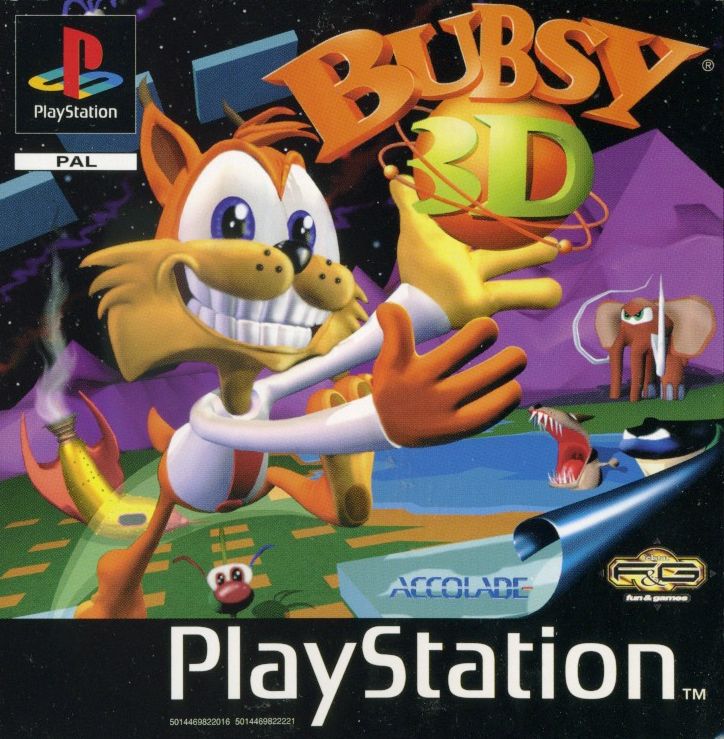
Trapped a gajillion miles from earth, with no way to get home, you've got to get Bubsy through 16 levels of alien weirdness. Find enough rocket pieces to get back to terra firma, and defeat the combined strength of the entire Woolie military.
Starting Up
•
Step 1: Set up your PlayStation game console according to the instructions in the hardware manual. •
Step 2: Press the Open button on your PlayStation game console. •
Step 3: Place the Bubsy 3D CD in the PlayStation game console, picture side up. •
Step 4: Close the disc cover on the PlayStation game console and make sure a controller is plugged in. Menu Screens
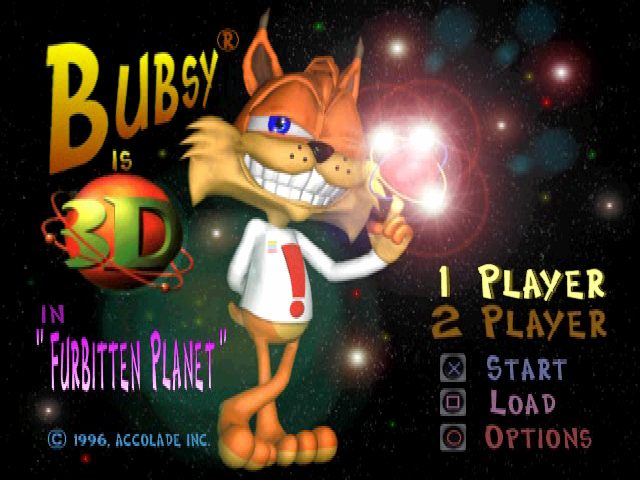
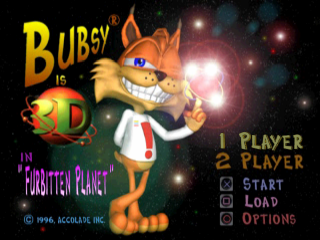
Title
Press UP or DOWN to choose whether or not you want a 1 or 2 player game, to load a game (or type in a password), or to go to the options screen.
Load/Save
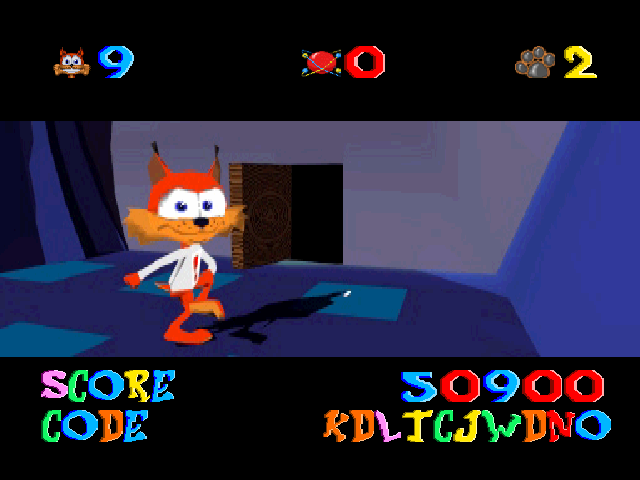
You can save or load a game off your first or second memory card, or you can type in a password. See Save/Load/Password on page 9 for more info.
Options
On this screen, you can adjust the volume for the game's music and sound effects. You can change your controller configuration. You can even silence Bubsy.
Level Select
When you actually start a game, you'll come here. You can use the directional buttons to choose which level you want to play, but you can only visit levels you've already been to.
X will start that level, and will quit the game. Levels that you can play are lit up - all others are dimmed out.
Return to Title Screen
Holding down the SELECT button and then pressing and holding down the START button for two seconds will return you to the Title Screen.
Actions
Jumping
Bubsy can jump more than twice his own height.
Gliding
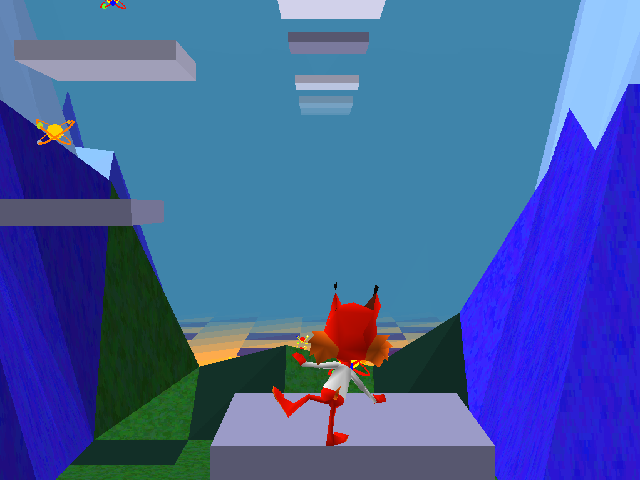
If you ever come to a chasm and you don't think a regular jump will make it across, gliding might give you those few extra feet you need.
Shooting Atoms
Grab a nearby atom and shoot it at Woolies (see CONTROLS, page 6). If you shoot an atom and miss, you may find yourself looking down the wrong end of a collection of protons, neutrons, and electrons.
Swimming
In swimming levels, the controls change slightly.
•
Pressing the JUMP (X) button makes Bubsy swim upwards.
•
Pressing the DUCK (●) button makes Bubsy dive.
•
Pressing the GLIDE (▲) button makes Bubsy do his patented torpedo attack.
•
All the rest of the buttons stay the same.
Torpedo
When Bubsy is swimming and presses the GLIDE (▲) button, he momentarily turns himself into a high speed torpedo, capable of popping any bad guy's bubble. While he's in torpedo mode, nothing can hurt him, but he does start burning through his air supply.
Riding Cars
In some levels, Bubsy will hop a passing rocket car and take off. When he's in a car, he can't steer it, but whenever another car comes near, he can hop out of his and catch a ride in a different direction.
Looking Around
If you hold the LOOK (L1) button and press the directional buttons, the camera will pan all around Bubsy, letting you take a peek anywhere you want.
Arrows
Look for the friendly arrow, pointing your way to the end of the level.
Air Tanks
These things are lying all over the place underwater. When Bubsy touches one, he gets 100 seconds of air.
Rocket Cars
When you're riding in these things, keep your eyes open for the next car to come along. Bubsy can jump from one car to the next to get to different areas.
Paddle Creatures
When you let these guys out of their cages, they're always more than happy to ferry you from island to island.
Switches
Touch one to turn something on. When you hit one of these switches, it might make a platform start to move, a wall disappear, or a turbine change direction. Platforms
These are your normal, garden-variety platforms. Some move, some don't.
When you jump on one of these, they start to shake. Then they start to sink.
These guys move you around, at different speeds. You can always spot these because of the animated textures.
These platforms make weird things happen - like warp you or give you useful information. Always be on the look out for colored platforms.
Deathmatch
The two-player game requires two players and two controllers plugged








 (Es,It,Pt).png)
.png)