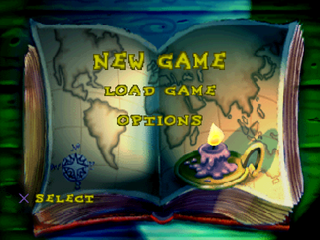
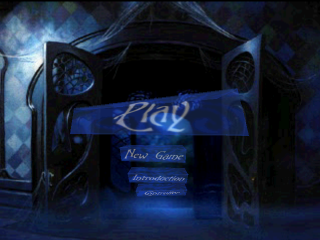
New Game
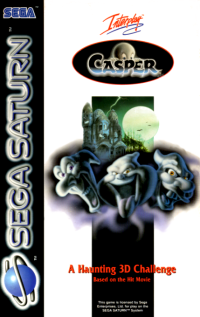
This option allows you to start a new Casper game without loading an existing game or new game slot.
You are free to save or quit as you wish. Please consult the memory card section for more information.
Memory Cards
Requirements
•
Please insert a memory card into Memory Card Slot 1 before you press Play. If you do not have a memory card, just press the X button when prompted.
•
Casper will only save to/load from Memory Card Slot 1. See the diagram on page 2 of this manual if you are unsure where this is located.
•
Casper can only save to formatted memory cards. Don't worry if you insert an unformatted card - you will receive full instructions. You can also consult your console manual about using the memory card manager.
•
Casper requires two free memory-card blocks in order to be able to save. If your memory card has enough space, you will be able to save up to four games.
•
If your memory card is full, a message will be displayed telling you that unless you use the memory card manager to delete some save files, you will be unable to save Casper on that memory card. Please consult your console manual for details on deleting game files.
Deleting Save Games
This function only deletes CASPER save games!
Press the START button during the game at any time to display the Pause menu. Select the Delete option and then the game you wish to delete.
You will be asked to confirm your choice - press the X button to confirm. If you selected YES, Casper will delete the chosen game; if you selected NO, Casper will return you to the previous menu.
Sound
You may play Casper with the default sound setting: Music And Sound Effects. Or, if you wish, you can turn off either the music or the sound effects or both.
Select the Sound option from the Pause menu and confirm your sound settings, pressing the X button to confirm. These settings will be kept when Casper is saved.
Game Specs
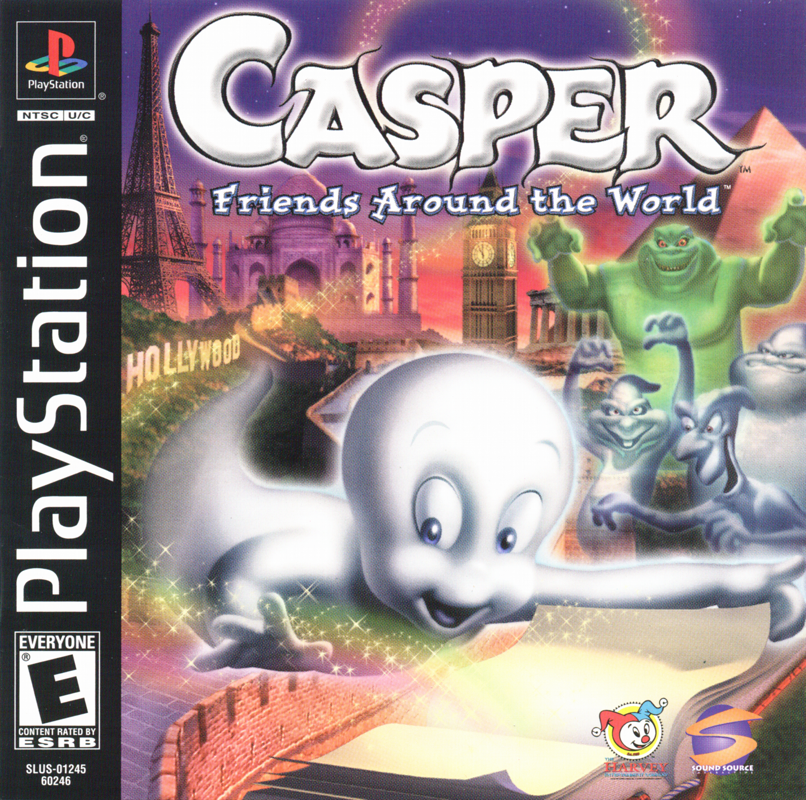
Casper is an adventure game in which you explore the halls and rooms of Whipstaff Manor as Casper the Friendly Ghost. By using the control pad (see CONTROLS on page 2) you can move Casper around, pick up, carry, and use objects, solve puzzles, reassemble torn paintings to obtain secret items, and morph into a wild variety of shapes and forms.
Unlike in many other games in which you only have a certain amount of time or "lives," Casper cannot die (again) and there is no time limit, so you can experiment and snoop to your heart's content. However, if you should fail to solve a puzzle and lose all your Morph Points (i.e. if one of your interfering uncles thinks it would be funny to imitate an undertaker and whack you with a shovel) you'll be sent back to the beginning of the game, at the mansion's front hall. Don't worry, opened doors stay open and solved puzzles stay solved.
Your first goal as Casper is to search the manor for tokens of friendship to give to the Harveys. It's up to you to choose the right gifts and good deeds to gain their trust, because with your uncles AND Carrigan standing in your way, you need a friend more than ever. In other words, you're probably going to need Kat's help for the next stage of the game.
Morphing
There are lots of things for Casper to do, but sometimes being just plain ol' Casper won't do the trick. To accomplish his mission, he must learn how to "morph" to change his ghostly shape! As you search through the mansion you will find a number of Morph Icons, which are little pictures of new shapes and forms Casper can then change into, if you like.
Some of the different shapes Casper can assume (if you find the appropriate Morph Icons) are:
•
MEGA-CASPER Transforms Casper into a 20-ft version of himself
•
HAMMER Turns Casper into a hammer
•
WHIRLWIND Turns Casper into a little tornado
•
FAN Turns Casper into a fan
•
LIGHTBULB Turns Casper into a lightbulb
•
SAW Turns Casper into a buzzsaw
•
SCREWDRIVER Turns Casper into a screwdriver
•
BOUNCY Turns Casper into a rubber ball
•
SMOKE Turns Casper into a puff of mist
To select and use a morph you've picked up, press Start to enter your inventory and use the directional buttons to move the magnifying glass to the one you want to use. If you're really good you can press the L2 button or R2 button to scroll the items in the bottom left of the playing screen.
When you're sure you've selected the right morph for the job and that you have enough Morph Points to pull it off, press O. Search the manor carefully - you might even find secret Morphs!
However, each morph costs a certain amount of Morph Points to maintain. You can store up Morph Points slowly by simply letting them build up, but it's much quicker to look for some munchies to build up energy. Casper may not need to eat, but a good healthy snack does increase his collection of Morph Points.
When you bump Casper into a food item, it is automatically "eaten" and its Morph Points are added to your point total. Here's a list of the different types of food you can collect:
•
Glass of milk: 5 Morph Points
•
Tuna sandwich: 10 Morph Points
.png)





.png)



 (En,Fr,De,Es,It,Nl,Pt).png)
.png)



_1.png)
_1.png)
_1.png)
.png)



.png)