POWERING UP THE SEGAS SATURN
1. Set up your Sega Saturn by following the instructions in the hardware manual. Plug in the controller. 2. Turn on your TV or monitor, and then turn on the Sega Saturn by pressing POWER. Soon, the Sega Saturn logo will appear on screen, followed by the Sega Saturn control deck. NOTE
If nothing appears onscreen, turn the Sega Saturn OFF. Check the Sega Saturn hardware manual to make sure it is set up correctly, and then turn it ON again. STARTING THE GAME
1. Open the CD tray by pressing the OPEN button.
2. Place the BUG! CD in the tray, label side up. Lightly press it into place.
3. Close the tray lid by pressing it down gently.
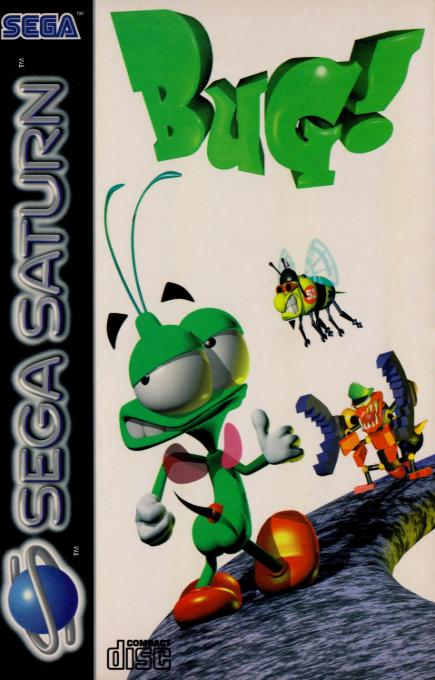
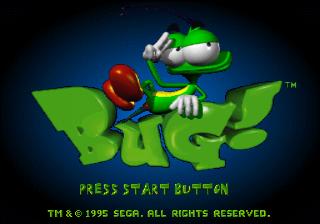
4. Press the controller's Start button, and wait for the game to load. You'll know loading is complete when the planet icon appears onscreen. In a few moments, you'll see the BUG! title screen.
5. Press Start again to begin the game.
SETTING GAME OPTIONS
1. To see the BUG! options menu, select OPTIONS on the title screen by pressing the D-Pad down, and then press Start.
2. Select an option by pressing the D-Pad up/down.
3. Change the setting by pressing any action button or by pressing the D-Pad left/right. 4. Press Start to exit back to the title screen.
Music/Sound FX
You can turn these ON or OFF.
Controls
Rearrange the controller button functions.
WORLD INFORMATION
Quaria
Welcome to the sea where the moray eels, the merrier. Quaria is puzzling and full of killer scallops, but Bug can jump, spit and zap under water as well as above. The Bur-r-bs
Check out the sub-zero scenery packed with hordes of silly-hatted snow beetles, earmuffed tundra fleas, and even worse hazards. Escape this ice-bound freezer fast, before you catch something . . . or something catches you!