SETTING UP
PlayStation Game Console
•
Set up your PlayStation game console according to the instructions in its instruction manual. •
Make sure the power is OFF before inserting or removing the CD. Insert the STREET FIGHTER COLLECTION 2 CD and close the disc cover.
•
Insert one or two game controller(s) and turn ON the game console.
•
Follow on-screen instructions to start the game.
Memory Card
You can save games at their current level of play onto Memory Card 1, and resume play on previously saved games. Insert a Memory Card into Memory Card slot 1 on the game console before starting play.
STREET FIGHTER COLLECTION 2 requires one free block of memory. If the Memory Card is full, you won't be able to save games to it. Delete unwanted data before starting play.
Do not remove the Memory Card while saving or loading; doing so could damage the game data.
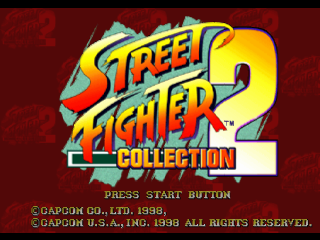
START GAME
At the Title screen, press the Directional buttons up/down to select an option, and press the X button to accept. Press the Directional buttons left/right to adjust the setting or make another selection.
TITLE SELECT
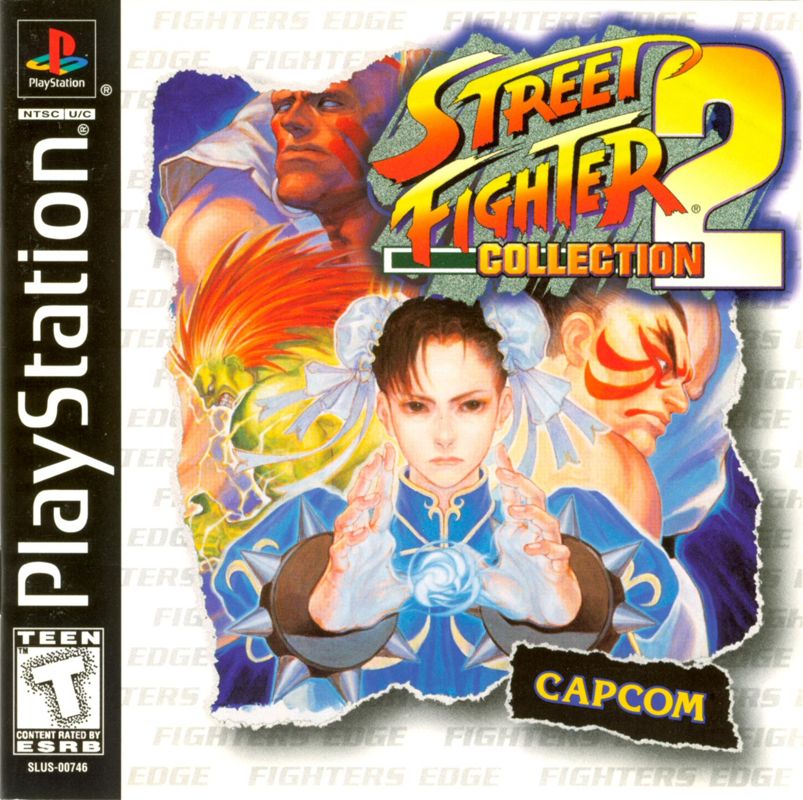
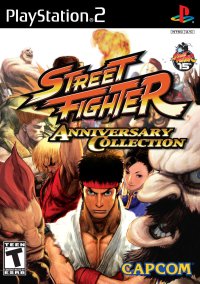
Choose from STREET FIGHTER II: THE WORLD WARRIOR, STREET FIGHTER II: CHAMPION EDITION and STREET FIGHTER II: TURBO HYPER FIGHTING. COLLECTION
View character portraits, profiles, game tips and more (see page 8).
SCREEN ADJUST
Adjust the screen position left, right or center.
STEREO
Select either stereo or monaural according to your TV speakers.
RULES
MATCH SETUP
The first fighter to survive two rounds wins. Each round is 99 seconds long. Seconds count down in the time counter.
WINNING
When you run your opponent's vitality gauge down to zero, a KO (knockout) is called and you win the round. If time runs out before either opponent is KO'd, the fighter finishing with the most vitality is the winner.
DRAW GAME
A draw game occurs when both characters end the round with the same amount of vitality.
DOUBLE KO
When both players lose all vitality at the same time, a double KO occurs. A double KO is the same as a draw game.
GAME MODES
ARCADE MODE
1 Player. Choose your character from 12 warriors, and fight against 12 CPU opponents. Defeat all other fighters to win the game. (For STREET FIGHTER II: THE WORLD WARRIOR, choose from 8 characters, and defeat 11 characters to win.) You can continue even if you lose. Press the Start button for Player 2 to join in.
VERSUS MODE
2 Players. Choose characters and a stage and adjust handicaps before every match. (Connect two controllers to the PlayStation game console before choosing this mode.) TRAINING
Practice your moves on a static opponent. Choose your character and an opponent character. Make selections on the Training menu before starting the round.
NORMAL MODE
No time limit and the opponent's vitality does not decrease.
RECORDING MODE
Time limit. The opponent's vitality decreases when your attacks hit their mark. Practice ends when either the opponent's vitality or time runs out.
REPLAY
View the fight just recorded in Recording mode.
CHARACTER CHANGE
Change your character and/or opponent.
ACTION
Select your opponent's position: STAND, CROUCH or JUMP.
EXIT
End training mode.
OPTION
Adjust various game settings. (See page 7 for instructions.)
EXIT
Quit back to the Title screen.
OPTION MODE
Choose Option mode from the Mode Select screen. Press the Directional buttons up/down to select various game features on the Option menu, and press left/right to adjust settings.
DIFFICULTY
Increase the skill level by adding stars.
TIME LIMIT
Toggle ON/OFF.
SHORT CUT
Toggle ON/OFF. ON shortens loading time by simplifying some screens.
VIBRATION
Toggle ON or OFF (Analog Controller [DUAL SHOCK]™ only).
SOUND TEST
Sample background music. After selecting a track, press the X button to play and the ▲ button to stop.
SOUND VOLUME
Adjust music volume.
SE VOLUME
Adjust sound effects volume.
KEY CONFIG
Reassign the button controls for punches and kicks. To access the Key Config menu during play, press Start to pause and then press Select.
BACK UP
Save and load games, and reset game data.
•
You must install an optional Memory Card in order to save games.
•
The game requires 1 block of memory.
•
If a Memory Card containing saved games is installed in slot 1 when you turn on the PlayStation game console, the game saved on the Memory Card will load automatically. •
You must save games using this option (there is no Auto Save feature).
•
Do not turn off the PlayStation, press the Reset button or disconnect a Memory Card while saving or loading games. These actions may cause a loss or destruction of game data on the card. •
Select RESET to restore the game's original default data.
PAUSE MENU
Press Start to pause the game. Press Select while paused to view the Pause menu. Use the Directional buttons to select, and press the X button to accept.
CONTINUE
Return to gameplay.
BUTTON CONFIG
Change the button settings
.png)



_1.png)


.png)

_1.png)
_1.png)



.png)

.png)



.png)




.png)