Setting Up
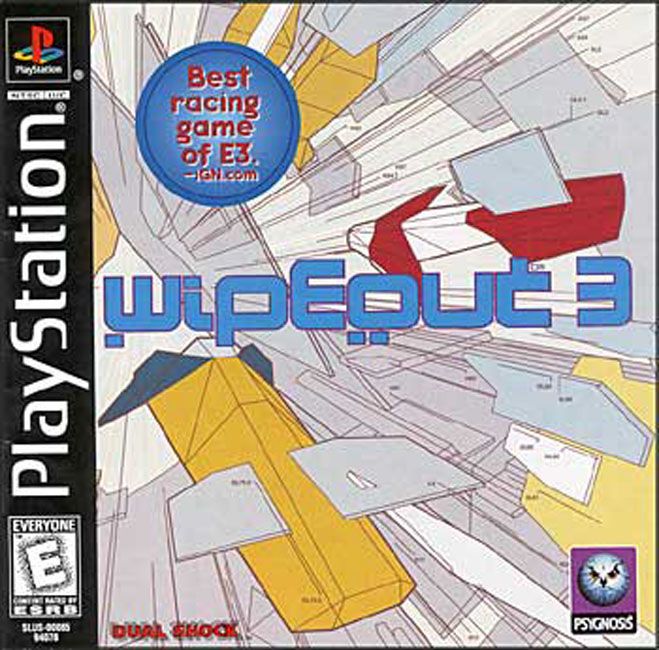
Set up your PlayStation® game console according to its Instruction Manual. Insert the Wipsout disc and close the disc cover. Press the POWER button. It is advised that you do not insert or remove peripherals or MEMORY CARDS once the power is turned on. Make sure there are enough free blocks on your MEMORY CARD before starting.
Screenshots
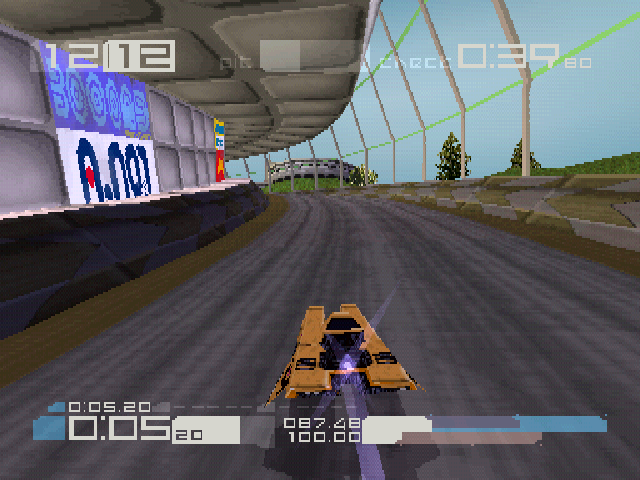
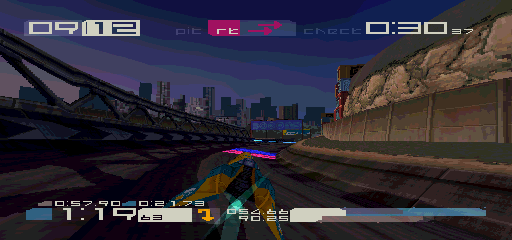
All screenshots for this manual have been taken from the English version of this game. Some screenshots might have been taken from pre-completion screens that differ slightly from those in the finished game.
Console Top View
Console Front View
Using Menu Screens
Use the directional buttons to highlight an option, then press the button to confirm.
To return to the previous menu screen without accepting any option changes, press the button.
Language Select Menu
After a short introduction cinematic sequence, the LANGUAGE SELECT MENU will be displayed. Use the up and down directional buttons to choose from English, German, French, Italian or Spanish.
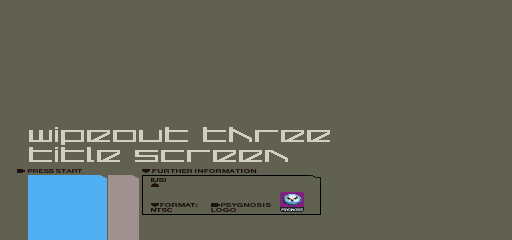
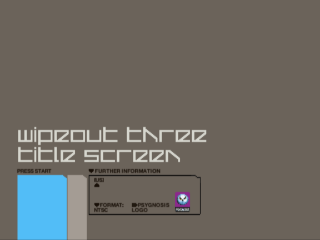
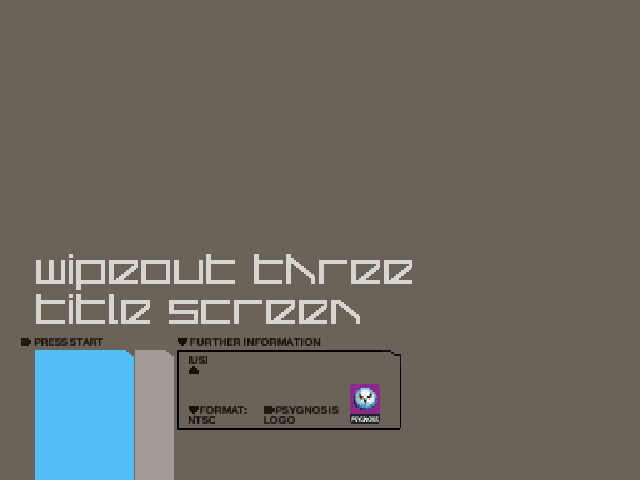
Press the button to confirm your language. If a language is not selected within the time limit, then the language selection will default to English. The TITLE SCREEN will be displayed.
Press the button to access the NUMBER OF PLAYERS MENU.
Number of Players Menu
Use the left and right directional buttons to highlight ONE or TWO, then press the button to access the MAIN MENU.
Single Race
Intense racing with weapons and checkpoints against a full field of competitors. Clear each checkpoint before your time runs out or the game's over before you've even finished the race. The number of laps depends on the racing class being played. If your shield energy is running low, boost your power in the pit lane. NOTE: weapons and checkpoints are optional in Single Race mode. You can compete without weapons or checkpoints by selecting the Weapons OFF and the Checkpoints OFF options in the Game Setup Menu (found within the Options Selection Menu).
Time Trial
A race against the clock without weapons or enemy craft. A ghost craft will fly a duplicate of the previous best race. Ghost races can be loaded from MEMORY CARD via the LOAD TIME TRIAL option. Best race times can be saved to MEMORY CARD for future games. Challenge
Twenty-four unique assignments await you. Divided into three Challenge Modes, you will be given specific tasks using preset craft on predetermined circuits.
Race to achieve 1st, 2nd or 3rd against a standard group of competitors.
Race to complete the circuit within a predetermined time.
Race and destroy a fixed number of opponents.
NOTE: rumors of an additional eight grueling tasks within a fourth Challenge Mode have been strongly denied by F7200 officials.
Eliminator
A score-based event where a full complement of opponents vie for superiority. You score one point for each completed lap and one point for each competitor destroyed. The race continues until either you or your opponents achieve the target score. Craft destroyed during the race are re-spawned at the starting line.
You can adjust the target score on the ELIMINATOR DETAILS screen by using the left and right directional buttons. Choose from 1 to 99. NOTE: the pit-lane is deactivated during Eliminator events.
Tournament
The ultimate anti-gravity championships of all time. A full line-up of competitors compete in the fast and furious tournament mode over a variety of circuits. Run on a points-for-places basis, the pilot at the top of the leader-board at the end of the season is crowned the champion.
Points awarded:
In the case of a tie, the pilot with the most medals wins, and in the case of this being a tie, the player with the greater value of medals wins (gold being worth 3 points, silver 2 and bronze 1). In the continued case of a tie, the player with the lowest overall racing time for the four tracks wins. Racing Class Menu
Use the left and right directional buttons to highlight your required racing class and press the button to confirm. for novices or those that like to take things steady.
for intermediate players or those that like to take chances.
for more advanced pilots or those who want to break new ground.
Rumor has it that the F7200 organizers are to re-introduce a previously prohibited racing class. Only experts need apply. NOTE: when in Single Race mode, a table showing medals won in the selected class will be displayed.
Track Menu
Use the left and right directional buttons to highlight one of the eight AG race circuits (if available). Press the button to confirm and to access the Team Menu.
Team Menus
Use the left and right directional buttons to highlight one of the eight AG race teams (if available). Press the button to begin the race.
Team Identify: FEISAR
 (En,Fr,De,Es,It).png)

 (En,Fr,De,Es,It).png)

_front_cover_1758607504.jpg)
_front_cover_1791439415_crop_1791439431.jpg)

.png)