Console Ports
Console Setup
Set up your PlayStation®2 computer entertainment system according to its Instruction Manual. Ensure the MAIN POWER switch (located in the back of the console) is turned on.
Press the RESET button. When the power indicator lights up, press the (OPEN) button to open the disc tray.
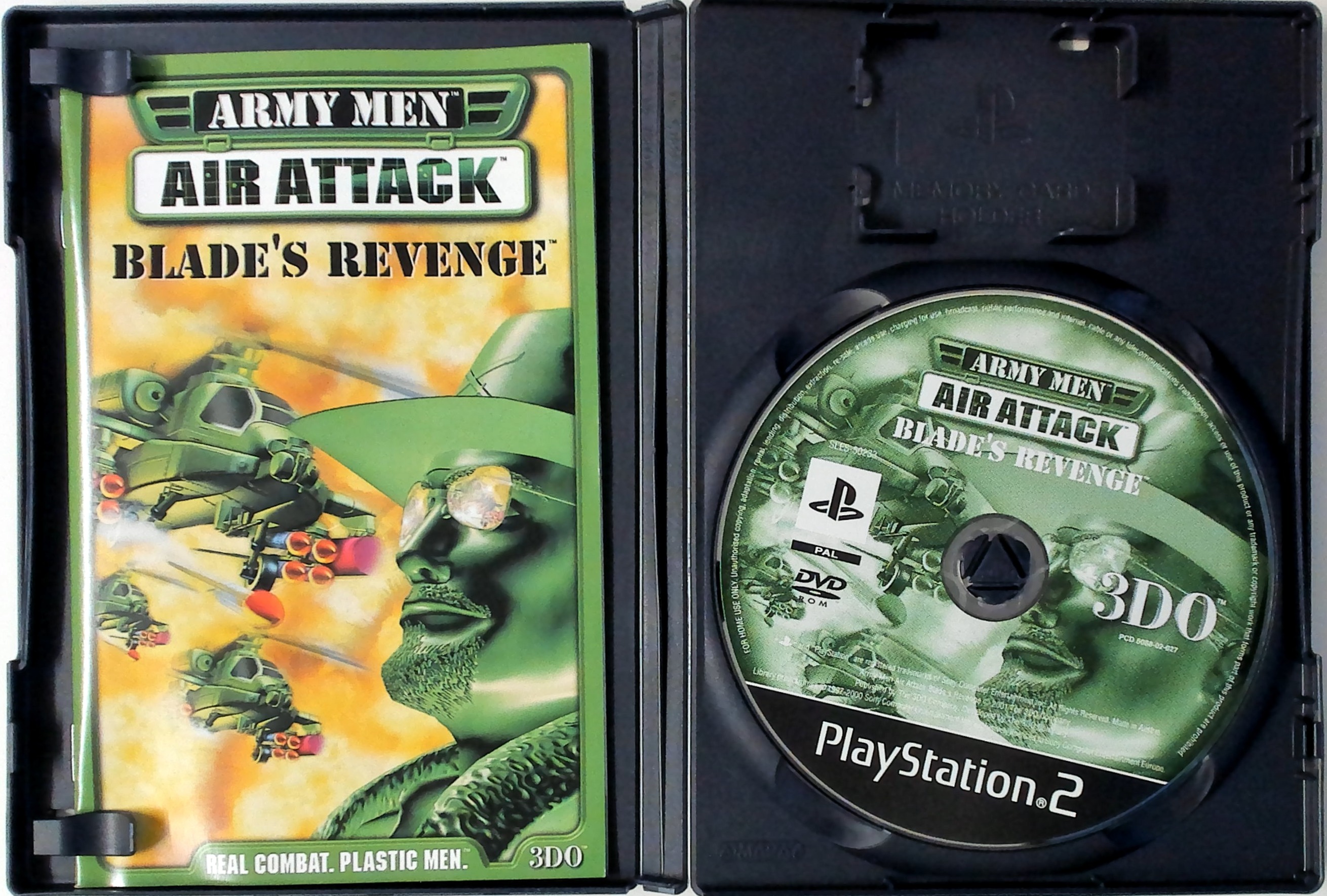
Place the Army Men - Air Attack™ 2 disc on the disc tray with the label side facing up. Press the (OPEN) button again to close the disc tray. Attach game controllers and other peripherals as appropriate. Follow on-screen instructions and refer to this manual for information on using the software.
Memory Card
If you wish to load or save information during play, insert a memory card (for PlayStation®2) with at least 100 kb of free memory in MEMORY CARD slot 1.
It is advised that you do not insert or remove peripherals or memory cards (for PlayStation®2) once the power has been turned on.
Getting Started
Within all menu screens, use the or directional button to highlight an item and press the button to select it. You can also press the to bring up the Help Window.
Main Menu Selections
Select this item to begin playing the game with the current default configuration. You can choose between Single Player and Cooperative modes of play.
Select this item to access Officer's Club (head-to-head) play.
Load Game: Select this option to load a previously saved game from the memory card (for PlayStation®2). You will be able to save games from the Mission Debriefing screen.
Select this option to begin a game at a higher level by entering a password.
•
Use the,,, buttons and the directional buttons to enter the password.
•
Use the SELECT button to edit incorrect entries.
•
Use the START button to begin the game designated by the password entered.
•
Passwords can be obtained from the Mission Debriefing screen.
Options
Select this item to access the Options screen. Press the or directional button to highlight and the button to access any of the options. You can press the button on any of the option screens to return to the previous screen.
Sound Options
Select this option to customize all music and sound effects settings.
•
Use the or directional button to highlight an option.
•
Use the or directional button to adjust the settings.
•
When finished, highlight Save Changes and press the button to confirm the new settings.
•
Alternatively, select Exit to cancel your changes and return to the Options screen.
Controller Options
Access this option to select a controller configuration. Use the or directional button to select a configuration and the button to confirm it.
This option allows each player to turn the DUALSHOCK™2 analog controller vibration setting ON or OFF. This is only available if a DUALSHOCK 2 analog controller is plugged in. Use the or directional button to highlight the vibration setting and the button to confirm it.
Credits
Select this option to view all game credits.
Game Modes
The Single Player mode involves battles that span the entire length of the Army Men-Air Attack 2 campaign and the completion of multiple and varied mission objectives per level. You call the shots and make the tactical decisions necessary to defeat the Tan enemy. In Cooperative mode, both you and a teammate can combine tactical skill and firepower toward the common goal of eradicating the evil Tan Army throughout a Cooperative Campaign.
•
OFFICER'S CLUB (HEAD-TO-HEAD)
Bug Hunt is a game of insect extermination where each player scrambles to eliminate as many insects as possible via any means necessary. Each bug destroyed is worth a different amount of points. The first player to reach 99 points wins.
Collect different chow-related items and use them to defeat your enemy. Follow the Mission Briefings for specific objectives.
In Flag-Nab-It mode, you and another player compete on an occupied map, one side inhabited by the Green (Player 1) and the other side by the Tan (Player 2). The object of the game is to infiltrate enemy lines, find their flag, and transport it back to your base safe and sound. The first player to collect three flags wins.
Aerial Assault is a one-on-one duel to the death. The first player to knock his or her opponent out of the sky three times wins. Use every means at your disposal.
Select Screens
Select which mission you'll undertake against the enemy.
•
Press the or directional button to highlight a mission.
•
Press the button to select it.
•
Press the or directional button to toggle between mission briefing and objectives.
Here you select the wingman, or wingwoman, who'll be watching your back. There is an on-screen description of each Copilot available.
•
Press the or directional button to highlight a Copilot.
-