GETTING STARTED
Set up your PlayStation®2 computer entertainment system according to the instructions supplied with your system. Check that the system is turned on (the on/standby indicator is green). Insert the Coraline disc in the system with the label side facing up.
Attach game controllers and other peripherals as appropriate. Follow the on-screen instructions and refer to this manual for information on using the software.
Memory Card (8MB)(for PlayStation®2)
To save game settings and progress, insert a memory card (8MB)(for PlayStation®2) into MEMORY CARD slot 1 of your PlayStation®2 system. You can load saved game data from the same memory card or any memory card (8MB)(for PlayStation®2) containing previously saved games.
The Story
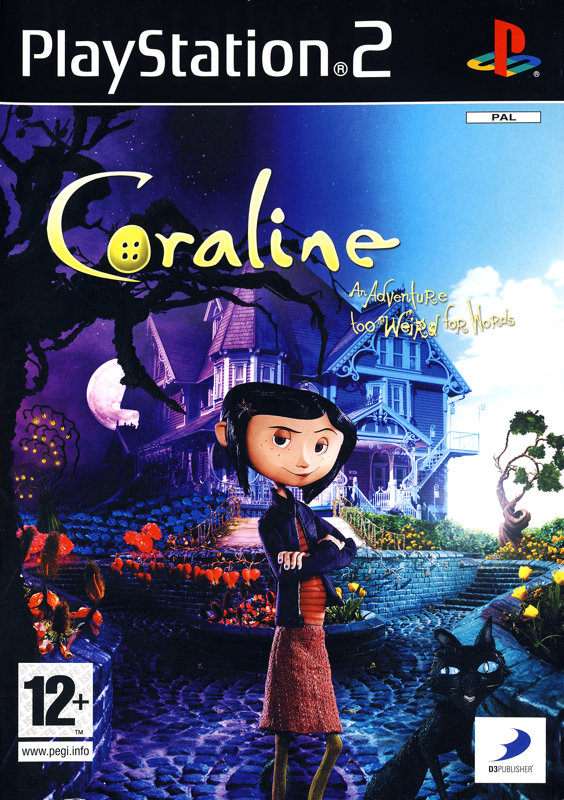
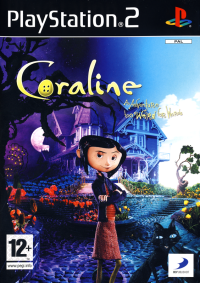
When Coraline walks through a secret door in her new home and discovers an alternate version of her life, this parallel reality is eerily similar to her real life - only much better. But when this wondrously off-kilter, fantastical adventure turns dangerous and her other parents try to keep her forever, Coraline must count on her resourcefulness, determination, and bravery to get back home.
Help Coraline to find the true value of family as she faces the temptation of a perfect life...with a not so small cost. Explore two distinct worlds, interact with whimsical characters, and collect unique items in this one-of-a-kind interactive adventure.
Main Menu
There are four profiles to choose from. Enter a name and it will take you to the Main Menu.
•
Continue: Continue from the last save point.
•
New Game: Select this to begin a new game.
•
Options: Change some of the features in the game.
•
Shop: Buy bonus items with collected buttons.
Game Screen
•
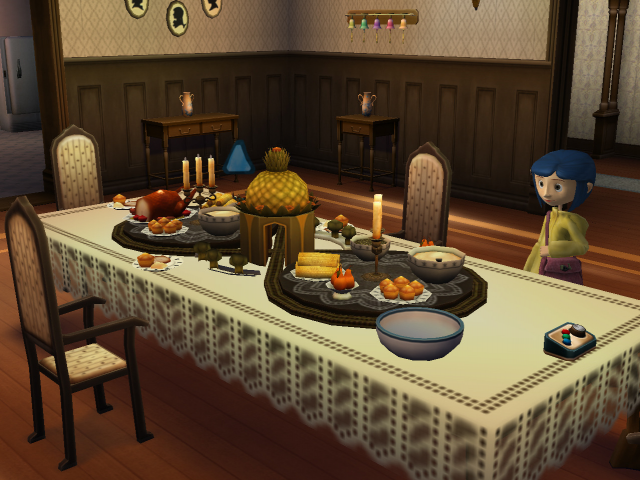
Current Objective: The current task you must complete.
•
Selected Item: The current item that is being used.
•
Health Bar: Coraline's current health level.
Interactive Icons
•
Characters: Press the A button near a character with the speech bubble to talk with them.
•
Items: Press the A button when this icon shows up to interact with objects.
Scrapbook
Here you can look at your current task and tasks you've completed. This also shows you the number of buttons you've collected throughout the game!
•
Push or Pull the cabinet
•
Your Mother almost tripped over a cabinet this morning. She has asked you to move it out of the way for her.
Shop
Use collected buttons to buy different things from the Shop.
•
Outfits: Buy outfits that can be worn throughout the game.
•
Scrapbook: Get special concept art only available from the game with buttons.
•
Bonus Material: Access exclusive bonus material from the game and film.
•
Cheats: Enter Cheats From here.
Options
•
Gameplay: Turn the subtitles on/off.
•
Sound: Change the sound levels.
•
Credits: Select this to view Game Credit Information.
•
Cheats: Enter Cheats From here.
.png)

.png)






_1.png)


_1.png)
_1.png)
_1.png)
.png)
