GETTING STARTED
Set up your PlayStation®2 computer entertainment system according to the instructions in its Instruction Manual. Make sure the MAIN POWER switch (located on the back of the console) is turned on.
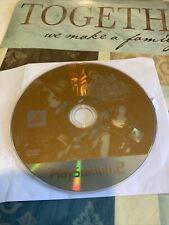
Press the RESET button. When the power indicator lights up, press the open button and the disc tray will open. Place the Dark Cloud 2 disc on the disc tray with the label side facing up. Press the open button again and the disc tray will close. Attach controllers and other peripherals, as appropriate. Follow on-screen instructions and refer to this manual for information on using the software.
Title Menu
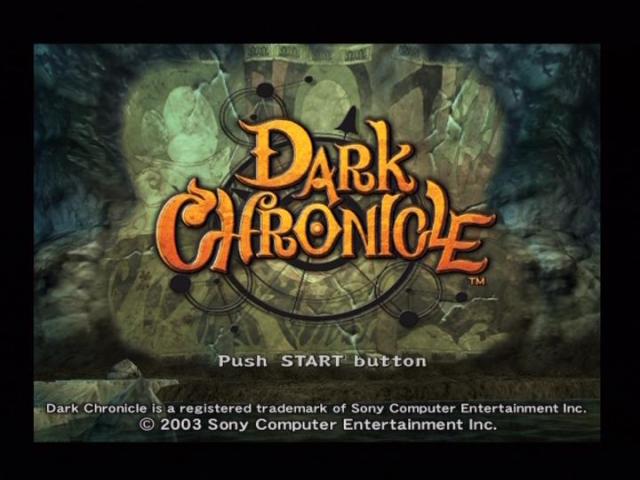
Press the START button on the title screen to display the Title menu. Use the directional buttons to select an item and press the button.
This starts a new game. Once the game starts, select Maximilian's clothing. The choice of clothing does not affect gameplay.
Loads a saved game from a memory card (8 MB) (for PlayStation®2) and lets you continue where you left off.
Allows you to play Mini Games and earn bonus items later in the game.
This lets you change settings used in the game.
Options
Toggles the function of saving the selected cursor position ON/OFF.
Toggles the analog controller vibration function ON/OFF.
Sets the message display speed.
Sets the type of sound output.
Sets the speed at which time passes in the game.
Sets the standard map display method.
Toggles the damage point display ON/OFF.
Toggles the enemy HP (health point) display during lock-on ON/OFF.
Toggles the anger counter during lock-on ON/OFF.
Toggles the character name display ON/OFF.
Toggles the monster name display ON/OFF.
Toggles the blur background function ON/OFF.
Toggles the subtitle display ON/OFF.
Toggles the "PAUSE" display ON/OFF.
Toggle Normal/Reverse
Toggle Normal/Reverse
PRELUDE TO AN ADVENTURE
While you progress through the game you'll encounter different types of gameplay elements.
The Field
In the Field, you can talk to various people, go shopping and do other things as the story proceeds. The first town you visit, Palm Brinks is home not only to Cedric's shop but also an item shop, bakery, weapons store and other goods.
The Dungeons
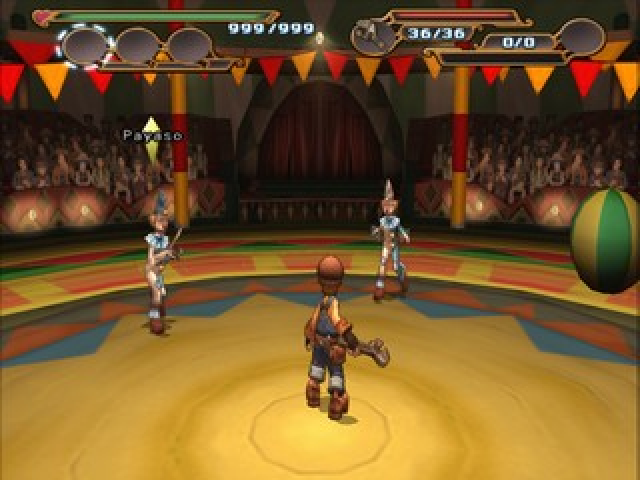
In the Dungeons, defeat attacking monsters as you advance and collect items. Battles with huge bosses await on some floors. The layout of the dungeons change randomly each time you go in.
The Georama System
In the Georama System, use the various materials you obtained in the dungeons to build buildings. Depending on the buildings you build, the story may progress differently or changes may occur in the future.
Saving
To save your game, get close to a save point and press the button, or press the button on the dungeon floor select screen and a file storing the progress of your game will be saved on a PlayStation 2 memory card (8 MB) (for PlayStation 2). Saving a new game requires (502K) or more of free space per file on a PlayStation 2 memory card (8MB). You can save up to 13 different games on one PlayStation 2 memory card (8/MB) (for PlayStation 2). MAIN MENU
During the game, press the button to display the Main menu. Use the directional buttons to select an item and press the button.
Go to the Item menu. On the Item menu, you can check on your current equipment and money, use items or upgrade weapons.
Change the character to control. Select this to use Ridepod or Monster Transformation. Monster Transformation is not available until the second dungeon.
Invent a new item or make an invented item. This selection is not available at the start.
Move directly to a field or dungeon that you have visited previously.
This lets you change settings used in the game.
This gives you access to detailed knowledge about controls, effective combat techniques and the like. More Tutorial items are added as you become able to do more things. If you don't know something in the game, try Help. This selection is not available at the start.
Upgrading Weapons
There are several ways to upgrade weapons.
Defeat enemies and collect the ABS to raise the level of your weapon. When a weapon goes up a level, its attack goes up slightly and the synthesis points are increased.
Spectrumize is




_1.png)