GETTING STARTED
Set up your PlayStation®2 computer entertainment system according to the instructions in the Instruction Manual. Make sure the MAIN POWER switch (located on the back of the console) is turned on.
Press the RESET button. When the power indicator lights up, press the OPEN button and the disc tray will open. Place the ESPN the Games™ INTERNATIONAL TRACK & FIELD disc on the disc tray with the label side facing up. Press the OPEN button again and the disc tray will close.
Attach game controllers and other peripherals, as appropriate. Follow on-screen instructions and refer to this manual for information on using the software.
MULTI-PLAYER SETUP
Up to four people can compete at the same time using the Multitap (sold separately) for PlayStation®2. When more than two players are competing simultaneously, you must connect a Multitap for PlayStation®2 to Controller Port 1 before turning on the console.
Next, connect Controller 1 to Controller Port 1-A on the Multitap for PlayStation®2, and the remaining controllers 2, 3, and 4 to ports 1-B, 1-C, and 1-D, respectively, on the Multitap for PlayStation®2.
For more information on using the Multitap for PlayStation®2, refer to the Multitap for PlayStation®2 operating manual.
Caution
When using a memory card for PlayStation®2 (8 MB) during play with more than two players, please be sure the memory card for PlayStation®2 is correctly inserted in the Multitap for PlayStation®2 Memory Card Slot 1-A.
STARTING THE GAME
When the Title screen appears, press the START button to view the Mode Select screen.
If a memory card for PlayStation®2 (8 MB) containing saved game data is inserted in Memory Card Slot 1 at startup, the game data will be loaded automatically. (See page 8 for how to save game data.)
CHOOSING A GAME MODE
On the Mode Select screen, use the Directional buttons to select a mode and press the ● button to enter your selection.
•
CHAMPIONSHIP MODE: Select one of the 10 events and try to win a medal or set a new record. Up to four players can compete against each other simultaneously. See page 9.
•
OPTION: Reconfigure game settings and save or erase game data. See page 7.
•
AWARDS: View the best player scores, a record of medals won in each event, and the top five ranked athletes in each event. Use the Directional buttons to select an event and press the ● button to enter your selection.
SETTING OPTIONS
On the Mode Select screen, use the Directional buttons to select "Option" and press the button. Press the Directional buttons to select an option, and to change the setting. Press the button to display a submenu.
•
SAVE: Save current game data. See page 8.
•
LOAD: Load saved game data. See page 8.
•
AUTO SAVE: Set ON to save data automatically at the completion of a Championship Mode game.
•
SOUND MODE: Adjust the game's music and sound effects settings, and choose the "Stereo" or "Mono" speaker setting. For music playback, select a track using the Directional buttons and press the button for playback. Press the button to stop playback.
•
VIBRATION: Set ON for DUALSHOCK™ or DUALSHOCK™2 analog controller vibration in response to player moves. This greatly enhances your play experience. The Analog Mode Switch setting (red LED on/off) does not affect controller vibration.
SAVING AND LOADING
This game allows you to save game data on or load game data from memory cards for PlayStation®2 (8 MB). To save or load, first select "Option" from the Mode Select screen.
SAVING GAME DATA
Select "Save" from the Option screen to save data for the current game on a memory card for PlayStation®2 (8 MB). At least 230KB of free memory is required to save a game.
You can save the top five records for each event, the number of medals won, and any settings modified in the Option screen.
Note: If there is less than 230 KB of free memory space on the Memory Card, you must delete unnecessary data before saving.
LOADING GAME DATA
Select "Load" from the Option screen to load data for a game from a memory card for PlayStation®2 (8 MB).
If a memory card for PlayStation®2 (8 MB) containing data for a saved game is inserted in Memory Card Slot 1 at startup, the game data will be loaded automatically.
If the memory card for PlayStation®2 is removed during the game, you must reload the data using "Load".
Caution: Never remove a memory card for PlayStation®2 (8 MB) or shut off the power on the console during a save or load process, since data could be permanently lost.
CHAMPIONSHIP MODE
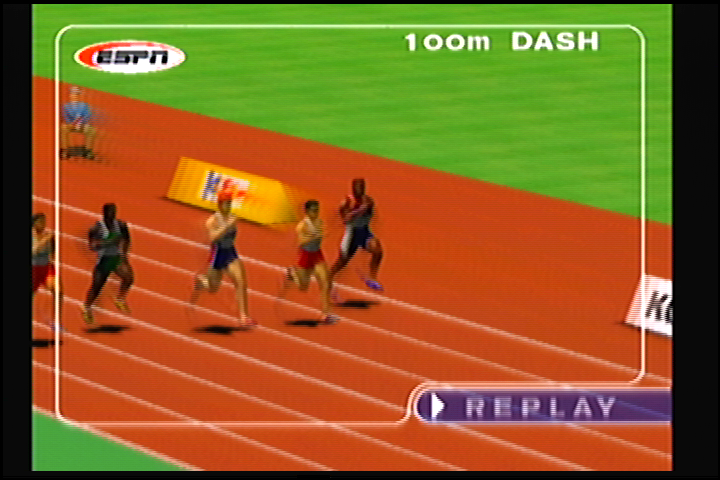
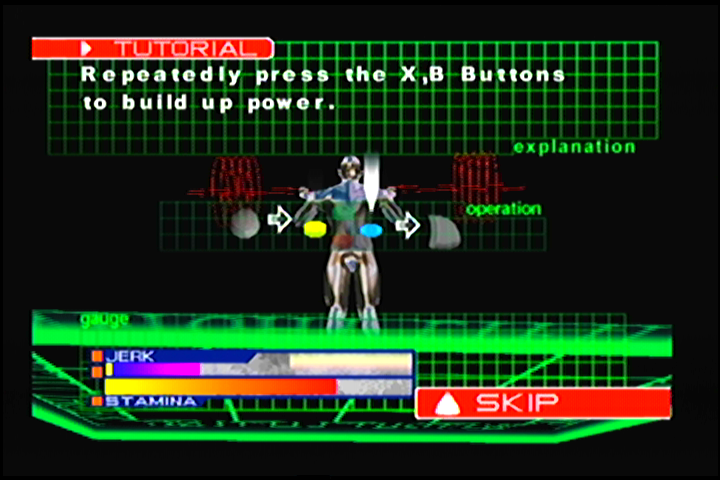
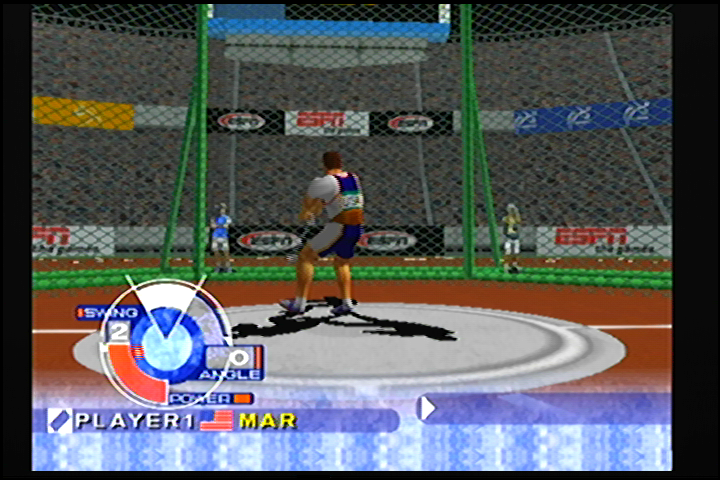
In Championship Mode you can select from 10 different events. Choose "Championship Mode" from the Mode Select screen to begin.
EVENT SELECTION
Use the Directional buttons to select an event, and press the X button to enter it. Refer to pages 12-
.png)


.png)



.png)

_1.jpg)





.png)