Introduction
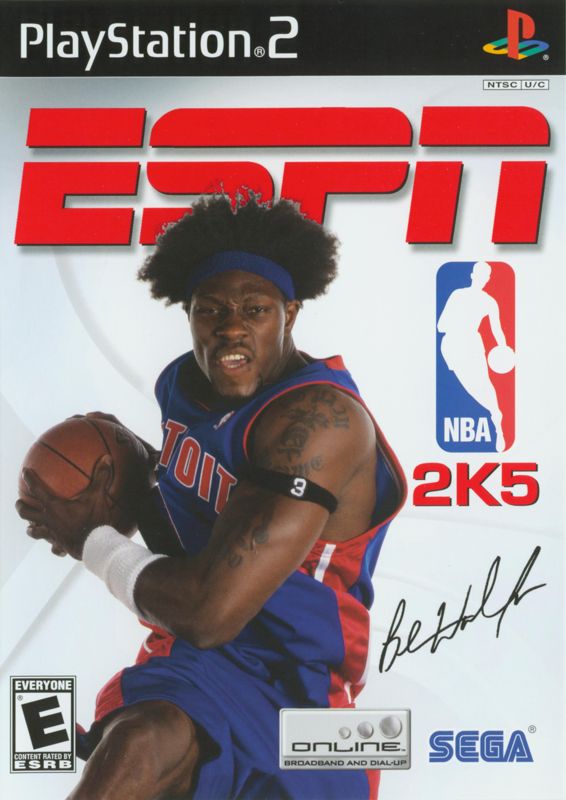
Get ready to experience the ultimate NBA videogame experience! ESPN NBA 2K5 makes its triumphant return to the court with all the action that makes the ESPN NBA series great.
Improved low-post controls, intense full court action with commentators Bob Fitzgerald and Bill Walton, and on-the-fly play calling and strategy changes pull you into the incredible NBA experience. Online leagues and an improved 24/7 mode add incredible depth and replay value to keep you coming back for more.
New Key Features
•
Full Authority™: A bold new advancement in simulating games for your franchise featuring a dynamic coaching system that enables you to dictate player match-ups and alter coaching strategies while full motion replays bring the in-game events to life.
•
The Association: The new benchmark in Franchise gameplay featuring new simulation models and management of key team attributes including weekly training, player personalities, and team chemistry bringing an entirely new level of control to your NBA franchise.
•
Enhanced 24/7 mode: All new unlockables along with the innovative Respect system add some new flava as you work your way to the top of the streetball kingdom.
•
Always Online: ESPN Videogames once again sets the standard for the online NBA experience. NBA 2K5 includes online leagues, tournaments, and an advanced messaging system coupled with a buddy list that lets you keep in touch with your opponents at any time.
•
Iso-Motion Enhanced: Intuitive Iso-Motion controls allow you to execute all your ankle-breaking moves with more precision than ever.
•
Improved Player Creation: Design your player exactly the way you want him. Custom-design his kicks to give him his own court style.
•
ESPN Presentation: Featuring new cut scenes and visuals, as well as new studio and color commentary featuring Bill Walton and Bob Fitzgerald!
Quick Game
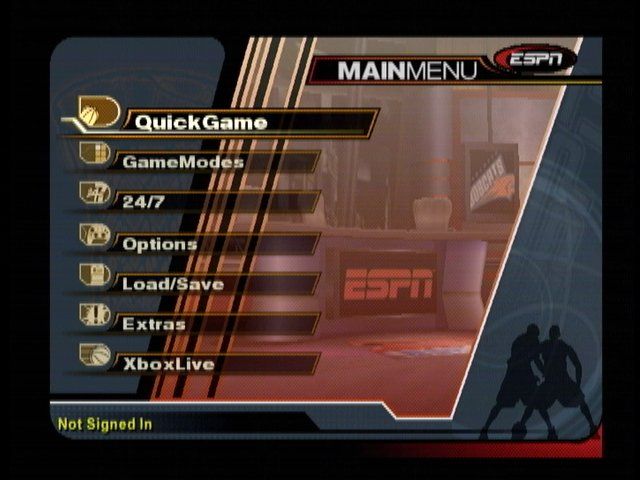
Select Quick Game from the Main Menu to jump right into a game and experience the action firsthand.
Team Select
•
Move the left analog stick or the directional button left to select the away team and right to select the home team.
•
Press the R1 button or the L1 button to cycle forward or backward through the available teams.
•
Press the R1 button and the L1 button simultaneously if you want to randomly select a team.
•
Press the R2 button or the L2 button to cycle through the alternate jerseys that may be available for your selected team.
•
Move the right analog stick up or down to select a User Profile.
•
To create a user record, press the R3 button (click the right analog stick). The User Records Screen appears. Highlight a slot and press the button. Select Create and enter a User Name on the Virtual Keyboard. Press the button to return to the Team Select Screen.
•
Press the Circle button to access the Team Options Screen and customize game settings (Difficulty, Game Speed, Quarter Length, Arena, etc). Press the button to return to the previous screen.
•
Press the button or the START button to advance to the Player Lineup Screen.
Player Lineup
•
Press the START button to go directly to the game.
•
To alter the game lineup, move the left analog stick or the directional button left or right to highlight an option (Adjust Lineup, Scramble Starters, Fantasy Basketball) and press the button to select it.
Shooting
•
To shoot a jump shot, press the button and release the button at the top of your jump. The closer your release is to the top of your jump, the higher your accuracy will be.
•
To shoot a fade-away, move and hold the left analog stick away from the basket prior to releasing the button.
•
To attempt a layup or dunk, dribble close to the basket and press the button while moving the left analog stick towards the basket. Using turbo (R1 button) will increase the range of your lay-ups and dunks.
•
If a defender leaps into your path during your layup or dunk attempt and you want to change your shot to prevent it from being blocked, release the button while you're in the air, then press it again while pressing Down, Right or Left on the left analog stick.
Directional Shot Change Type
•
To pass the ball while in a shooting motion, press the button while in mid-air without letting go of the button. Your player will pass the ball while in mid-air.
Posting Up
•
Posting up a defender is accomplished by taking any player with the ball (preferably a good low post player) and moving that player next to a defender in or near the paint.
•
With strong post players, you may be able to get closer to the basket by backing the defender in towards the basket. To do this, move the left analog stick in the direction of the basket.
•
Be careful of the "5-second Back to the Basket" rule: If you spend more than 5 seconds backing a defender down in the low post, you will be called for a violation and possession will be given to the opposing team.
Scoring with the Post Up
•
One way to score from the post is by shooting a jumper. To shoot a jumper move the left analog stick to the right (to spin right), left (to spin left), up (to lean into the defender), or down (to fade away from the defender), and press the button to shoot.
•
The Drop Step move is the most effective way to score from the post. To perform a drop step, first post up your defender by pressing and holding the L1 button. At any
.png)

.png)
