Console Ports
Getting Started
Set up your PlayStation®2 computer entertainment system according to its Instruction Manual. Ensure the MAIN POWER switch (on the back of the console) is turned on.
Press the RESET button. When the power indicator lights up, press the Open button to open the disc tray. Place the MTX: Mototrax™ disc on the tray with the label pointing up. Press the Open button again to close the disc tray.
Attach game controllers and other peripherals as appropriate. Follow on-screen instructions and refer to this manual for information on using the software.
Memory Card
MTX: Mototrax™ requires a memory card (8MB) (for PlayStation®2) to save your games. A saved game's data takes up 77 KB.
You can obtain a memory card through the retailer where you purchased your PlayStation®2 game console or this game. To access your memory card, insert it into MEMORY CARD slot 1.
Main Menu
The main menu of MTX: Mototrax™ allows you to select from all the different game modes. Press the ↑ and ↓ directional buttons to highlight the desired option. Press the X button to confirm your selection.
Single Player Game Modes
MTX: Mototrax™ Career
Grab your helmet, gas up the bike, and get ready for the most complete MX experience to date. It all starts with creating your rider and heading out to Travis Pastrana's house. Custom Rider
Access this option to create your rider, load and change a previous rider, or just check out the different options your rider has available.
Dirt Wurx™ Track Builder
Think you have what it takes to create a killer supercross track? Access this option and build to your heart's content. You can even save the track for later play.
Options
This is where you access the controller, sounds, display, and gameplay options.
Exhibition Mode
In Exhibition mode, you get the chance to ride any track as one of the pros. This is purely for practice and will not affect your career. Exhibition mode is a great place to practice the tracks that you're currently racing. Go into the game options to select AI difficulty. Ghost Mode
This mode allows you to record a lap time and race against it. It's great for practicing for multiplayer games.
MTX: MOTOTRAX™ CAREER
To get started in MTX: Mototrax, you have to create a character. Then you'll advance to Travis' "Compound." Travis will greet you and get you started in the game.
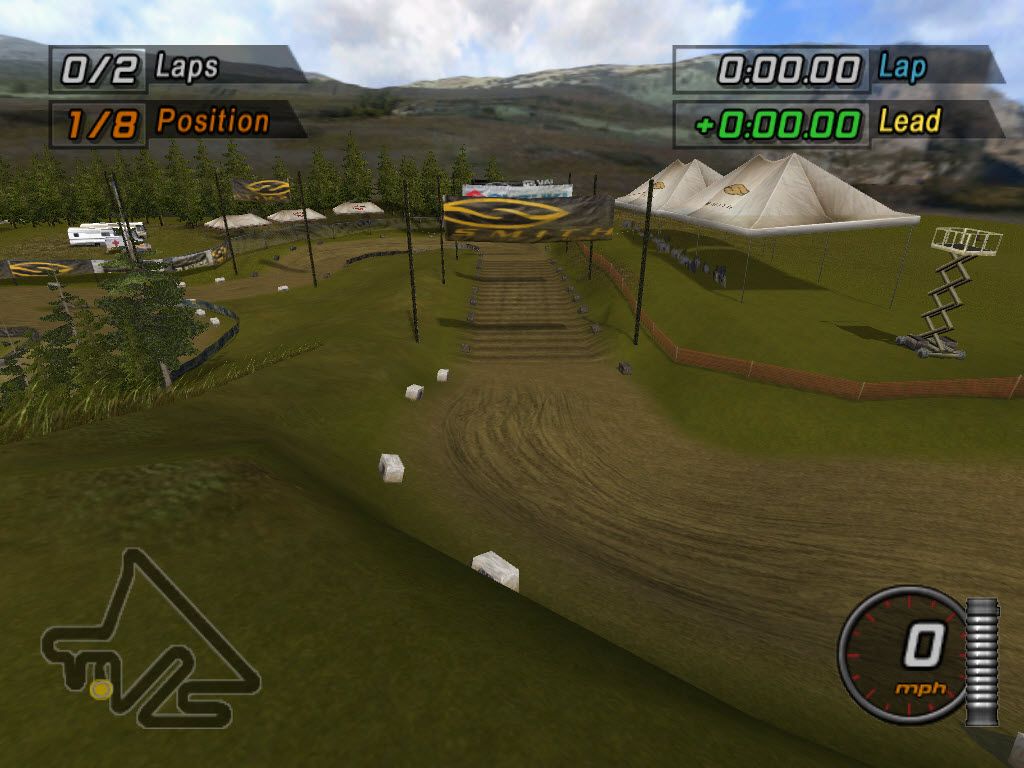
The Compound acts as a tutorial level that teaches you all the game basics. You'll start with racing, but after some exploring, you'll find training areas for freestyle and other game elements. Career Statistics
MTX: Mototrax™ PDA
All the information about your career is documented in the MTX: Mototrax™ PDA. It contains all your e-mail, sponsors, statistics, and bike info.
PDA Menu
Events
Racing Series
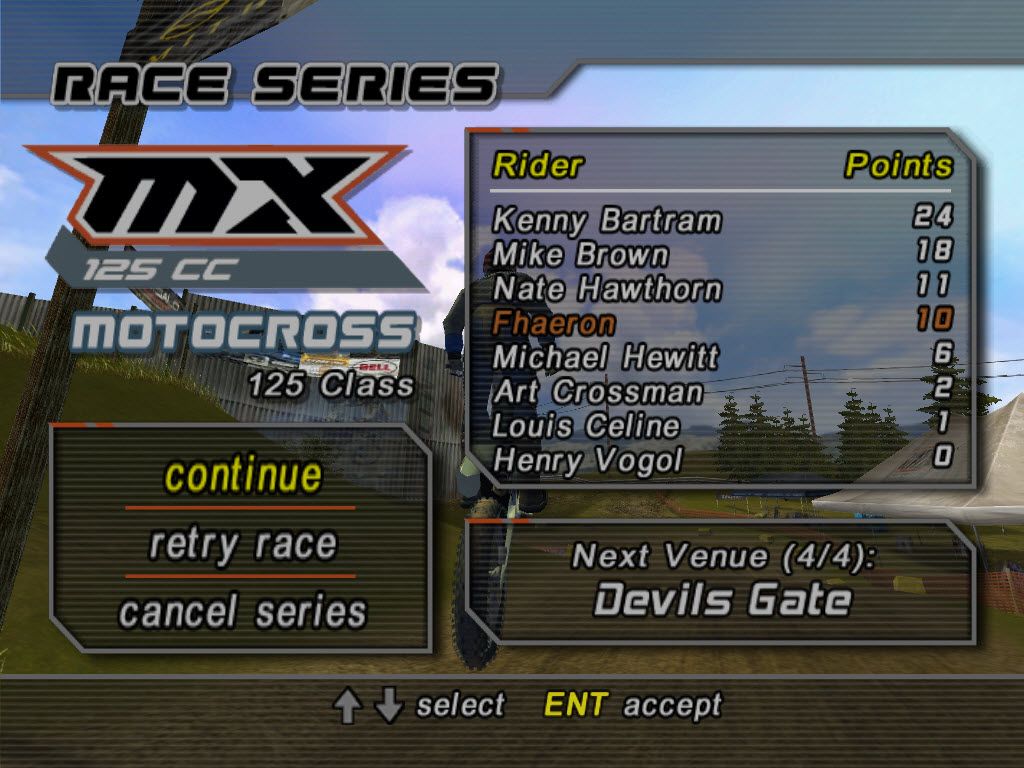
There are different motocross and supercross racing series. The series are broken down into 125cc and 250cc classes—including both two-stroke and four-stroke engines. In the beginning, you'll be able to race in the 125cc series. After winning this series, more series will be offered to you.
Freestyle Events
After you get the necessary MTXP points in Travis' Compound, you'll get the opportunity to compete in a freestyle event.
Free Ride Levels
Set your own pace on these levels! Your job is to complete the goals and find all the trick spots. Doing so opens up more tricks that you can use in the freestyle portion of the game. Completing Free Ride goals gives you cash that you can use to purchase prototype items from your sponsors.
Career Opportunities
As you complete different series in MTX: Mototrax, you'll be offered various sponsorship and riding opportunities. These opportunities are crucial to excel in the game. Each opportunity offers something different.
•
Sponsorships: As you begin to place well in the 125cc and 250cc series, more people will offer you sponsorship opportunities. Once you sign up with a sponsor, you can purchase a selection of equipment for your rider and bike.
•
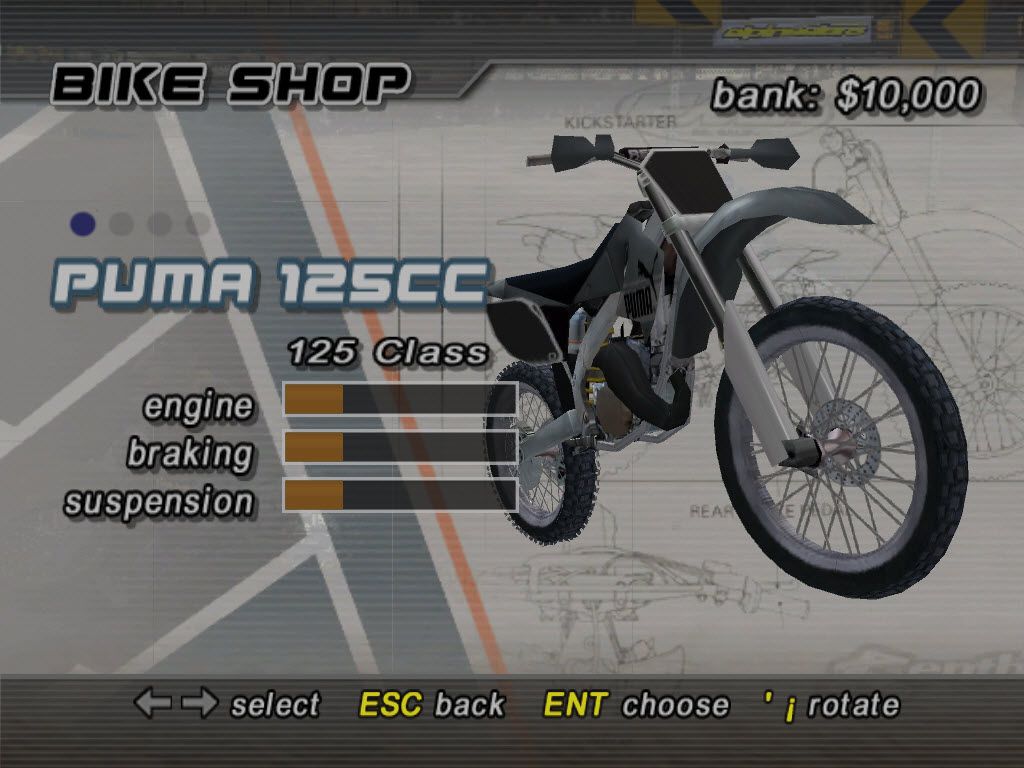
Racing Team: Along with sponsors, you'll have the option of joining different racing teams. These teams will offer you a new kind of bike to ride. NOT ALL BIKES ARE THE SAME! The better you perform in the races, the better the racing team that offers you a spot. MULTIPLAYER GAME MODES
MTX: Mototrax™ Online Play
Connect your PlayStation®2 computer entertainment system to the Internet or a Local Area Network (LAN) and play up to 4-player games. If you have Internet access and a network adapter (Ethernet
.png)

.png)
