Getting Started
Set up your PlayStation®2 computer entertainment system according to its Instruction Manual. Make sure the MAIN POWER switch (located on the back of the console) is turned on.
•
When the power indicator lights up, press the OPEN button and the disc tray will open.
•
Place the NBA JAM disc on the disc tray with the label side facing up.
•
Press the OPEN button again and the disc tray will close.
•
Attach game controllers and other peripherals, as appropriate.
•
Follow on-screen instructions and refer to this manual for information on using the software.
Memory Card (8MB) (for PlayStation®2)
NBA JAM only supports MEMORY CARD slot 1. To save game settings and progression, insert a memory card (8MB) (for PlayStation®2) into MEMORY CARD slot 1 (or MEMORY CARD slot 1-A).
NBA JAM features an AutoSave system, and the game will automatically save your game progression at certain points. Insertion or removal of the memory card (8MB) (for PlayStation®2) after switching the console on may cause data to be overwritten or lost.
NBA JAM also supports manual save and load of game data from the Main Menu. After performing a manual save / load, the game will again AutoSave your progression at the relevant points.
DUALSHOCK®2 ANALOG CONTROLLER CONFIGURATIONS
•
left analog stick (L3 button when pushed down)
•
right analog stick (R3 button when pushed down)
Multitap Support
NBA JAM is for up to six players. To play with more than two players, you must have a multitap (for PlayStation®2) inserted in controller port 1.
To play with six players, you must have an additional multitap (for PlayStation®2) inserted into controller port 2.
Introduction
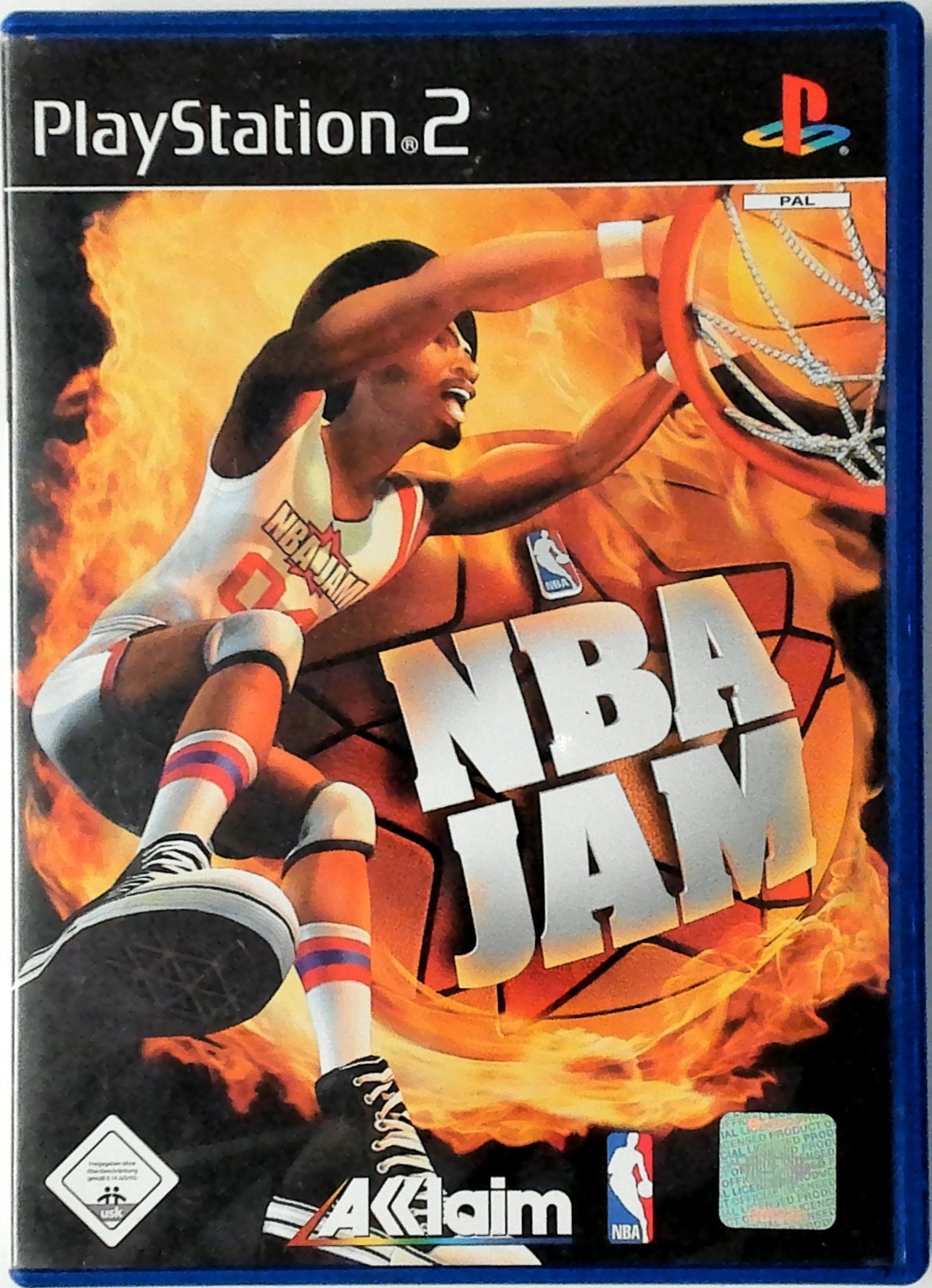
"He's on Fire!" Sweet words indeed. For those who recall the first time excitement of NBA JAM, those words typify a time when slamming and dunking and displaying your outrageous on-court cool was all about the JAM.
For those new to the franchise, this phrase will soon sear its way into your psyche, making it impossible to witness a barbecuing mishap without thinking of wigged out, over-the-top slamming basketball moves that are hard to believe and impossible to forget.
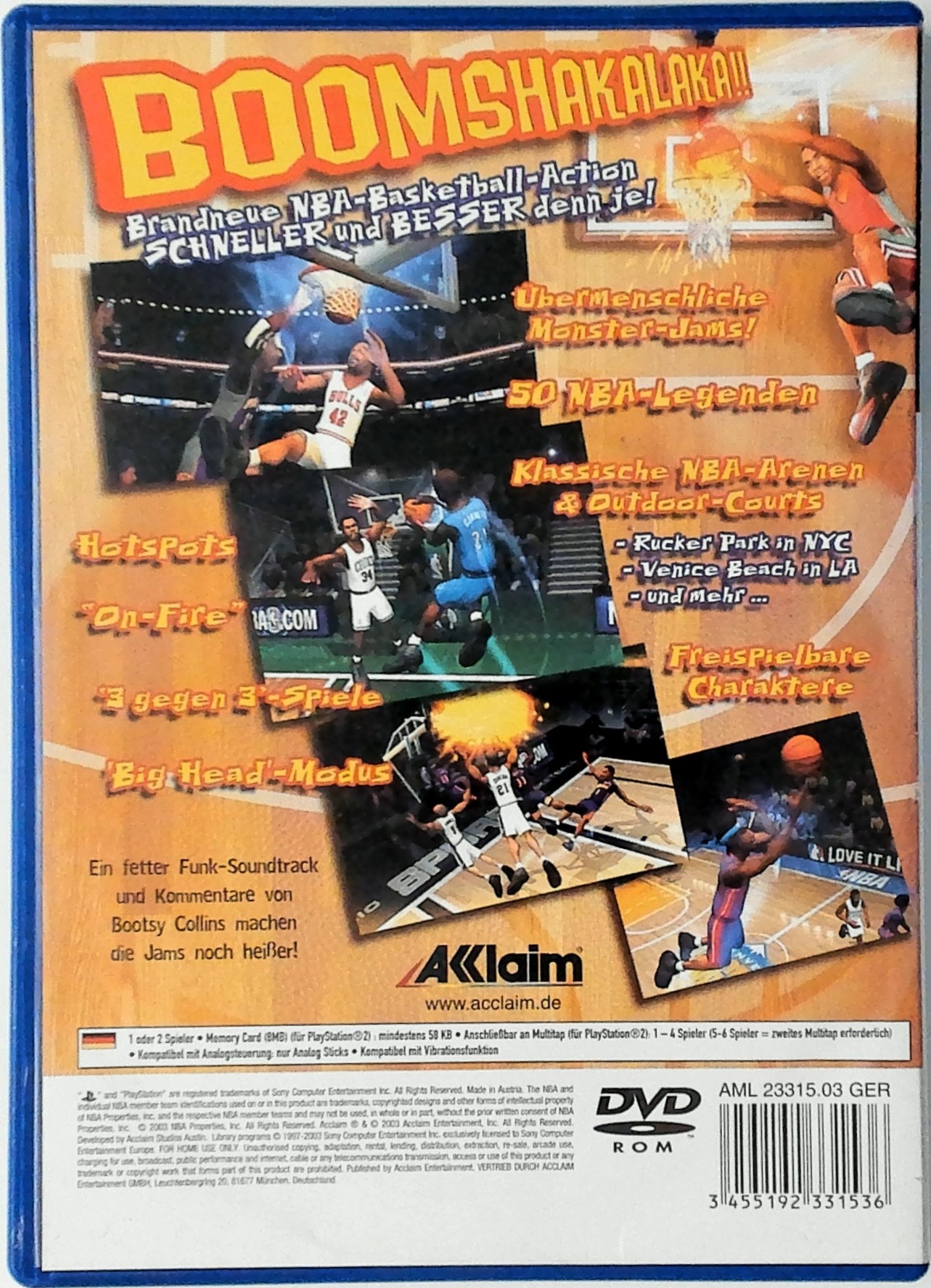
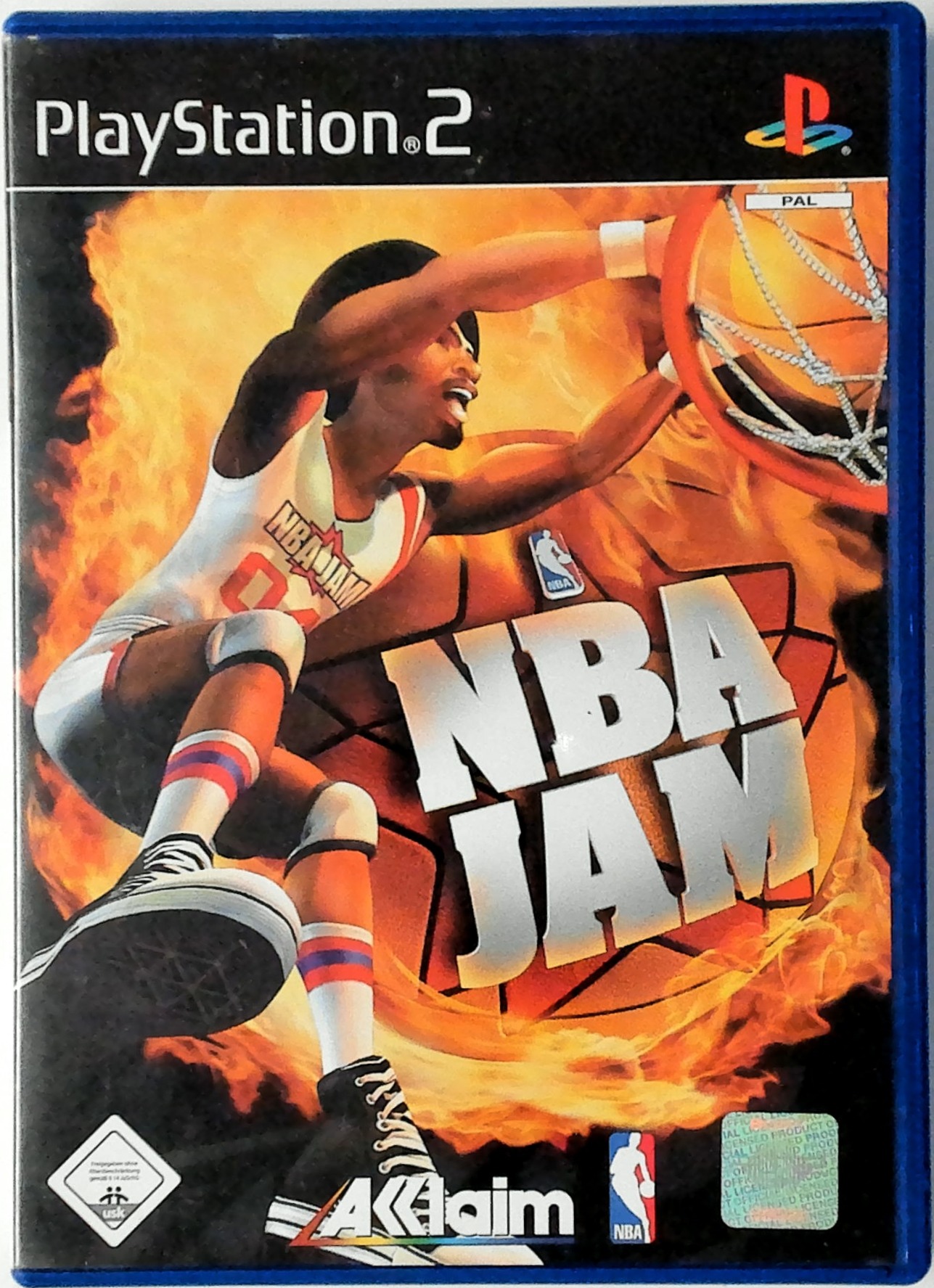
NBA JAM has a proud tradition of offering the most entertaining arcade-style hoops action ever, and now it's back and better than ever in NBA JAM. The classic modes are here, like JAM Tournament and Exhibition play, featuring today's top NBA stars.
This time around, you also get a Legends Tournament featuring recent and not-so-recent hoop greats, from the time when basketball shorts required less than ten yards of fabric in a challenging war to see who will be the ultimate victor. We're talking Walton, Wilkens, Malone, Wilt, Gervin, Isiah and over 60 more!
You also have the chance to build your own JAM master players and outrageously talented teams and bring them in to play in all the hallowed NBA arenas and in outdoor-ball mainstays like New York City's Rucker Park and California's Venice Beach.
So sit up and get down to some serious slamming with the return of the game that started it all!
Menu Navigation
•
Move highlight: Directional buttons/ left analog stick
•
Toggle Categories: L1/R1 buttons
MAIN MENU
•
Exhibition: Play a single game with up to six players.
•
JAM Tournament: Join the JAM Tournament and play against all 29 NBA teams and more to become the NBA JAM champion.
•
Legends Tournament: Take a team from today and travel back in time to take on all-star teams from the past and earn your seat among the greatest NBA Legends of all time!
•
JAM Store: Visit the JAM Store to create your own player, start your own team and unlock all of the bonuses and extras in the game.
•
User Profiles: Access saved profiles from your memory card, view your stats and unlocked extras, and adjust your controller configuration.
•
Options: Adjust options to suit you.
JAM BASICS
Tip-Off
At the beginning of the game or the start of overtime, rapidly press any buttons to build up the tip-off bar to try to win the tip.
Scoring
JAM scoring is typical in some respects, with 2 points awarded for a normal basket and 3 points for baskets from behind the arc. After that, things get a little different. For instance, it's possible to score 7 points for a single shot! How? See "Hot Spots" below.
Turbo
Pressing and holding any turbo button gives your player increased speed and more effective moves. Use it to burn past a defender, perform a stronger dunk, or shove the ball handler to dislodge the ball.
However, your turbo does not last forever. The bar at the bottom of your player icon shows the remaining amount of turbo. When the red bar disappears, you have depleted your supply.
Release the turbo button to allow your turbo meter to recharge. If you attempt to perform a turbo move that you do not have enough remaining to do, you










.png)


.png)


_1.jpg)