GETTING STARTED
1. Set up your PlayStation®2 computer entertainment system according to the instructions supplied with your system.
2. Check that the system is turned on (the on/standby indicator is green).
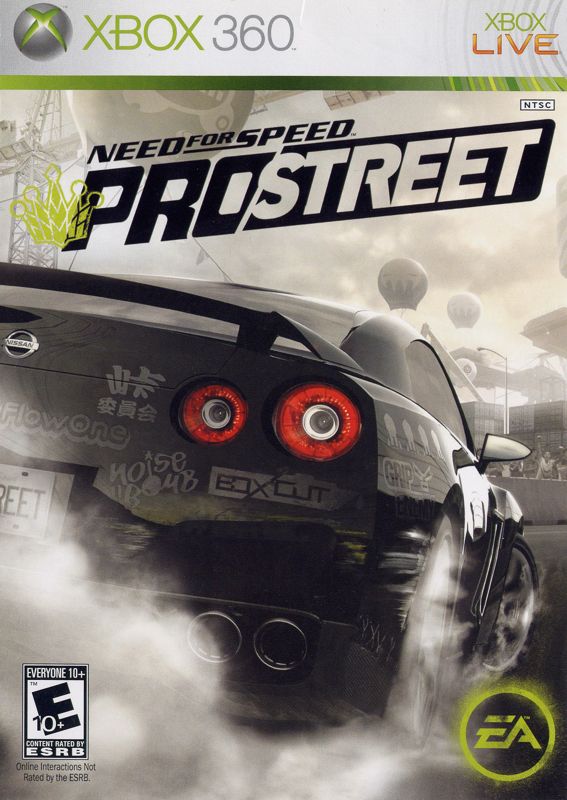
3. Insert the Need for Speed™ ProStreet disc in the system with the label side facing up. 4. Attach game controllers and other peripherals as appropriate.
5. Follow the on-screen instructions and refer to this manual for information on using the software.
TRANSMISSION OPTIONS
You have three transmission options in Need for Speed ProStreet: AUTOMATIC, MANUAL, and MANUAL CLUTCH. To configure your transmission preferences, select OPTIONS in the Main menu, then GAMEPLAY, then MODE OPTIONS. For each of the four racing modes—GRIP, DRIFT, DRAG, and SPEED—you can select a transmission preference. In drag racing, automatic transmissions are not available. If you are driving with an automatic transmission, the shift and clutch controls in both control configurations are disabled. If you are driving with a manual transmission, the clutch control is disabled. If you are driving with a manual clutch transmission, all controls are available. ALIAS
Before you can begin racing in Need for Speed ProStreet, you must first create an Alias. Your Alias tracks your chosen preferences and custom Race Days. CREATING AN ALIAS
At the prompt, select YES to create an Alias. Use the on-screen keyboard to give your Alias a name, then select DONE. Your Alias is created.
ASSISTS
When creating a new Alias, you are prompted to set your Assist level. Assists help novice racers get in the game faster by simplifying controls.
The best setting for inexperienced racers. The Casual setting manages the braking for you and assists you to the best line.
The best setting for intermediate-level racers. The Racer setting helps you brake in difficult corners.
The best setting for veteran racers. The King setting lets you feel the raw power of the car.
You can also change your Assist level in the Options menu. As your driving skills increase, try more advanced Assist levels for more control, faster races, and higher scores. MAIN MENU
From the Main menu you can access your Career, Race Days, or customize Options.
Start—or continue—down the road towards becoming the Street King.
Create your own Custom Race Day (Solo or Split-Screen), or play a Freestyle Race Day.
Customize a variety of options (see below).
Enter secret or promotional codes to unlock hidden bonuses.
Save your progress.
OPTIONS
Adjust a variety of options to improve your Need for Speed ProStreet experience. Adjust the game's master volume or the volume of sound effects, cars, speech, menus, and music in-game, select your menu music, or choose EA TRAX™ JUKEBOX to listen to your music selections throughout the game.
Toggle the Autosave feature ON or OFF.
Select UNITS to choose between IMPERIAL (i.e. MPH) and METRIC (i.e. KPH) units in-game, or select MODE OPTIONS to choose an Assist (CASUAL, RACER, or KING) and to configure options for each of the four racing modes (GRIP, DRIFT, DRAG, and SPEED). Select GRIP, DRIFT, DRAG, or SPEED to choose a preferred transmission (AUTOMATIC, MANUAL, or MANUAL CLUTCH) and car camera location (HOOD, BUMPER, etc), or toggle Anti-Lock Brakes, Traction Control, and Electronic Stability Control ON or OFF (available in King Assist mode only). Anti-Lock Brakes are only available in Grip mode. Additionally, Traction Control, Electronic Stability Control, and automatic transmissions are not available in Drag mode. Furthermore, Anti-Lock Brakes and Traction Control cannot be turned off while using Casual Assists.
Choose one of two controller configurations.
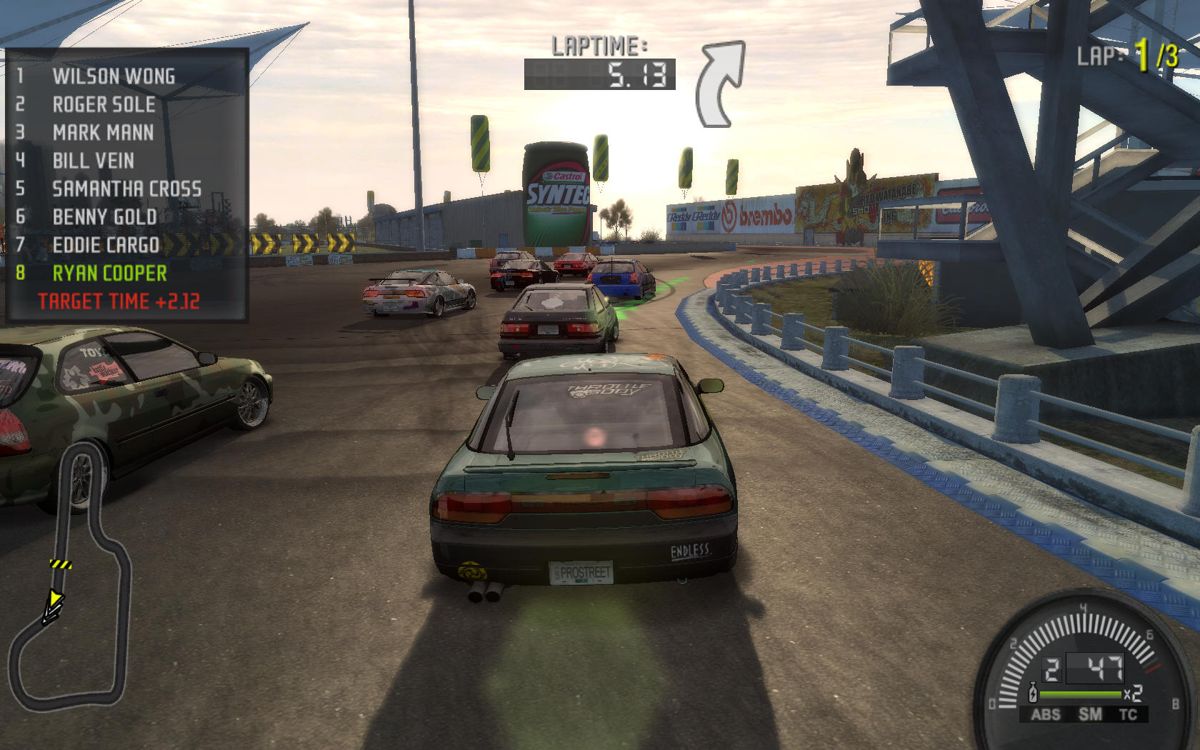
Toggle ON or OFF the following on-screen displays: leaderboard, best line indicator, turn indicators, and the minimap.
Find out who made Need for Speed ProStreet. PLAYING THE GAME
GAME SCREEN
EVENT OPTIONS
When creating a race in either Quick Race or Race Day modes, you are asked to customize a variety of options, including preferred race mode and race variations.
RACE MODES
Choose between race styles to test your skill at sliding, pedal mashing, or shifting gears. Master these four race modes and you'll defeat the top racers across all of Need for Speed ProStreet's racing organizations and, ultimately, become the Street King. Race around a circuit to prove you have the best handling and fastest car in the field.
Win massive drift points by sliding sideways around bends. Tap your emergency brake to initiate a slide, then steer with the skid and feather the throttle to keep it going. But beware
.png)

.png)

.png)

_1.png)
.png)
.png)
