STARTING THE GAME
*Note: Illustration may not match all PlayStation 2 console types. For owners of SCPH-70000 series PlayStation 2 systems, refer to the setup instructions supplied with your system. 1. Set up your PlayStation®2 computer entertainment system according to the instructions in its Instruction Manual.
2. Make sure the MAIN POWER switch (located at the back of the console) is turned ON.
3. Press the RESET button. When the power indicator lights up, press the OPEN button and the disc tray will open.
4. Place the Need For Speed™ Underground 2 disc on the disc tray with the label side facing up. Press the OPEN button again and the disc tray will close.
5. Attach game controllers and other peripherals, as appropriate.
6. Follow on-screen instructions and refer to this manual for information on using the software.
COMMAND REFERENCE
DUALSHOCK® 2 ANALOG CONTROLLER CONFIGURATIONS
•
directional buttons (D-buttons)
•
left analog stick (L3 button when pushed down)
•
right analog stick (R3 button when pushed down)
GAME MODES
Take on the underground in a variety of Quick Race mode races, 2 player split-screen, or Career mode.
CAREER MODE
Rise to the top of the underground in Career mode.
To start a game in Career mode, select CAREER in the Main menu then either create a new profile or load an existing profile.
EXPLORING
Want to make a name for yourself in the underground? You're going to have to find it first. In Career mode, the city is yours to discover.
Explore it by driving around to get a feel for the lay of the land. As you cruise you'll encounter rival racers who you can challenge to an Outrun race. Keep your eyes and ears open for hints pointing you to the areas where you can find the hottest races or the coolest upgrades.
•
If you perform a cool move while you cruise, such as impressive slides, you earn points. These fill up your Race Breaker meter if you have Nitrous Oxide installed. Do something uncool, like hit another driver, and points are deducted from your Race Breaker meter.
SHOWCASE MODE
As you win races and upgrade your car, you will receive messages telling you to proceed to locations where a photographer is waiting to take a picture of your suped-up ride. To set up the best shot you can pop your hood, trunk, or doors to better show off the goods.
•
To open or close the doors, press the D-button or left analog stick.
•
To open or close the hood, press the D-button or left analog stick.
•
To open or close the trunk, press the D-button or left analog stick.
SMS
Messages from other SMS users offer you details on races, car shops, challengers, and opportunities. If you find yourself needing some input in order to advance, check out your mail box. Clues can be found within the messages there.
•
When you see the SMS icon appear on-screen, press the D-button. The game pauses and your messages appear.
•
To read a message, press the circle button.
•
To return to the game from the Inbox, press the triangle button.
•
To return to the game from the message screen, press the triangle button.
•
To return to the Inbox from the message screen, press the circle button.
QUICK RACE MODE
Jump into the driver's seat and let the race begin.
To start a quick race:
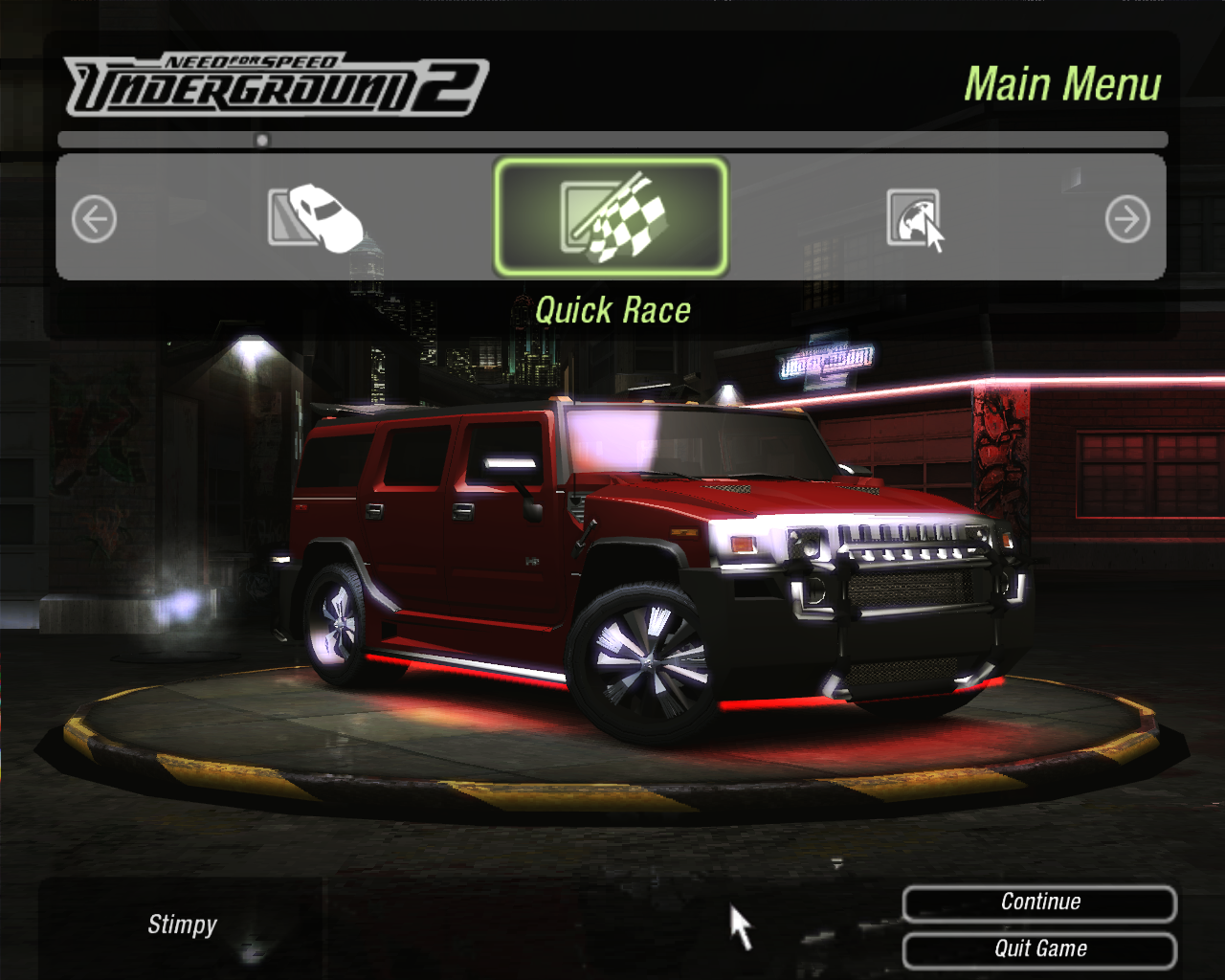
1. Select QUICK RACE in the Main menu.
2. Choose between CIRCUIT, SPRINT, DRAG, DRIFT, STREET X, UNDERGROUND RACING LEAGUE, or FREE RUN modes.
3. Select a location for your race.
4. Adjust race options.
5. Select a vehicle.
6. Choose a MANUAL or AUTOMATIC transmission. The race begins.
•
CIRCUIT: A traditional lap-style course. Finish first and leave your competitors driving in circles.
•
SPRINT: Find out how fast you can get from point A to point B.
•
DRAG: A pedal-mashing, speed-shifting race to the finish line.
•
DRIFT: Break loose into a stylish drift and rack up the points.
•
STREET X: Lap-based racing on tight and technical closed circuits. Fight for first place whatever the cost.
•
UNDERGROUND RACING LEAGUE: Lap-based racing on dedicated racetracks.
•
FREE RUN: No competition. No time limit. No rules. The open road beckons.
2 PLAYER SPLIT-SCREEN
Race a friend and find out who can grab the checkered flag first.
To start a 2 Player Split-Screen race:
1. Select 2 PLAYER SPLIT-SCREEN in the Main menu.
2. Choose between a CIRCUIT, SPRINT, DRAG, DRIFT, STREET X, UNDERGROUND RACING LEAGUE, or OUTRUN race.
3. Select a location for your race.
4. Adjust race options.
5. Select
.png)

_1.png)
.png)

.png)

_1.png)
.png)
.png)
