System Components
Getting Started
Set up your PlayStation®2 computer entertainment system according to the instructions supplied with your system. Check that the system is turned on (the on/standby indicator is green).
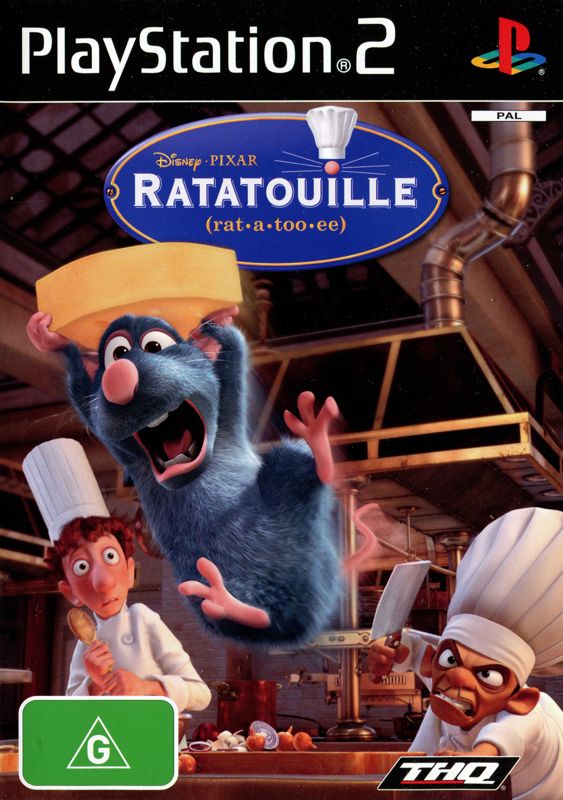
Insert the Disney • Pixar Ratatouille disc in the system with the label side facing up. Attach game controllers and other peripherals as appropriate. Follow the on-screen instructions and refer to this manual for information on using the software.
Memory Card (8MB) (for PlayStation®2)
To save game settings and progress, insert a memory card (8MB) (for PlayStation®2) into MEMORY CARD slot 1 of your PlayStation®2 system.
You can load saved game data from the same memory card or any memory card (8MB) (for PlayStation®2) containing previously saved games.
Profiles
LOAD
Load a selected profile. This option is only available if a game has previously been saved.
SAVE
Save the current profile.
CREATE
Create a new profile.
Main Menu
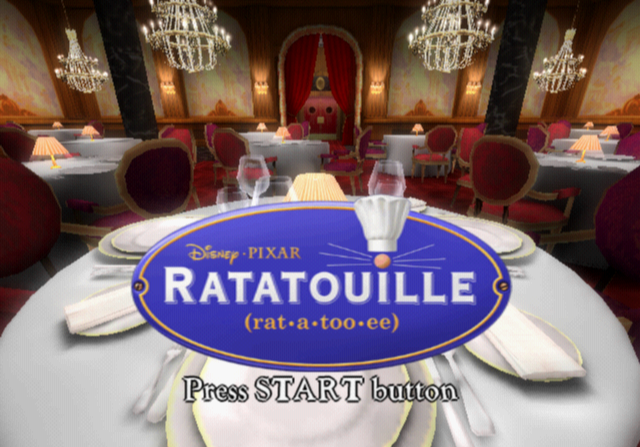
PLAY GAME
Begin a brand-new adventure or resume a previously saved one.
OPTIONS
See page 7 for more information on options.
EXTRAS
Once you've unlocked content in Ratatouille, you can access the extras here. Choose Multiplayer mini-games, Single player mini-games, Championship Mode, Movies, and Gusteau's Shop here. See page 8 for more information on the Extras.
REPLAY TUTORIAL
Once you've completed the first level, you can go back and replay the tutorial to brush up on your skills.
Menu
Pause Menu Options
Press the START button at any time during the game to Pause the action and bring up the following menu. Use the left analog stick or directional buttons to move up and down the menu. Press the button to select that option. Return to Game
Resume the game.
Info
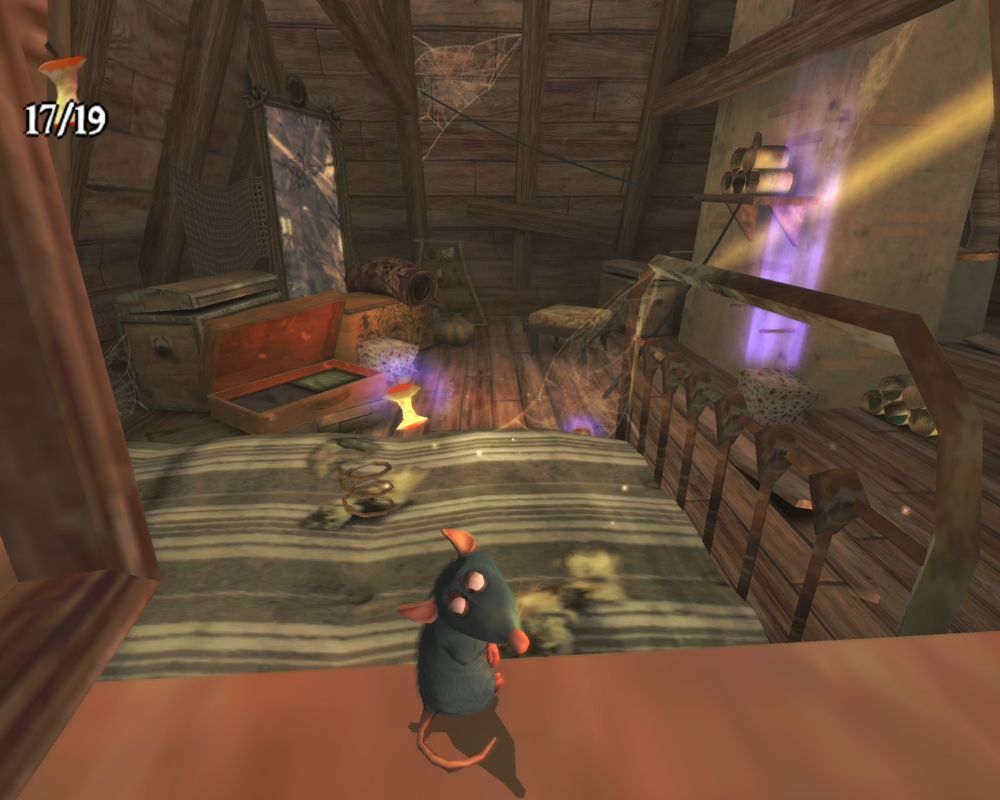
Obtain information on your game progression, your objectives for the current mission, and other details.
Options
Access the Options menu to adjust your settings and view the credits.
Quit Game
Quit your current game and return to the Main Menu.
.png)

.png)
