Starting The Game
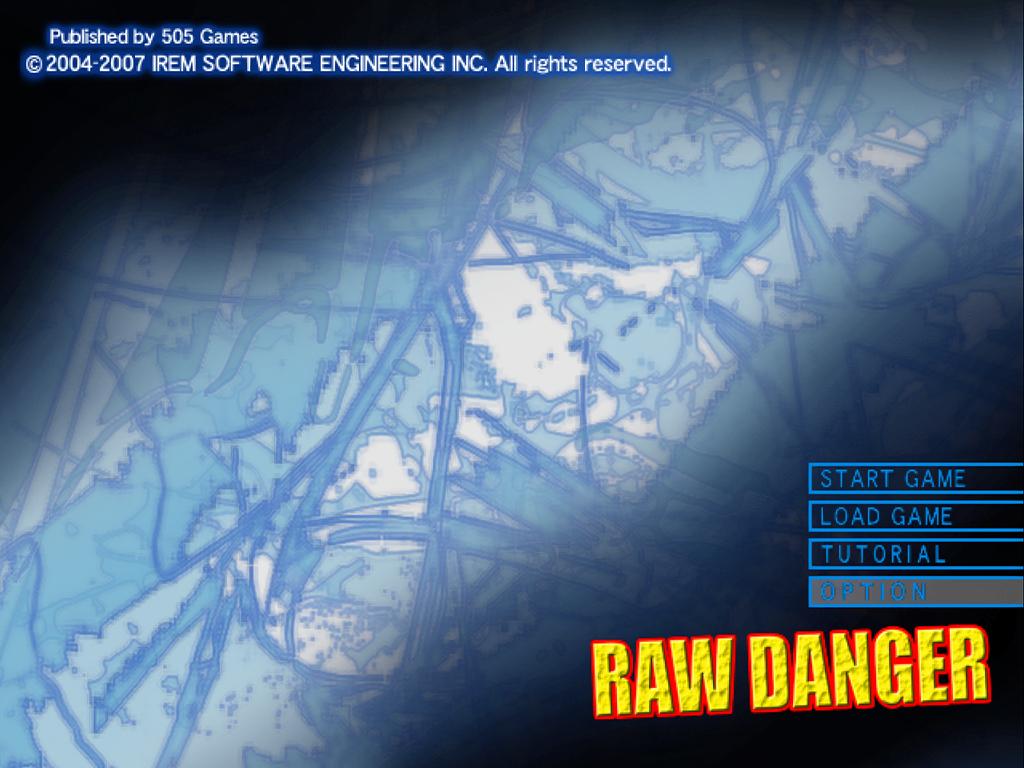
After inserting the Raw Danger disc and turning the system ON, the title screen is displayed. Press the START or button to display the Start Menu.
Start Menu
Pressing the START or button will display the Start Menu. Select "START GAME" and press the button to start a new game.
•
START GAME: Starts a new game.
•
LOAD GAME: Resume the game where you last left off.
•
TUTORIAL: Brush-up on basic operations at the Disaster Relief Center.
•
OPTION: Configure option settings (See pg. 11).
•
???: This item will unlock after meeting certain conditions.
Start Game
Game difficulty can be set after selecting "START GAME" from the Start Menu. The character select screen will then appear. Press the button to proceed.
You will be prompted if you wish to change the character name. Select "YES" if you wish to change the name or "NO" if you wish to use the default character name. After setting the character name, the opening movie will begin.
Name Entry
Set the character name using the Directional button or left analog stick. Press the button to confirm selection, button to backspace, or button for the character's default name. Select "END" and press the or START button to proceed.
About Main Characters
There are 5 stories in this title, and the player will control 5 different main characters in each story. Story order cannot be changed. Each story must be completed to proceed to the next story.
Tutorial
Selecting "TUTORIAL" and pressing the button goes to the Disaster Relief Center main menu. At the center, basic operations are taught. Select "EXIT" to return to the main menu.
Load Game
Select "LOAD GAME" to resume the game where the game was last saved.
Option
Select "OPTION" on the Start Menu to change game settings. Game settings can be set/changed during the game by selecting "OPTION" on the main menu.
•
VIBRATION: Turns ON/OFF controller vibration function.
•
SOUND: Sets BGM and SE to MONO/STEREO.
•
SCREEN POSITION: Adjusts screen position.
•
COLOR/BRIGHTNESS: Adjust screen color and brightness.
•
CONTROLLER CONFIGURATION: Configure button functions.
•
DEFAULT: Sets all options to default settings.
•
EXIT: Returns to Title Screen.
Save Data
Game data can be saved at Survival Points. A menu will be displayed at the Survival Point. Select "SAVE" to save the game data.
Saving game data requires a memory card (8MB)(for PlayStation2) in MEMORY CARD slot I with at least 300KB of free space. A total of twenty different game files can be saved on a single memory card (8MB)(for PlayStation 2). Game System
Conditioning is the Key
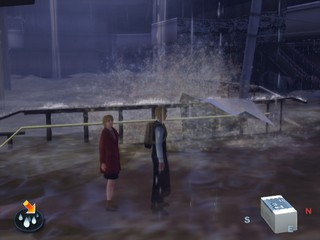
The purpose of this title is to survive in the flooded city. If the character collapses, gets washed away, or falls from the edge or from a building, the game will be over. Game may end under other conditions too, depending on the character.
Survival Point
An orange arrow will appear on the screen when the character is around a stove, bonfire, and other specific places. It's called the Survival Point, where a meal can be prepared, wet clothes can be dried, and/or game data can be saved.
•
Warm Up: To warm up the body and dry clothes. Body temperature will be restored.
•
Eat: A meal can be cooked if cooking ingredients and utensils are available. A player's character can share the meal with a person who/she he is traveling with.
•
Close: Return to main game screen.
Remember! Stay dry and warm !!!
Garbage Can/Jasper
Items can be stored in a garbage box. Also, Jasper can take items from characters and store them. Stored items can be picked up by different characters within the story.
Garbage Can
There are garbage boxes around the city. Items can be stored in them and picked up later in the game. Stored item(s) can be picked up from the garbage box where the items were stored.
Jasper
Jasper walks around town and he can store a character's items for later use. A different character can take items from Jasper if he/she runs into him.
Menu Screen
Press button to open menu screen to use item(s), assemble an item, use special talents, view information/books, or change game settings. Press button to exit.
Item
•
Equip: Equip/unequip items.
•
Give: Give an item to a person around.
•
Destroy: Destroy an item.
•
Compass: Change equipped compass.
BT Gauge
Indicates character's body temperature and health condition. Staying in water or cold weather will have a negative influence on BT and health condition, and the color of the gauge will change from red to green.
Assemble
Two or more items can be assembled to build an item. On the other hand, some items can be disassembled into a few pieces that can be used separately.
An item can be assembled. Items required are shown on the right side of the screen and the finished item is shown on the left side. An item can be assembled if required items are available. Assemble can be used to decrease the weight load. Some items can be obtained through assemble.
**Disassemble




.png)

.png)



.png)
