Getting Started
•
left analog stick (L3 button when pushed down)
•
right analog stick (R3 button when pushed down)
Set up your PlayStation®2 computer entertainment system according to the instructions in its Instruction Manual. Make sure the MAIN POWER switch (located on the back of the console) is turned on.
Press the RESET button. When the power indicator lights up, press the (OPEN) button and the disc tray will open. Place the SPACE CHANNEL 5 Special Edition disc on the disc tray with the label side facing up. Press the (OPEN) button again and the disc tray will close.
Attach game controllers and other peripherals, as appropriate. Follow on-screen instructions and refer to this manual for information on using the software.
Game Flow
Ulala is the only one who can free the humans from the Morolians' dance trance. Succeed in your report by following the Morolians' dance steps and rhythm exactly! DANCE MODE
Copy the rhythm and timing of the Morolians' instruction and movement! When it's Ulala's turn to dance press the UP! LEFT! RIGHT! DOWN! SHOOT! buttons in the same order and timing as the Morolians!
SHOOTING MODE
When it's Ulala's turn to shoot press the UP! LEFT! RIGHT! SHOOT! buttons in the same order and timing as the Morolians!
Press the button to shoot the Morolians. Press the button to rescue the humans.
Morolians/humans appear in 3 positions - LEFT, UP, and RIGHT. Press the left, up, and right directional buttons in the appropriate direction and press the button to shoot the Morolians.
Watch where and in what order the Morolians appear! Press the button to shoot the Morolians. Press the button to free the humans.
Game Display
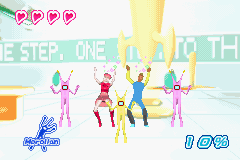
DANCE MODE
1. The number of times Ulala can fail.
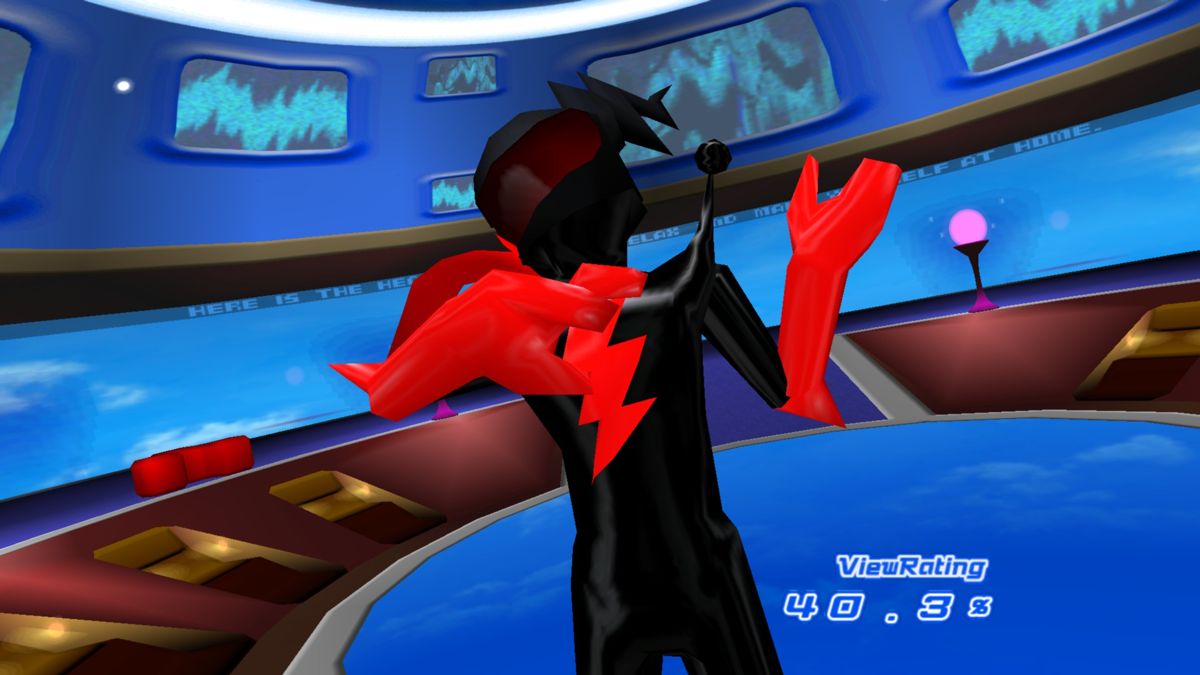
2. Current View Ratings.
3. Current turn.
SHOOTING MODE
1. The number of times Ulala can fail. It is displayed in pink hearts.
2. Current turn
3. Current ViewRating (displayed in numbers (ex; 14.0%))
4. The number of times Ulala can fail during the Boss battles. The ViewRating Ulala acquired before entering Special Battle is converted into "Golden Stars (P.29)."
PAUSE MENU
Press the START button while playing to pause the game and display the PAUSE MENU. Use the up and down directional buttons to select an item and press the START button to enter.
•
CONTINUE FROM MIDWAY: Resume the report from the beginning of the last area you are playing.
•
CONTINUE FROM START: Restart the report from the first area of this report.
•
SAVE AND END: Save newly obtained items and characters and quit the game.
Save
At the end of each report (stage) a Save screen will be displayed, giving you the option to save the progress of the game. 73KB of memory are required to save, and up to 8 game files can be saved.
Use the up and down directional buttons to select the destination file and press the button to save. To resume the game, press the A button.
Once the Save End Screen is displayed, select the destination file and press the button to save. After the game is saved, press the button to return to the Title Screen.
Game Over
Any of the following conditions will cut short Ulala's career as a reporter:
•
If Ratings fall to zero.
•
If Ratings fall short of the objective displayed at the beginning of each report (stage).
•
If the heart gauge displayed when dancing against a Boss character is fully depleted.
•
If the ViewRating falls to zero.
•
If the Golden Star gauge displayed is fully depleted when dancing in the special battles such as a Boss battle.
Note that even if the number of Pink Hearts drops to 0 and you are defeated by opponents or fail in rescuing humans, the game will not be over.
Continue Menu
Once the game is over, the Continue Menu will be displayed. Use the up and down directional buttons to select an item and press the button to enter.
•
CONTINUE: Continue the game from the beginning of the last report (stage).
•
SAVE END: Save the game at the last played report (stage) and finish the game.
•
END: Finish the game without saving and return to the Title Screen.
Controller Setting
Adjust the controller settings. Use the up and down directional buttons to select a control function and the right and left directional buttons to adjust. Press the button to return to the Options Menu.
•
VIBRATION MODE: Toggles the
 (Disc 2).png)


 (Disc 2).png)
 (Disc 1).png)
 (Disc 1).png)