STARTING THE GAME
1. Set up your PlayStation®2 computer entertainment system according to the instructions in its Instruction Manual.
2. Make sure the MAIN POWER switch (located at the back of the console) is turned on.
3. Press the RESET button. When the power indicator lights up, press the open button and the disc tray will open.
4. Place the UEFA EURO 2004™ disc on the disc tray with the label side facing up. Press the open button again and the disc tray will close.
5. Attach game controllers and other peripherals, as appropriate.
6. Follow on-screen instructions and refer to this manual for information on using the software.
Multitap Connection
When using the Multitap (for PlayStation®2), a controller must be connected to controller port 1-A.
•
multitap connector (for PlayStation®2)
POWER, WEIGHT, AND DIRECTION
When shooting, lobbing, and playing a manual pass, a power meter appears at the bottom of the screen. Keep the relevant button pressed to increase power (along with speed and distance) and release when the meter has filled sufficiently. If the meter reaches the red zone, your effort is more likely to be off target.
Press the left analog stick to aim—the ball travels in the direction it is facing when the button is released.
PASSING
Normal passes, lobs, and crosses are automatically directed towards a teammate or teammate's run in the direction of your left analog stick. Manual passes are played in the direction of your left analog stick allowing your teammate to run onto the ball.
To play first-time balls (passing or shooting without first controlling the ball), press the relevant buttons before the ball reaches your player.
DRIBBLING
The faster you travel, the trickier it is to trap an incoming pass or keep control of the ball. Try to balance your pace and control requirements.
ATTACKING OFF THE BALL™ CONTROL OPTIONS
Off the Ball™ Running
When your player has possession of the ball, press the L2 button to increase his passing options. Potential ball receivers appear with numbers above their heads.
Press the L2 button to cycle through the receivers and press the right analog stick to guide the highlighted receiver's run. To play a pass towards the highlighted receiver, press the button or the button.
DEFENDING (WITHOUT BALL)
SETTING UP THE GAME
Play your way to the championship with UEFA EURO 2004™. Manage a successful qualifying campaign—juggling changing player morale and fitness—to reach the UEFA EURO 2004 Finals and play against the best teams in Europe. From the Select Team screen, press the button to decide whether a team is User or CPU controlled.
MORALE
If a player's morale decreases, his performance drops. However, if things go well on the pitch his morale increases again. You can monitor player morale from the Team Management screen. Significant changes are highlighted in Team News.
USER PROFILES
Your User Profile contains all of your game preferences (e.g. Set Pieces, Game Settings, etc).
ACTIVATING A USER PROFILE
The Active User Profile determines the settings currently being used.
To change the User Profile being used in the current session, press the D-button or the left analog stick in the My Euro User Profiles screen to select the required User Profile. Then press the button.
User Profiles can also be chosen at the Select Sides screen before playing a game.
PLAYING THE GAME
CONTROL HIGHLIGHTS
•
Controlled player in possession of the ball
•
Controlled player when not in possession of the ball
•
Off-screen controlled player indicator
•
2 Players making Off the Ball Runs
PLAYER STATUS BAR
During a match, a Player Status Bar appears at the bottom of the screen, displaying the highlighted player's current level of fatigue, morale, and star abilities he possesses.
FATIGUE
This level decreases the more a player sprints (press and hold the R1 button), slowing him down, but replenishes when he returns to normal pace.
MORALE
The morale indicator appears if a player's morale is exceptionally high.
STAR PLAYER
Star players' special abilities are represented by the following icons:
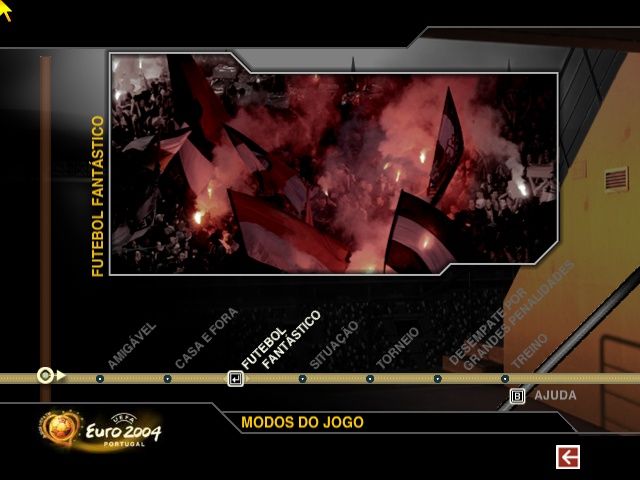
GAME MODES
Most of the game modes in UEFA EURO 2004 are self-explanatory and are not covered in this manual. See Hints and Tips on p. 10 for further information on playing the game.
TOURNAMENT
Play your way through a league, knockout tournament (or a combination of both) against any of the 51 qualifying UEFA EURO 2004 teams. You can also skip the early rounds and go straight to the finals.
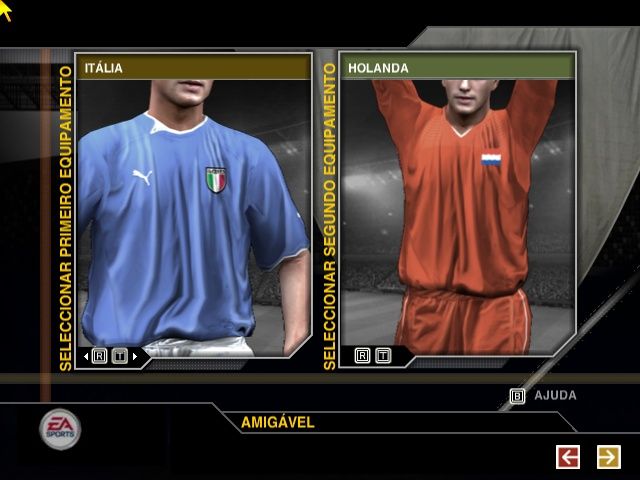
To select the teams, press the D-
.png)

.png)

.png)


.png)
.png)


