System Setup
Set up your PlayStation®2 computer entertainment system according to its Instruction Manual. Ensure the MAIN POWER switch (located on the back of the console) is ON.
•
When the power indicator lights up, press the OPEN button to open the disc tray.
•
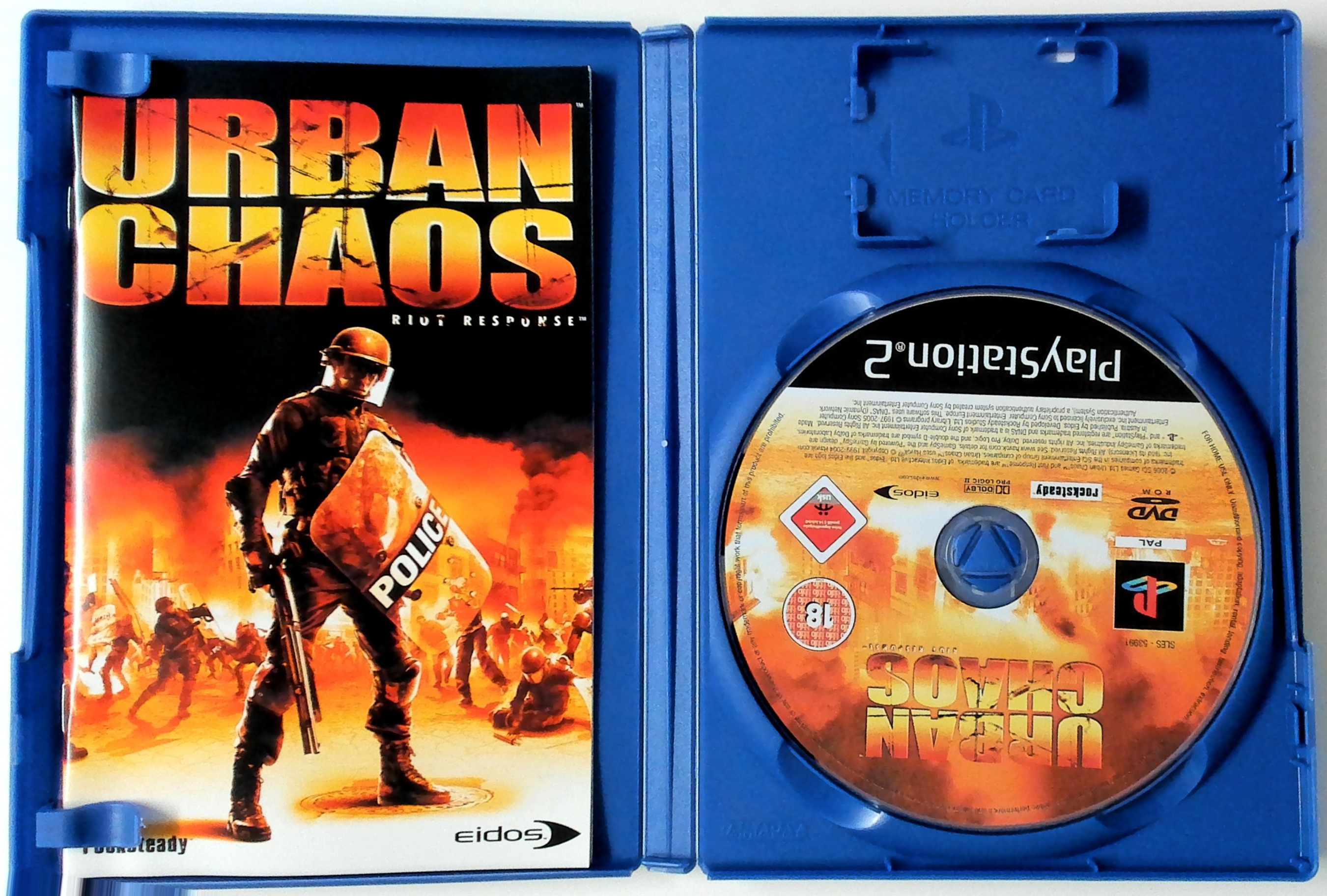
Place the URBAN CHAOS™: RIOT RESPONSE™ disc on the disc tray with the label side facing up.
•
Press the OPEN button again to close the disc tray.
•
Attach game controllers and other peripherals as appropriate.
•
Follow on-screen instructions and refer to this manual for information on using the software.
Memory Card
To save game settings and progress, insert a memory card (8MB) (for PlayStation®2) into MEMORY CARD slot 1 before powering on the system. At least 90KB of free space is required to save game data.
This game supports saving and loading of game data in MEMORY CARD slot 1 only. You can load saved game data from the same memory card or from any memory card containing previously saved URBAN CHAOS: RIOT RESPONSE games.
Controller
Connect the DUALSHOCK®2 analog controller to controller port 1 before starting play. When the vibration function is On, the controller will vibrate in response to game events.
You can reconfigure the controls and toggle the vibration function On/Off in Options mode. All controls used in this manual are the default controls.
Menu Controls
You can select and adjust options from the Main Menu and from the in-game Pause menu (press the START button during play to pause).
•
Use the directional buttons to view and cycle through the game options.
•
Press the button to select an option, change a current option, confirm any changes made or progress to the next screen.
•
Press the button in a submenu to return to the previous screen.
Objectives Menu
The Objectives Menu lets you take a break from the action and check on your progress.
•
Press the SELECT button to open the Objectives Menu.
•
Press the directional buttons ↑/ to scroll through the list of objectives.
•
Press the button to return to the game.
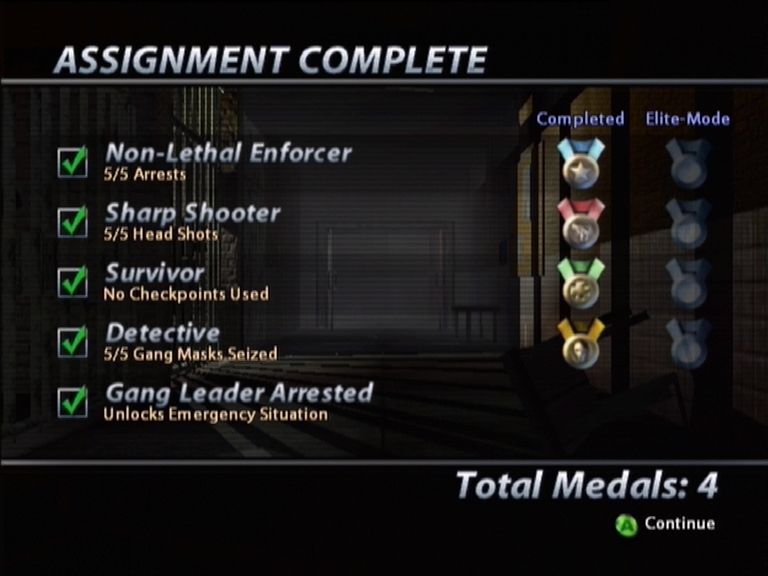
Objectives are orders that must be completed to finish the mission. The Primary Objective is the key to completing the mission. Complete Special Objectives to win medals, which bring rewards as well as street cred.
Weaponry and other upgrades are available to the best of the best. Emergency Missions are awarded for non-lethal capture of gang leaders. See page 17 for details on rewards or press the button in the Single Player/Select Level screen.
Weapons Training
T-Zero's great strength is taking the fight to the gangs. Weapons, though unpopular among many civilians, are crucial for this task.
The weapons you are issued are not the only weapons you can use. Walk over downed gang members to pick up their weapons, too.
Police Weapons
As a new hire, you're issued the following key sidearms. Other items will be added to your arsenal as you prove yourself in service through completion of missions. Completing Special Objectives rewards you with weapons upgrades and other firepower advantages.
Pistol MK. 1 (Single-Handed Weapons)
A 15-round semi-automatic pistol with excellent accuracy. A cornerstone of any T-Zero operative's armory.
•
Press the button to select the pistol.
•
Press the button to toggle through any other firearms you may have picked up.
•
Press the R1 button to fire a weapon.
•
You can use a flashlight while using a single-handed weapon. Press the R2 button to switch the flashlight on/off.
•
Push in the 63 button to zoom in with the pistol and other selected weapons. This allows for much more accurate shooting.
Use your firearms to shoot out lights, gas canisters and even locks.
Stun Gun
The stun gun is a non-lethal subduing implement, useful for incapacitating suspects long enough for them to be locked up and interrogated. While you may think these scum don't deserve to live, key leaders must be taken alive if you're to gain intelligence on this organization.
•
Press the button to select the stun gun.
•
When you are arm's length from the target, press the R1 button to discharge the stun gun.
Two-seconds discharge will incapacitate most perps. Hold the R1 button longer than that and you might smell roast pork!
Orders/Teammates
In the course of your duties, you'll team up with other members of the Emergency Services. In certain situations, an on-screen Orders interface lets you issue orders so that other members of the City's Emergency Services can assist you in your missions.
•
Press and hold the directional button to review available orders.
Fire Department
The City's firemen are here to assist you in accessing burning buildings and finding your way past barriers. Their expertise allows you to go where others fear to tread.
•
Use the left analog stick to highlight a blocked or locked door, then select the AXE icon to order the fireman to break through.
•
There are other orders, so watch out for situations where quick thinking and team work are required.
•
Select the FOLLOW order icon to get your teammate to follow at a safe distance.
•
Select the HAND icon to order your colleague to halt and take cover.
Police Officers
Regular 5-0 just might save your bacon in a tight squeeze - they're there to help disperse crowds, provide extra manpower and even help out in hostage situations.
•
Press the directional button to order your cop buddy to
.png)

.png)
.png)
.png)



_1.png)












.png)