Getting Started
Set up your PlayStation®2 computer entertainment system according to the instructions supplied with your system. Check that the system is turned on (the on/standby indicator is green).
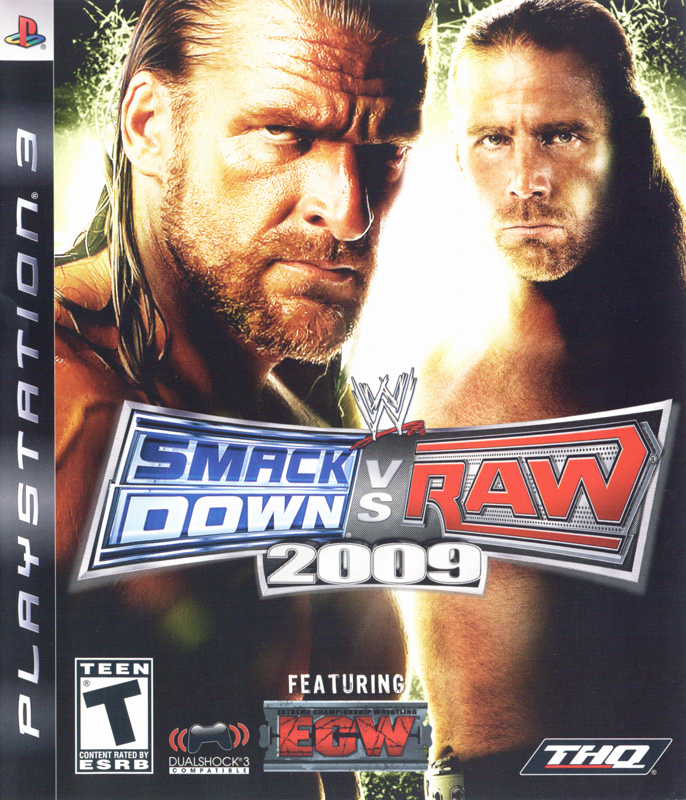
Insert the WWE SmackDown vs. Raw 2009 disc in the system with the label side facing up. Attach game controllers and other peripherals as appropriate. Follow the on-screen instructions and refer to this manual for information on using the software. Memory Card (8MB)(for PlayStation®2)
To save game settings and progress, insert a memory card (8MB) (for PlayStation®2) into MEMORY CARD slot 1 of your PlayStation®2 system.
You can load saved game data from the same memory card or any memory card (8MB) (for PlayStation®2) containing previously saved games.
Rope Rebound
Perform this maneuver by running toward the ropes. Once the Superstar rebounds off the ropes, you can let go of the controls while your Superstar automatically runs across the ring.
To initiate an attack while rebounding off the ropes, press to perform a running strike, or move the right analog stick (↑///) to perform a running grapple.
Remove Turnbuckle Cover
When positioned in front of a turnbuckle, move the left analog stick toward the turnbuckle and press to remove the cover. Irish whip your opponent against the exposed metal for added damage.
This can also be used as an environmental grapple by dragging your opponent toward the exposed turnbuckle. To drag, hold R1 then move the right analog stick followed by moving the left analog stick toward an exposed turnbuckle. Then move the right analog stick from left to right.
Dive Setup
Prepare your opponent for a high-flying maneuver by Irish whipping your opponent toward the corner turnbuckle. Once the opponent's back is leaning against the turnbuckle, press while standing near the opponent.
This can also be performed while running toward the opponent and pressing. This can only be performed if the opponent is facing you with their back against the turnbuckle.
Fists of Fury
Hold R1 + to unleash a devastating 3 strike combination on your opponent!
Menu Controls
Use the left analog stick or directional buttons to navigate the in-game menus. Press to confirm your selection. Press to go back to the previous screen.
My WWE
Enter the Roster Editor, Direct your own WWE Highlight Reel, or adjust the options.
Road to WrestleMania
Experience the most important time of year for WWE Superstars: The Road to WrestleMania! Triple H, CM Punk, Undertaker, John Cena and Chris Jericho all have their own exclusive, single-player storylines designed to make the most out of their larger-than-life personalities.
Another story featuring Rey Mysterio and Batista can be played alone or via co-op. No matter whom you choose, the road will be filled with drama, action, and surprises. It's the closest thing to being a WWE Superstar without lacing up your boots! Game Modes
Choose from Career Mode or Tournament Mode. Career Mode gives you the ability to manage and play out a Superstar's career. Book matches, go after titles, switch brands – your career is all within your grasp.
With Tournament Mode you can configure a quick bracket for you and your friends to compete in.
Create Modes
Here you can Create A Superstar, Create A Move-Set, Create An Entrance and Create A Finisher.
Note: To increase your Created Superstar's individual attributes and overall rating, select your Created Superstar when starting Career Mode.
CAREER MODE
Why be satisfied with just one championship when you can hold all the gold? Select any Superstar or Diva in the game, or create your own Superstar, and collect all the Championships in WWE – and maybe even a few more!
You're not the only one gunning for that top spot. Other Superstars want their title shot as well. Defeat the competition in impressive fashion to become the No.1 contender, and then challenge the champ.
Along the way, attributes will level-up, detailed statistics will be tracked, and new match types will be unlocked. It's a near-endless, highly customizable way to get the most out of your favorite WWE Superstar!
Note: To increase your Created Superstar's individual attributes and overall rating, select your Created Superstar when starting Career Mode.
ROSTER EDITOR
Located inside the My WWE menu is the new Roster Editor feature. Change a Superstar's brand, fan reaction (clean or dirty) and assign titles to Superstars as you see fit.
Create A Finisher
Stun your opponent with a poison fog attack, kick him in the gut, followed by a measured strike to the head, then cinch their neck in a chokeslam clutch, perform a taunt in their face then lift and slam them to the mat with a devastating spinebuster! All this and more awaits you in the new Create A Finisher mode.
Move the left analog stick to navigate around the menus and press to make a selection. Press L1 and R1 to change the speed of the animation. Press to cancel a selection. Move the right analog stick to change the camera angle or zoom. Pressing SELECT will display a help menu.
When you are finished, save your created finisher. To assign your created finisher to a Superstar, Diva or Created Superstar, proceed to Create


 (En,Fr) [b].jpg)








.png)


.png)
.png)





.png)
_1.png)

