Getting Started
Set up your PlayStation 2 computer entertainment system according to the instructions supplied with your system. Check that the system is turned on (the on/standby indicator is green). Insert the X-Men Origins: Wolverine disc in the system with the label side facing up. Attach game controllers and other peripherals as appropriate. Follow the on-screen instructions and refer to this manual for information on using the software.
Memory Card (8MB)(for PlayStation®2)
To save game settings and progress, insert a memory card (8MB)(for PlayStation®2) into MEMORY CARD slot I of your PlayStation®2 system.
You can load saved game data from the same memory card or any memory card (8MB) (for PlayStation®2) containing previously saved games.
Pause Menu
•
Continue - Resumes gameplay.
•
Restart Checkpoint - Restarts from most recent checkpoint.
•
Restart Mission - Restarts current level.
•
Upgrades - Use XP to upgrade Wolverine.
•
Options - Adjust the in-game options.
•
Main Menu - Returns to the Main Menu.
Gameplay
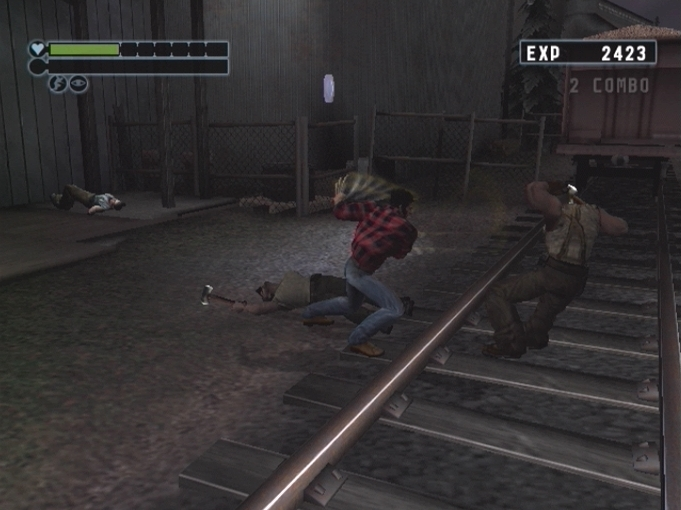
Throughout his journey, Wolverine will encounter countless deadly adversaries. He must travel through treacherous environments, each more perilous than the last, until ultimately facing his toughest challenge.
Navigation and control of Logan is done using the Left Analog Stick. Attacks are performed by using variations of both Quick and Heavy Attack buttons. Pressing multiple button combinations allows for a variety of combos. Mastering these moves is necessary to defeat the various foes and archrivals in Logan's quest for vengeance.
.png)


.png)
.png)
.png)








.png)

_(En,Fr)_[b].png)


_1.png)


_1.png)