Console Top View
Console Front View
Controller Front View
Controller Top View
Getting Started
1. Set up your PlayStation™ game console according to the instructions in its Instruction Manual. 2. Make sure the power is off before inserting or removing the CD.
3. Do not insert or remove peripherals or Memory Cards once the power is turned on.
4. Insert the PANDEMONIUM 2 CD and close the Disc cover.
5. Insert game controllers and turn on the PlayStation™ game console. 6. Follow on-screen instructions to start a game.
Main Menu
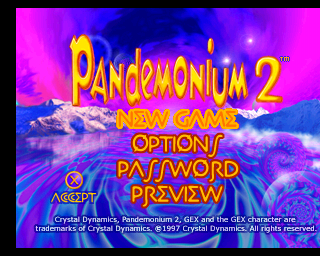
The Main Menu appears at the start of a game.
•
Use the Directional buttons to highlight your selection, and press X.
•
To return to the Main Menu during a game, press Start, then press Select, choose Quit and press X and then choose Yes and press X.
Main Menu Selections
•
NEW GAME: Start a new game at the first level.
•
OPTIONS: Display a menu of game adjustments. Make changes by pressing the Directional buttons UP/DOWN.
•
SOUND EFFECTS: Adjust the sound effects volume.
•
CONTROLS: Remap the Jump, Fire and Special controls.
•
MUSIC: Adjust the music volume.
•
PASSWORD: Use a password from a previous game to start a new game at a higher level. Use the Directional buttons to enter the password (UP/DOWN to change a symbol; LEFT/RIGHT to move the entry point). Press X to confirm. If the password entered is invalid, try again or quit to the Main Menu by pressing.
When you complete a level, you'll see its password on the End of Level screen.
Start Game: The Righteous Path
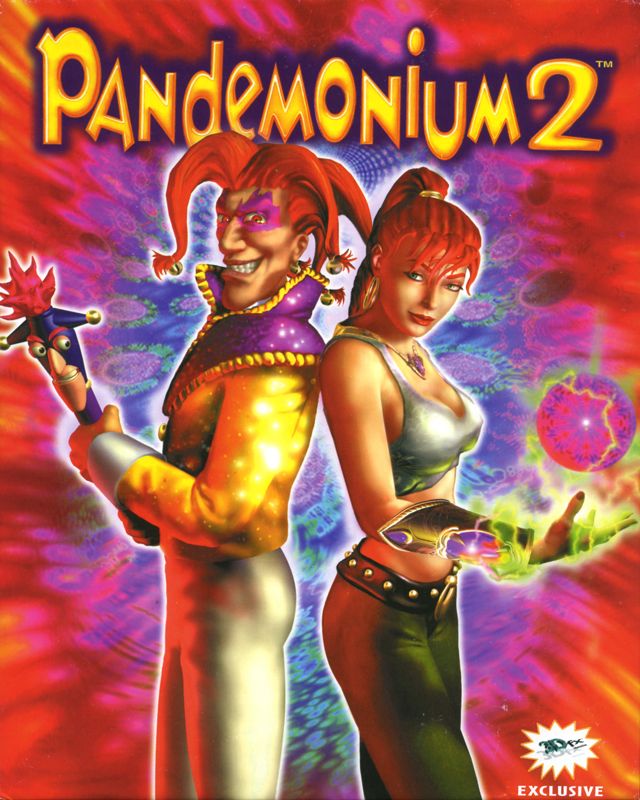
1. Use the Directional buttons to move Fargus and Nikki to the pulsing star on any available portal. (In new games, only the Level 1 portal is available.) 2. Press to switch between Fargus and Nikki as your character. 3. Press X to begin play.
4. When you finish a level, you'll return to the Righteous Path, where you can go on to the next portal. At any time, you can replay levels you previously finished.
Pausing
1. Press Start during play to pause the game.
2. Press Start again to resume play.
Quitting
1. Press Start during a game.
2. Press Select to quit back to the Main Menu.
3. Choose Quit and press X.
4. Choose Yes and press X.
.png)

.png)


 (En,Fr,De,Es,It) (No EDC).png)


 (En,Fr,De,Es,It) (v1.1).png)








_1.png)






_1.png)