STARTING SCREEN
Select NEW GAME to start a new game. Next, select a difficulty level: AUTO, EASY, NORMAL, or HARD. AUTO is self-adjusting, basing difficulty on your in-game performance. Press the X button to decide.
LOAD GAME will load saved data. Select data and press the X button to decide.
•
When a game is over, CONTINUE will be displayed as well.
OPTION
Press the START button while inside the base to display the Option screen. Press the X button to return to the previous screen.
Sound Control
Stereo/monaural, BGM/SE volume adjustment, and sample BGM.
Monitor Adjustment
Adjust the brightness of the TV monitor so that the figures 1 through 8 will be visible.
Configuration
See page 7.
Load Data
See page 7.
Save Data
See page 7.
STAFF FLOOR
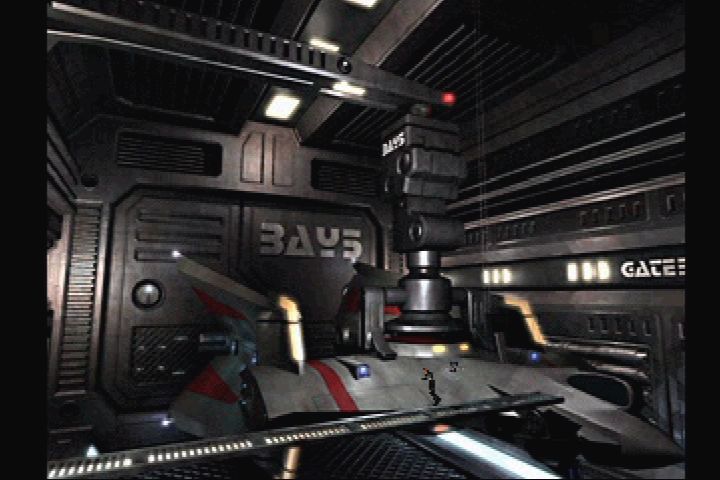
Press the X Button in front of the door to enter a room. There is a Briefing Room, Male/Female Private Rooms, and a Lounge.
ELEVATOR
Press the X Button on the elevator to display the screen on the left. Select a desired location and press the X button to decide. You have no access to the locations indicated in red. Press the O button to return to the previous menu.
•
Observe Room (Observation Deck)
•
Simulator Room (training mission)
SIMULATOR ROOM
In this room, you can perform a training mission. Go in front of the door, turn to the right and press the button to display the ranking.
When the training mission is complete, select EXIT to leave the room, or TRY AGAIN to continue.
TOTAL SCORE
135000
RANKING
•
1ST 262900 MORT SCH 150270 PORT
•
2ND 202050 MORT GTH 140450 ORT
•
3RD 172790 BORT 7TH 137900 80
•
4TH 151630 MORT 8TH 155000 SHUN
DISARMING RANDALL DEVICE
02.45.35
Using the Left Stick or the Directional buttons, move the red dot in the upper left corner to the red flashing section in the lower right corner. Do not touch the wall or obstacles.
You must complete this within the time limit. If you fail, some weapons will be lost, but you can advance to the next level.
MISSION PREP
BRIEFING
You can confirm the contents of the mission. However, some missions may not provide briefings.
SELECT A WING MAN
Select your wing man. The following capabilities will be displayed:
•
Actual Combat Experiences
SELECT EQUIPMENT
Select a center weapon and a side weapon. Side weapon can be released at any time during a mission, but center weapon can be released only when it is locked on.
When a red triangle is flashing, press the Directional button down to scroll through the list of weapons.
CONTINUE
When a mission fails, you can select to CONTINUE or END the game. If no input is made, the game will end. (Remaining number of aircraft)
GAME OVER
The game is over when you lose all of your aircraft. Select CONTINUE to return before the mission briefing starts. (If the mission has no briefing, it returns to Selecting an Aircraft.)
You can't CONTINUE the game in case LOAD GAME is selected, the Reset Button is pressed, or the power is turned off.
©1999/2000 Asmik Ace Entertainment Inc.
.png)


.png)


.png)

.png)

.png)

.png)

.png)