STARTUP INFORMATION
Console Views
•
POWER BUTTON/RESET BUTTON
Alternate Console View
•
Note: You may have a console that looks like this.
Console Setup
Set up your PS one™ or PlayStation® game console according to the instructions in its Instruction Manual. Make sure the power is off before inserting or removing a compact disc. Insert the Virtual Pool 3 disc and close the Disc Cover. Insert game controllers and turn on the game console. Follow on-screen instructions to start a game. TITLE MENU
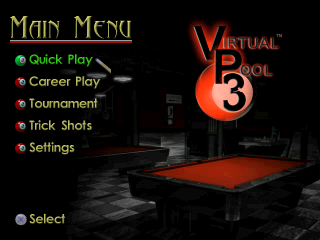
After the game boots up, the Main Menu screen will appear. While you are in the menus, you can use directional buttons to move around and the button to select different items.
Main Menu Options
CREATE A PLAYER
Use the directional buttons to highlight a character. Press the button to enter that character.
For a Space, use the blank cell to the right of the '9' character. To delete a character, use the '<' character at the far right on the bottom row.
When you are finished entering the name for your player, press the START button to continue and save your player.
QUICK PLAY
Select the Quick Play option from the main menu. Once in Quick Play settings use the directional buttons to select your game settings.
Quick Play Settings
1. Game: Press to choose type of game play. Press the button to cancel. Choose from the following: 10-ball, 9-ball, 8-ball, 6-ball, Straight, Rotation.
2. Location: Choose 6 different 3D environment locations. Press to continue or to cancel. You may play in rooms that have been previously unlocked in Career Mode.
3. Match Length: Select the number of matches by pressing the directional buttons up or down. The maximum number of matches is 50. Please note that this option is only available if playing against a computer or human opponent.
4. Point Goal: For a Straight Pool Game Only: Adjust the point total for the match by pressing the directional buttons up or down. Please note that this option is only available if playing against a computer or human opponent.
5. Opponent: Here you can select from three different opponents: Computer, Human, and None (solo).
Quick Play Opponent Types
Computer
Once you have chosen your game settings and selected computer opponent, press the START button to continue. This will bring you to the Select Player screen.
Here you can choose to start the game with a default player, create a player, or delete a player. After selecting who to play with it will bring you to the Select Opponent screen, where there will be the list of Computer opponents to choose from.
To select your opponent use the directional buttons to scroll up and down until the player's name that you'd like to play is highlighted. Once you have chosen your opponent press the START button to begin play.
Human
Start the game with a default player, create a player, or delete a player. Once you have made your selection for Player 1 and Player 2 press START button to begin play.
None
Here you can choose to start the game with a default player, create a player, or delete a player. Once you have made your selection press the START button to play. This option will also allow you to enter Trick/Setup mode.
Trick/Setup Shot Mode
You can place the cue ball wherever you want by pressing and holding the R1 and then moving the directional buttons or left analog stick to move the ball into position. While in Move Mode, a cursor will appear over the selected ball.
To select a different ball to move, press L1 (for ALT mode) and hold the R1, move the cursor over the ball you want to move, and then release the R1. The cursor will lock to the nearest ball, which you can then move by holding the R1 as described above.
You can add or remove balls from the table by pressing the START button to access the In Game Menu and then selecting Ball Status (Spot/Pocket). To re-rack the balls, press START to enter the In Game Menu and then select 'Re-Rack'.
Career Play
In Career Play, you start playing in the Garage for chump change. You're a lowly minnow in an ocean of pool sharks. To advance to the next pool location and players with more skills and larger wallets, you must beat "Big T", the Boss of The Garage.
Each pool location will have a boss that you have to work up to and beat. Your goal, and final reward, is to play and beat Curly at his private beach house. Even if you think you can beat him, his bets are way out of your league, for now...
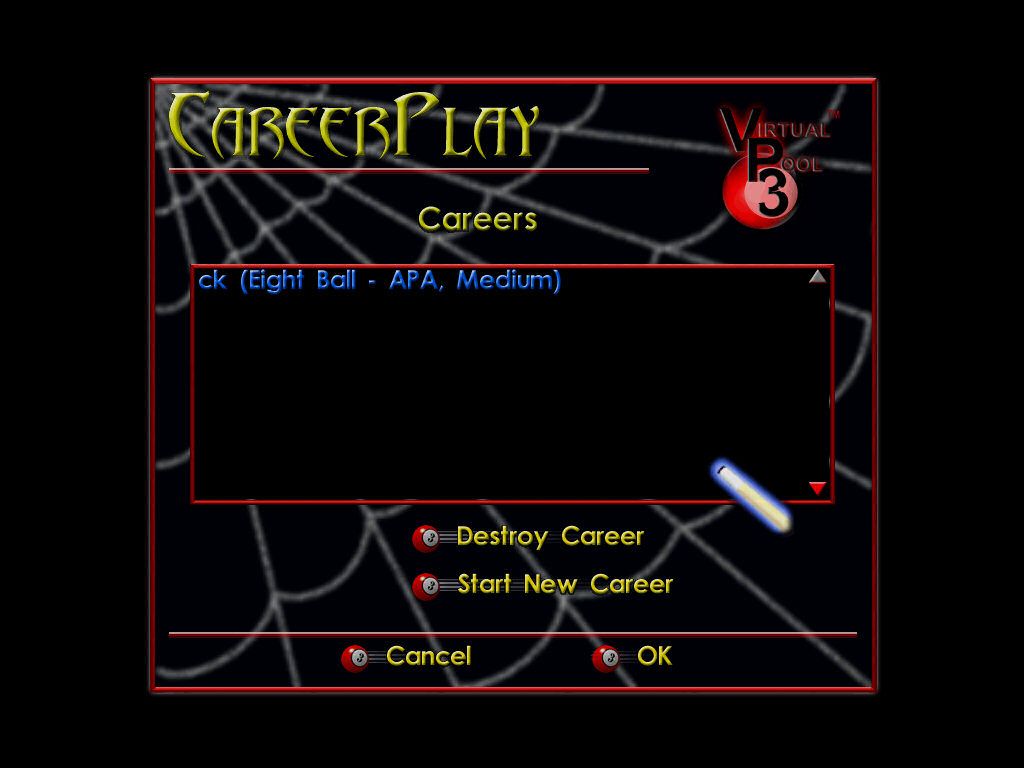
If you already have a career in progress, it should appear within the Career window. Each career is labeled by the player's name, the game they are playing, and
.png)