System Setup
Set up your PlayStation®2 computer entertainment system according to its Instruction Manual. Ensure the MAIN POWER switch (on the back of the console) is turned on.
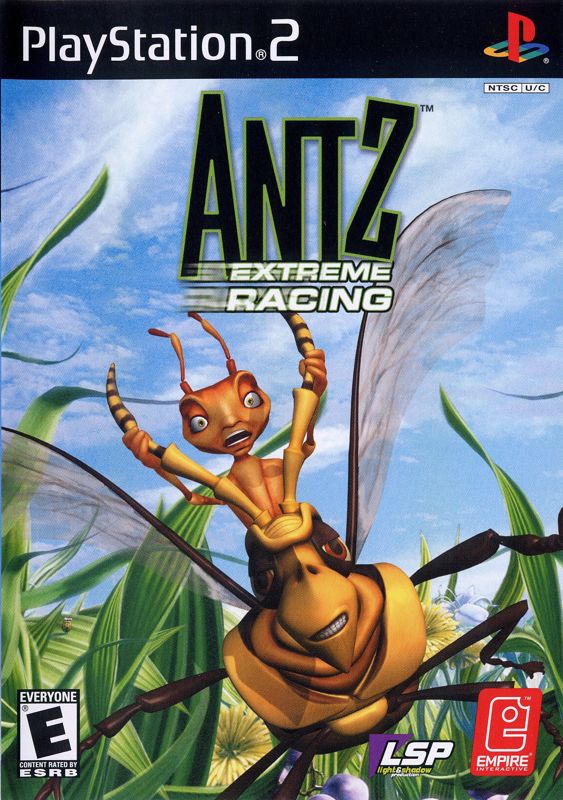
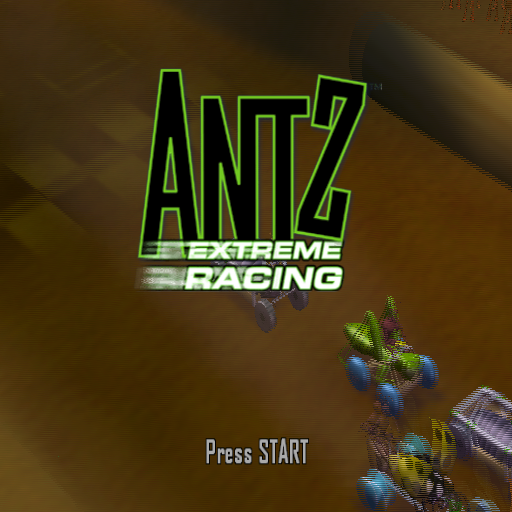
Press the RESET button. When the power indicator lights up, press the open button to open the disc tray. Place the ANTZ™ EXTREME RACING disc label side up on the tray. Press the open button again to close the disc tray. Attach game controllers and other peripherals as appropriate. Follow on-screen instructions and refer to this manual for software information.
Saving Game Data
A memory card with at least 82KB of free space is required to save game data. Insert the memory card into MEMORY CARD slot 1 (or 1-A if using a multitap) before turning on the console.
Inserting a memory card after the game starts may cause data to be overwritten. You can save up to six players' worth of data (within one 82KB file) to one memory card.
Game Mode
Select one of the two available game modes displayed on the main menu.
Single Player
Challenge characters from the film ANTZ™ in a series of races to move through the ranks from 10,000,000th to 1st.
Multiplayer
Race against up to three of your friends on a variety of tracks.
Options
Change the game options.
New/Load Game
New Game
Select this option to begin a brand-new game.
Load Game
Select this option to continue a previously saved game.
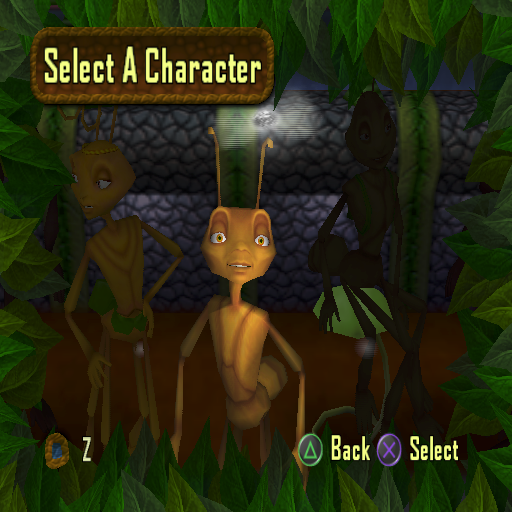
Character Select
After starting a new or saved game, you may choose your character. Move left or right to select the character you wish to play.
Each character has to complete a different set of challenges on a variety of terrains and levels. Not all characters are selectable at the start of a new game; others become available after completing certain stages.
Challenge Select
After choosing your character, you are taken to the character's Challenge Select menu. Move left or right to select the challenge you wish to tackle.
Challenges increase in difficulty as you progress. Challenges only become playable when you have achieved particular rankings. To move up the ranks, try to get the maximum points for each challenge.
Challenge Status Indicators
•
GREEN: Challenge has been completed (may not have maximum points).
•
GRAY: Challenge is playable but has not been completed.
•
RED: Challenge is locked. You will need a higher ranking. If you came in second or third, you may need to win the challenge to increase your ranking.
Options Menu
During gameplay, pressing the START button brings up the Game Paused menu. From here, you can adjust game settings by selecting Options.
DUALSHOCK®2 Analog Controller
Set the Vibration feature to ON or OFF. OFF is the default setting.
Adjust Sound
Adjust the music and/or sound effect levels and switch surround sound ON or OFF. OFF is the default setting.
Playing the Game
ANTZ™ Extreme Racing features four types of races: Driving, Running, Boarding, and Flying. Each has its own control method and several challenges. Race Types
Driving
Driving challenges feature your character in an insect-powered vehicle or seated on an insect. Controls
•
Steer: Directional buttons or left analog stick
•
Brake: ◻ button / ✖ button or back on the right analog stick
•
Use/Fire Power-up: R1 button
Challenge Types
Time Trial
Beat the course record. Your previous best attempt races against you as a ghost opponent to help measure progress.
Race
Compete in races with up to five other ants. Try to come in first and gain as many points as possible.
Slalom (Boarding only)
Compete in a slalom time trial. Beat the record while going through all slalom gates. Missing five gates results in disqualification.
Collect 'Em Up (Flying only)
Collect the required number of gnats and finish the race within the time limit to gain valuable ranking points.
Power-Ups
Drive over flowers to collect special features that provide an advantage. Different combinations of power-ups will be available.
Red Bugs
Red bugs hovering around your head can be released to home in on opponents and slow them down.
Green Bugs
Green bugs hovering around your head can be released in a straight line at opponents to slow them down.
After a Race
If you successfully complete a challenge, you will have the option to save the game. If you fail, you will have the option to race again.
Select Yes to go back to the last race and try again. Selecting No will return you to the Challenge Select screen.
Saving a Game
When you select this option, you will be asked to select the MEMORY CARD slot to save to. The game will look for existing saved data and display any previous saves.
Select the file you wish to save the game to. You can then name the file if you wish (a name will be automatically supplied if left blank). Then select Enter to save the data.
.png)

.png)

.png)


_1.png)

.png)






_1.png)