GETTING STARTED
Set up your PlayStation®2 computer entertainment system according to the instructions in its Instruction Manual. Make sure the MAIN POWER switch (located in the back of the console) is turned on.
Press the RESET button. When the power indicator lights up, press the open button and the disc tray will open. Place the Britney's Dance Beat™ disc on the disc tray with the label side facing up. Press the open button again and the disc tray will close.
Attach game controllers and other peripherals, as appropriate. Follow the on-screen instructions and refer to this manual for information on using the software.
MEMORY CARDS
To save game settings and progress, insert Memory Card (8MB) (for PlayStation®2) into MEMORY CARD slot 1. You can load saved game data from the same card, or any Memory Card containing previously saved Britney's Dance Beat™ games.
MAIN MENU
CHANGE THE GAME SETTINGS OR SELECT A MODE FROM THE MAIN MENU.
AUDITION
Select Audition mode to try to earn a spot on Britney's dance team. See Playing A Game for more information.
PRACTICE
Get your groove in order before your Audition in the Practice mode. See Practice for more information.
2-PLAYER MODE
Challenge a friend to a dance off and prove once and for all who has the best rhythm. See 2-Player Mode for more information. PREVIEW
Get a first-hand look at any character dancing to any song. See Preview for more information.
VIDEO VAULT
Once you've earned various backstage passes, you can view videos located within the vault. See Video Vault for more information.
OPTIONS
Use the directional buttons to select the item you want to change, then press the X button. On each Option screen, use the directional buttons to move between items to make your selection and press the triangle button to confirm and exit the screen.
OPTIONS MENU
CAPTION
Turn in-game captions on or off. Use the directional buttons to make your selection.
Press the X button to confirm your choice and return to the previous screen. Press the triangle button to cancel and return to the previous screen.
SOUND
To customize your dance experience, you can choose between Stereo or Mono sound output, and change the volume of the background music and sound effects. Press the X button to confirm your selections and return to the previous screen. Press the triangle button to cancel and return to the previous screen. VIBRATION
You can turn the vibration function on or off from here. Use the directional buttons to make your selection, and then press the X button to return to the previous screen. Press the triangle button to cancel and return to the previous screen.
SAVE/LOAD
Save or load data using a memory card. You can also select the Auto Save feature from this screen. By turning this feature on, the game will automatically save your progress as necessary.
Use the directional buttons to highlight your selection, and then press the X button to confirm your selection. Once you've made your choice, press the triangle button to return to the previous screen.
CONTROLS
You can switch the main button controls between Mode 1 (dance pad), Mode 2 (icons) and Mode 3 (directional buttons). Use the directional buttons to highlight your selection, and then press the X button to confirm your choice and return to the previous screen. Press the triangle button to cancel and return to the previous screen.
AUDITION
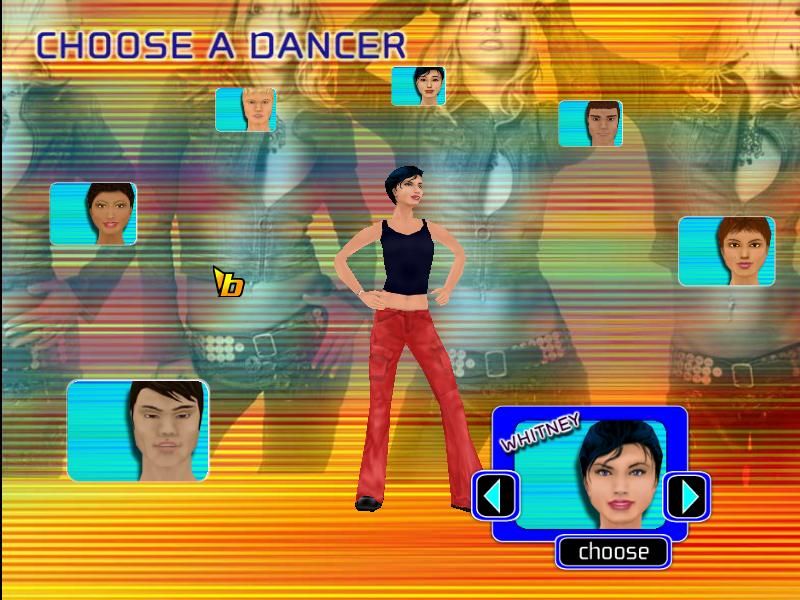
This is the main 1-Player Mode where you will try to make a name for yourself and earn a spot as one of Britney's dancers. After selecting this mode, use the directional buttons to choose your character, and then press the START button or X button.
If you have already played with this character, you'll have the option to start a new game or continue a previously saved game. Make your choice and press the X button to confirm. You will advance to the Music Selection screen. Make your song selection, and then press the X button to begin your audition. While auditioning, you will dance on-screen with a competitor to a partial version of each of the five songs. On the left side of the screen is a Button Meter. Inside the Button Meter you will see a rotating green bar, or Button Gauge, moving in a clockwise direction. As the green bar passes directly over a button, that button should be pressed.
The circle inside the Button Meter shows how many button combos you've performed in a row. The bigger your combo score, the better shot you have at winning the round. Once a player reaches 10 button combos in a row, your meter will automatically throw "bad moves" at your competitor's meter.
These "moves" will alter the level of difficulty by adding an extra button command, changing a button command, or moving a button command to another part of the meter. The better you perform, the more chances you have to throw bad moves at your competitor.
PLAYING A GAME
NOTE: Certain bad moves are associated with specific characters. Pay close attention and you'll know what to look for.
Below the Button Meter at the
.png)

_1.png)
.png)



_1.png)


.png)
_1.png)
_1.png)
.png)
_1.png)