PlayStation 2 Console Overview
*Note: Illustration may not match all PlayStation 2 console types. For owners of SCPH-70000 series PlayStation 2 systems, refer to the setup instructions supplied with your system. Setting Up the Game
Set up your PlayStation®2 computer entertainment system according to the instructions in its Instruction Manual. Make sure the MAIN POWER switch (located on the back of the console) is turned ON.
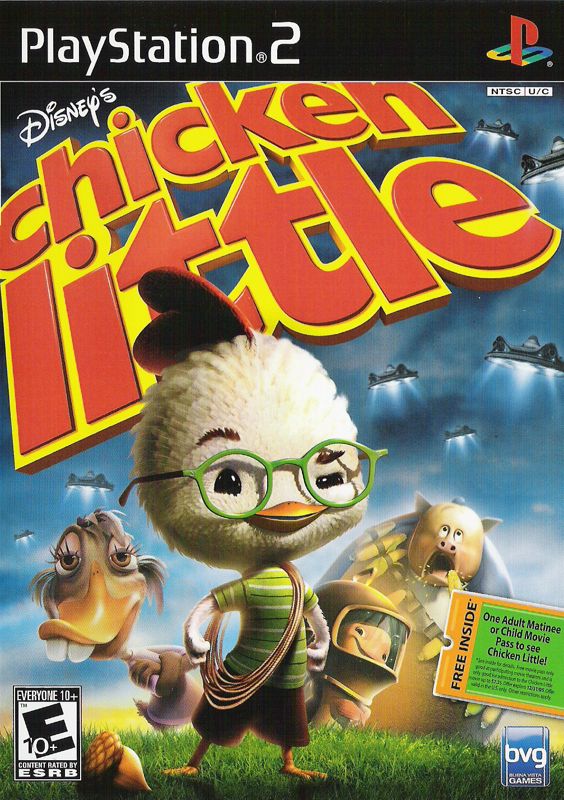
Press the RESET button. When the power indicator lights up, press the OPEN button and the display will open. Place the Disney's Chicken Little disc on the disc tray with the label side facing up. Press the OPEN button again and the disc tray will close. Attach game controllers and other peripherals, as appropriate. Follow on-screen instructions and refer to this manual for information on using the software.
Main Menu Options
PLAY GAME
Select a difficulty level and begin a new adventure with Chicken Little and his friends. EXTRAS
Play Minigames
Play Minigames you have purchased in the Minigame Store.
Minigame Store
Use your Buck Cluck Trading Cards to purchase Minigames.
Cheat Codes
Enter cheat codes here to enhance game play.
LOAD GAME
Select between three (3) saved slots to restore a saved game. The memory card (8MB) (for PlayStation®2) must be in MEMORY CARD slot 1.
OPTIONS
Make all game setting changes here. Select Done to save any setting changes.
•
Audio Setting: Turn audio to "Stereo" or "Mono".
•
Sound Volume: Adjust the sound effects and in-game dialogue volume.
•
Music Volume: Adjust the music and cut scene volume.
•
Vibration: Turns the vibration function of the controller "ON" or "OFF" (Default = ON).
•
Invert Controls: When enabled, the Up & Down axis on the Left Analog Stick is reversed.
SELECT LEVEL
Scroll left or right to access levels you have already played. You must load a saved game prior to accessing any of the game's unlocked levels.
PAUSE MENU
Press START to pause the game. The following options are available from the Pause Menu.
•
Continue - Return to the game in progress.
•
Restart Level - Return to the beginning of the current level.
•
Main Menu - Exit the game and return to the Main Menu.
•
Objectives - Select this option to view your goals for the current level.
•
Controls - View the controls for the current level.
•
Options - Access the Options Menu.
HUD
Cluck Luck
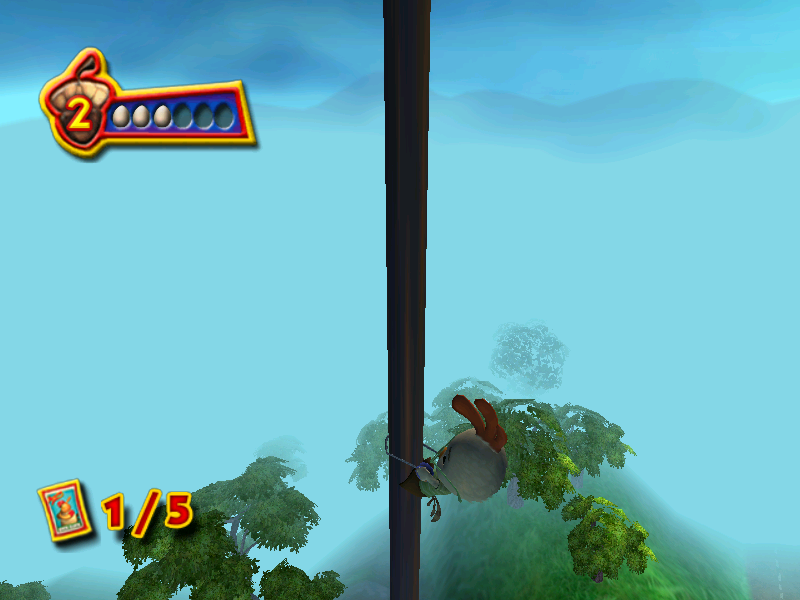
Collect acorns to earn Cluck Luck. As long as you have eggs, you can continue to play. If you lose all of your eggs, you will have to go back to the last checkpoint you have reached.
The number of acorns that you need to restore an egg will vary, depending on the selected difficulty level.
Buck Cluck Trading Cards
Collect all five trading cards in a level to earn a series. Collect multiple series to buy a multi-player mini-game. Only entire series will be saved so make sure you collect them all before completing the level!
Timer Bonus
Collect these to add time to the clock.
Grapple Target
These visual icons will help you find the places within the game where Chicken Little can use his yo-yo to swing across gaps or zip over larger spaces. Power Shot Indicator
Look for the blue sparkles to know when it's time to let loose with a power shot!
? (Question Mark)
You will find these scattered throughout the game. Walk up to these to learn a new objective.
Levels
Late For School
Chicken Little is late for school and it's up to you to help him get there. Learn the basic moves of the game as you collect coins to buy a soda to rocket you into a school window. Dodgeball Hall - Pail Ride
Avoid obstacles by moving left, right or jumping as you roll down the school hallway.
Dodgeball Hall - Dodgeball
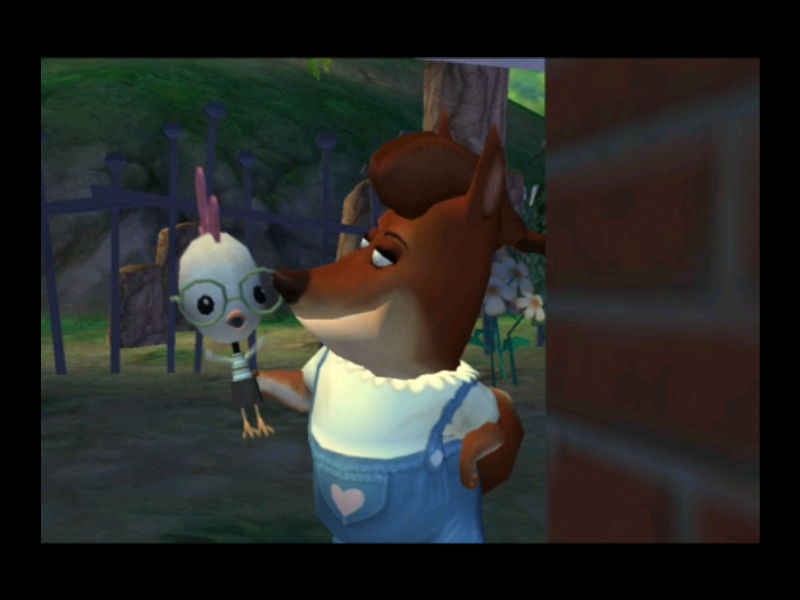
It's time for dodgeball! Lead the team of Chicken Little's friends against Foxy Loxy's team. The real rules of dodgeball apply. Catch a ball and the player who threw the ball is out and a member of your team gets to come back in. Hit a player with the ball and they're out. Be sure to dodge so you aren't hit yourself. Goosey Chase
Goosey Loosey is after Chicken Little. Help Chicken Little avoid obstacles, school kids, janitors and most of all, the dodgeballs that Goosey throws as you run down the school hallway. Don't let Goosey get too close! Uniform Hunt
Foxy Loxy and Goosey Loosey have taken Chicken Little's uniform from him and hidden the parts all over Oakey Oaks. Find the uniform pieces throughout the town, including the Theater. You'll need some extra help so there's a yo-yo upgrade to help you with the hard-to-jump gaps. Baseball Practice / The Big Game
Press the correct buttons in time with the music to improve your chances of hitting the baseball.
.png)

.png)