MAIN MENU
Change game settings or select a mode from the Main Menu.
Exhibition
Select Exhibition mode to compete in a single race. You can select up to 15 different tracks and any of our 21 pro racers.
Freestyle
Bust huge air and land sick tricks for points in the Freestyle mode. Each competition is timed—pull off the best stunts for the highest scores!
New Career
Begin a new motocross career in the 125cc amateur class and work your way up to the pros!
Load Career
Continue a previously saved career.
Multiplayer
Compete head-to-head in a 2-player race.
Options
Customize the game options to suit your needs.
OPTIONS MENU
Load Settings
Choose to load your saved game settings from an 8MB PlayStation 2 Memory Card. Save Settings
Fixed the game options to your liking? Save the settings to an 8MB PlayStation 2 Memory Card. Challenges
After completing a challenge, a new movie will be available to watch.
Credits
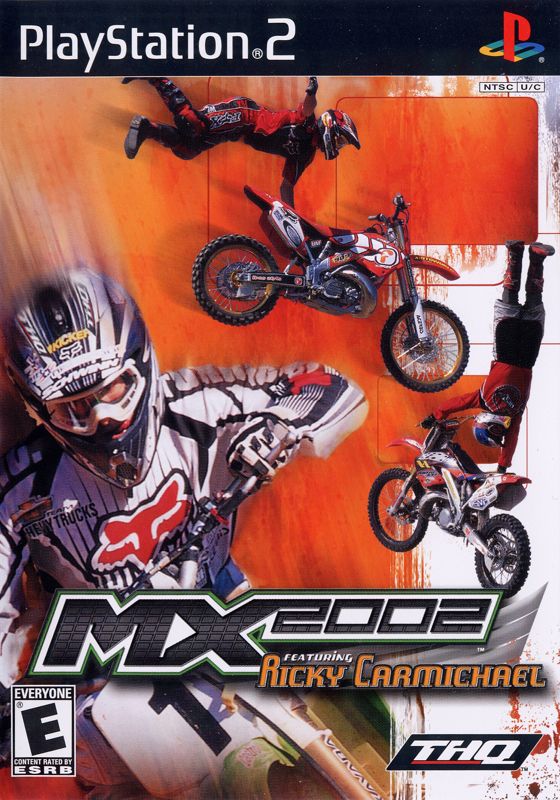
View the team responsible for making MX 2002 featuring Ricky Carmichael.
Graphics
Choose between a vertical or horizontal split screen for Multiplayer mode.
Sound
Customize the game's sound for the ultimate dirt bike experience!
•
SFX Volume—Increase or decrease the overall volume of the game from 0 (low) to 100 (high).
•
Music Volume—Change the volume of the music tracks from 0 to 100.
•
Practice—Toggle between MUSIC and NO MUSIC for your practice sessions.
•
Race—Choose either MUSIC or NO MUSIC for a race.
•
Freestyle—Choose either MUSIC or NO MUSIC for a freestyle competition.
•
Music Rotation—Add or remove songs from the music rotation.
Control Options
Press UP or DOWN to highlight a setting, then press LEFT or RIGHT to make a change. Press the button to confirm the settings and return to the Options Menu.
•
Settings—Change control settings for Controller Port 1 or Controller Port 2.
•
Configuration—Choose a controller setup that is best for you. Select RACER to return to the default controls. •
Vibration—Highlight ENABLED to turn the Vibration function ON. Select DISABLED to play without the Vibration function.
PLAYING A GAME
Exhibition
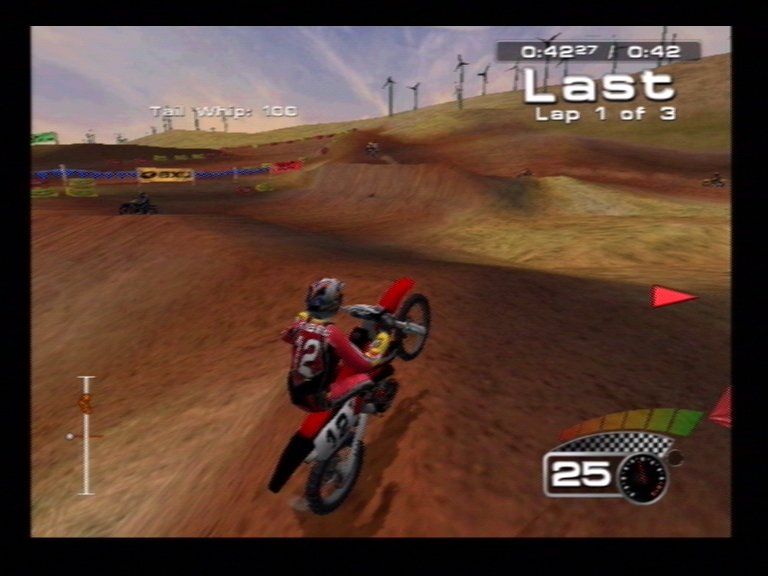
All of the game modes can be accessed via the Main Menu. To start a quick race, select EXHIBITION from the Main Menu.
Rider Selection
Now choose a Pro Rider to race as, or load a previously created rider by selecting SAVED RIDER. Press the button to view a rider's biography before making a selection. Press the button to advance to the Track Selection screen.
Track Selection
Choose a track to race on from the available courses. To unlock more playable Exhibition tracks, race through the Career mode first.
Race/Practice
Select RACE to compete against other riders or PRACTICE to ride alone.
•
Go!—After making the selections below, select "Go!" to start a race!
•
Class—Change the type of motorcycle you and your opponents will be riding. You can only ride in the 250cc class after unlocking it in Career mode.
•
Laps/Time—Choose between 1 and 5 laps, or compete in a timed race up to 20 minutes long!
•
Opponents (race only)—Determine how many opponents will compete against you.
•
Difficulty (race only)—Toggle between EASY, NORMAL or HARD.
Using the Clutch
Using the clutch at the right time will shed valuable seconds off the clock—it could mean the difference between 1st place and 2nd place! It also will help you earn the hole shot award!
At the Start
Hold down the L1 button to keep the clutch open before the countdown. At the same time, rev up your engine. When the countdown reaches “1,” release the clutch to shoot out of the gate—and grab the Hole Shot!
Mid-Race
If you find yourself losing too much speed during a race, try pressing the clutch L1 for a little more acceleration. Don't hold the clutch too long or you will lose speed.
Preload
When approaching a jump, press and hold L2 or R2, and watch your preload meter. The higher the meter is when you take off, the higher and longer you will jump.
Mid-Air
After releasing the suspension at the top of the jump, press and hold the L1 button again. This will keep the clutch in the open position. Keep the engine revving (hold the X button) and release the clutch when you land. If performed correctly, you will resume at the same speed you had before the jump!
Steering
You will find the left analog stick provides more precise control than the directional buttons, especially when adjusting your altitude in mid-air.
Pausing the Game
Press START at any time to pause the game. You can change the sound and graphic settings while the game is paused.
•
Continue Event—Un-pause the game and continue the race.
•
Restart Event—Quit the race and head back to the starting gate.
•
Sound Options—Change the sound options for the race.
•
Graphic Options—Alter the graphic options for the race.
•
Control Options—Turn the Vibration function ON or OFF.
•
Quit Event—Quit the race and return to the Main Menu.
Finish Line
After crossing the finish line
.png)

.png)

.png)


_1.png)
.png)