Console Overview
Note
Illustration may not match all PlayStation 2 console types. For owners of SCPH-70000 series PlayStation 2 systems, refer to the setup instructions supplied with your system. Getting Started
Set up your PlayStation®2 computer entertainment system according to the instructions in its Instruction Manual. Make sure the MAIN POWER switch (located on the back of the console) is turned ON.
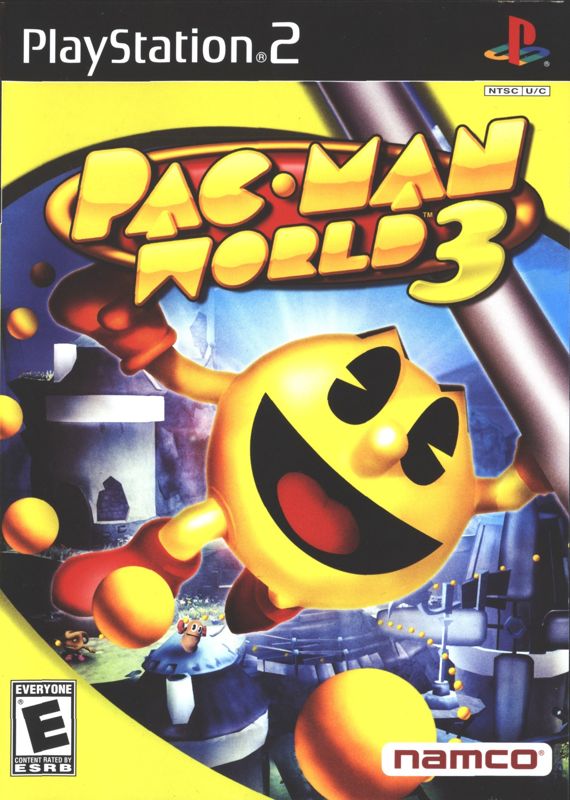
Press the RESET button. When the power indicator lights up, press the OPEN button and the disc tray will open. Place the PAC-MAN WORLD™ 3 disc on the disc tray with the label side facing up.
Press the OPEN button again and the disc tray will close. Attach game controllers and other peripherals, as appropriate. Follow on-screen instructions and refer to this manual for information on using the software.
Memory Card (8MB) (for PlayStation®2)
To save game settings and progress, insert a memory card (8MB) (for PlayStation®2) into MEMORY CARD slot 1 of your PlayStation®2 system. You can load saved game data from the same memory card or from any memory card containing previously saved games.
You must be using a memory card with at least 227 KB of free space in order to save game data. To free up space, delete older data before starting play.
You can create up to 3 saves on a blank memory card.
•
To protect your game data, do not remove the memory card or turn off the power while saving or loading game data.
Main Menu
NEW GAME
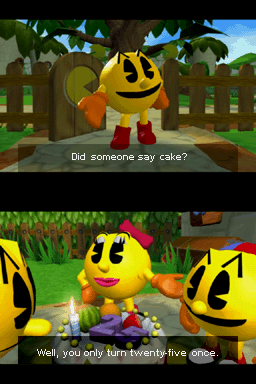
Fight the good fight. We know it's your birthday, Pac-Man, but the world needs you. CONTINUE
After loading a game, bounce back into the fray and fight from your last save point.
LEVEL SELECTION
Replay previously played levels.
OPTIONS
Adjust your audio and picture as well as control options.
LOAD GAME
Load previously saved games from the memory card.
EXTRAS
Pac-Man is not a one-dimensional character. Find out what makes him 25 years' worth of class and substance. HIGH SCORES
Review your high scores from Game High Scores, Level High Scores and Pac-Maze High Scores.
MUSEUM
See what makes Pac-Man tick. •
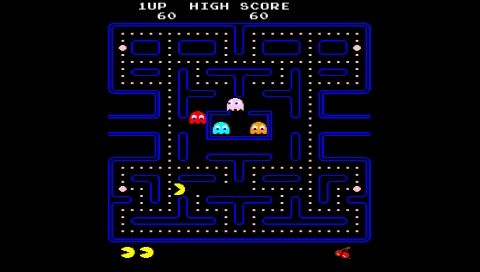
Original Pac-Man - Play the game that started it all! •
Collectors Cards - View the Collectors Cards you collect during your adventures.
•
Video Booth - View exclusive videos.
MAZE SELECT
Play one of the special Pac-Mazes you've unlocked.
Pole Swing
Around the world are poles positioned both vertically and horizontally. Pac-Man can only slide down the vertical poles, but if he jumps onto a horizontal pole, he can perform various acrobatics. Jumping right at the pole allows him to swing.
•
Press the button to jump up.
•
Press the button + move the left analog stick to jump away.
•
Press the button to drop down.
B-Doings
Butt-Bounce on a B-Doing to fly through the air.
Pac-Dot Chains
Crystals control all Pac-Dot Machines. If you find a non-functioning Pac-Dot Machine, there will certainly be a crystal nearby.
Once you insert the Crystal into the Machine, Pac-Man can begin the chain by chomping the Big Red Pac-Dot. Some Pac-Dot Chains are color-coded - red, green or blue. Climbing Fences
Pac-Man has also learned how to climb. He will automatically grab climbable objects. Use the left analog stick to move Pac-Man. He can hop off at any time when you press the button. Ledges
Pac-Man will encounter countless obstacles in his journey. Many of them have edges and ledges that Pac-Man can use. SHIMMY
Jump (button) at the edge of a platform and Pac-Man will automatically grab it. He will then be able to shimmy left and right using the left analog stick. CLIMBING UP
Press the button to flip onto the platform above. DROPPING DOWN
Press the button to drop down to the platform below. Pause/Options Menu
Press the START button during gameplay to pause the game and enter the Pause Menu. After using the Menu, press the START or A button to resume gameplay.
HIGH SCORES
Check out the highest game scores.
OPTIONS
Make changes on the fly.
Audio Options
•
Music Volume, Effects Volume, Speech Volume, Subtitles Off/On
Controller Options
•
Vibration On/Off, Camera X On/Off, Camera Y On/Off
Picture Options
•
Normal/Widescreen, Screen Position
QUIT GAME
Exit the game back to the Main Menu.
.png)

.png)
