Loading
Set up your PlayStation®2 computer entertainment system according to its Instruction Manual. Ensure the MAIN POWER switch (on the back of the console) is turned on.
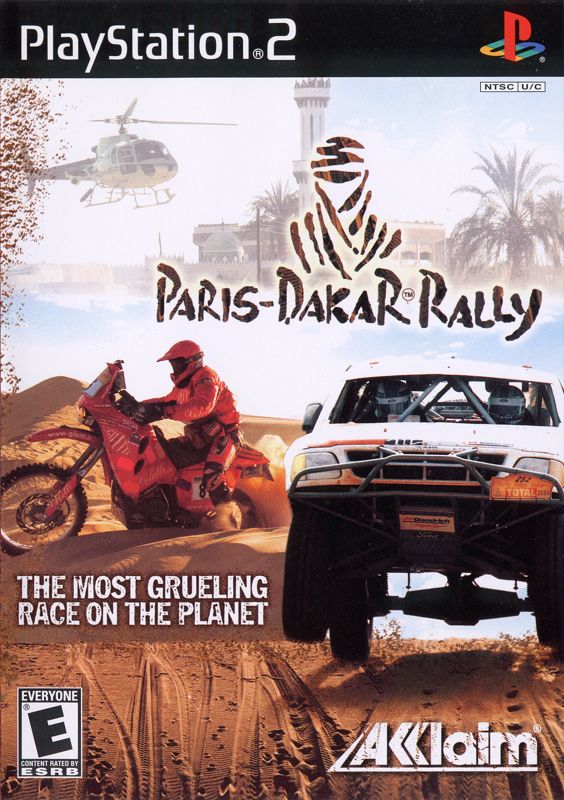
Press the RESET button. When the power indicator lights up, press the open button to open the disc tray. Place the Paris-Dakar™ Rally disc on the disc tray with the label side facing up. Press the open button again to close the disc tray.
Attach game controllers and other peripherals as appropriate. Follow on-screen instructions and refer to this manual for information on using the software.
If you wish to save your game, insert a memory card (sold separately) into MEMORY CARD slot 1 or MEMORY CARD slot 2.
•
Paris-Dakar™ Rally is for 1 player.
•
It is advised that you do not insert or remove accessories once the power is on.
•
Make sure there is enough free space on your memory card (8MB) (for PlayStation®2) before commencing play.
PlayStation®2 Components
Game Introduction
In Paris-Dakar Rally, experience isn't the best teacher. It's the only teacher. The lessons are as harsh as the climate. So buckle in and get ready for a schooling. If you've got the grit and the gravy, you may survive to graduation: the finish line in Dakar.
Title Screen
At the Title screen, press the START button. If you have a memory card (8MB) (for PlayStation®2) inserted, you will come to the Player Select Screen.
Player Select Screen
At the player select screen, you have three options:
Load a previously created player from your memory card.
Create a new player. This will begin a new game. To enter a name, press up or down on the directional button/left analog stick to toggle to the desired character. Press the button to enter it. You can have a name of up to 11 characters. Paris-Dakar Rally supports up to 5 save game files per memory card.
Delete a previously created player from your memory card.
Main Menu
Following the player select screen, you will come to the Main Menu. Press left or right on the directional button/left analog stick to highlight the desired mode, then press the button to select it.
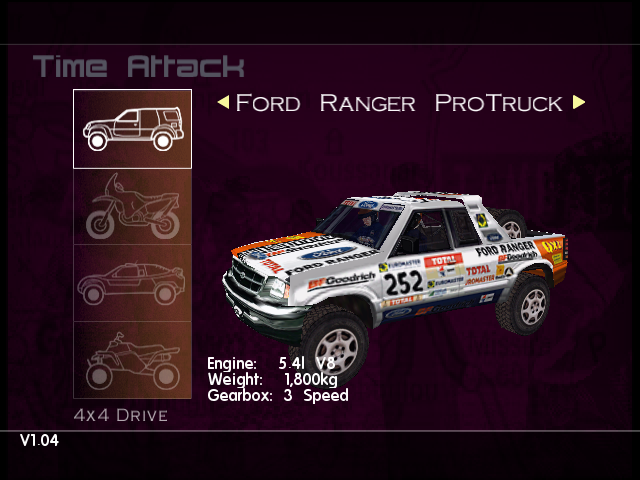
Race against the clock to beat the track records.
Make the checkpoints in the allotted time to progress in the Rally.
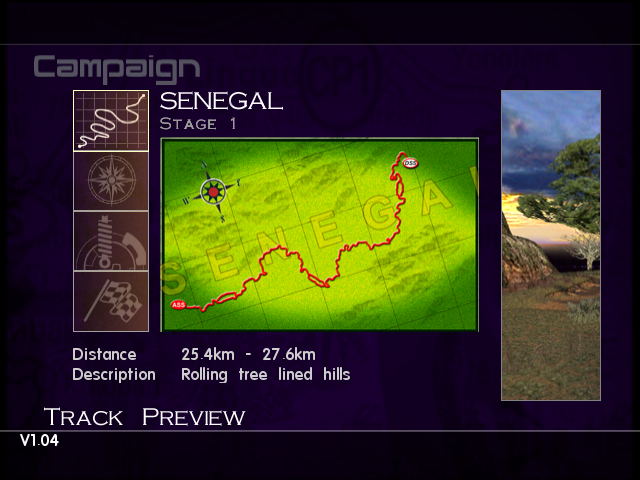
Play a full Paris-Dakar Rally campaign.
Set game options.
Return to the Player Select screen to load, create or delete a player.
Options
There are many options to enhance your rally experience.
Graphics
Choose to have speed shown as KPH or MPH.
Allows you to center the game display on your monitor.
Return to options menu.
Sound
Adjust the music volume with the slider (right is louder).
Adjust the sound effects volume with the slider (right is louder).
Adjust the in-game speech volume with the slider.
These settings can also be changed during the game in the Pause Menu.
Output
•
Choose Mono or Stereo sound output.
Controller
Choose from five pre-set control setups.
Set vibration effect on your analog controller (DUALSHOCKTM2) ON or OFF.
The Navigator
The Paris-Dakar Rally is a long race, and you can't make it there alone. It takes enough concentration just to control your vehicle over the brutal tracks without wondering which way to go. That's why you have a navigator to help you find your way.
The navigator will help you by calling out directions, track info and other hints. If you race on a Motorbike or Quad-Bike you won't be able to receive navigator assistance, you are on your own and will have to keep your wits about you.
Getting Stuck
It's not hard to get stuck when you wander off the track. Loose sand, mud and other hazards can have you spinning your wheels as the clock ticks.
However, if you do wander too far from the track, the game will "Rescue" you back on the track. If all else fails, pause the game and use the Rescue Vehicle function to put your vehicle back on track. Being rescued takes up valuable time (including a three second time penalty), so our advice is to use it sparingly.
Repairing Damage
Make no mistake, your vehicle will take a pounding over the length of the rally! Too many collisions or off road bumps and jumps can make your vehicle slower and more difficult to control.
However, taking time to repair damage can make the difference between winning and losing. Not an easy decision! Should you decide you need to repair the damage, press the Repair button on the controller. The repair will happen automatically. The length of time it takes is entirely down to how damaged your vehicle
.png)

.png)
.png)
.png)

