Hardware Connections
Getting Started
Set up your PlayStation®2 computer entertainment system according to its instruction manual. Ensure the MAIN POWER switch (on the back of the console) is turned on.
Press the RESET button. When the power indicator lights up, press the open button to open the disc tray.
Place the Sky Odyssey disc on the disc tray with the label side facing up. Press the open button again to close the disc tray.
Attach game controllers and other peripherals as appropriate. Follow on-screen instructions and refer to this manual for information on using the software.
Controller Settings
You can change the control method and button configuration by selecting CONTROLLER SETTINGS from the Options Menu (See P. 6). The explanations in this manual are based on the NORMAL CONTROL TYPE-A initial settings.
The vibration function can be turned ON or OFF by selecting VIBRATION from the Options Menu (See P. 6) regardless of whether the mode indicator on the controller is ON or OFF.
Turn the mode indicator ON to use the left analog stick. Other than the left analog stick, all controls are digital.
•
button: Show/Hide radar display
•
button + button: Air brakes
•
button: Show/Hide instrumentation
•
directional buttons: Change view
•
SELECT button: Change view
•
left analog stick: Pitch-directional buttons, Up/Down or Left Analog Stick, Up/Down; Roll- directional buttons, Left/Right or Left Analog Stick, Left/Right
•
START button: Pause Menu
•
A button: Lower/Retract landing gear
•
X button: Lower throttle
•
button: Increase throttle
Aircraft Movement
•
Pitch: Forward/Rear Tilt of Aircraft
•
Roll: Right/Left Tilt of Aircraft
•
Yaw: Rotation of Aircraft around Vertical Axis
Maneuvering
Takeoff
First, increase the engine's throttle. As you move forward, accelerate until your airspeed indicator turns white.
Then press the DOWN directional button to raise the nose of your aircraft and take off. If your aircraft is equipped with retractable landing gear, press the A button to retract it.
Ascending/Descending
When flying level, you can ascend or descend by pressing the UP or DOWN directional buttons. If you stall as a result of a rapid ascent, press the UP directional button to point your aircraft downwards and regain speed.
Turning
First, press the LEFT or RIGHT directional button to tilt your aircraft in the direction you want to turn. Next, press the DOWN directional button to initiate the turn.
When the turn is complete, return to level flight. When using EASY CONTROL, you can turn simply by pressing the LEFT and RIGHT directional buttons.
Landing
First, reduce speed by pressing the X button to lower your throttle and the + buttons to apply your air brakes. When you decrease speed, your altitude will naturally drop as well.
Press the UP/DOWN directional buttons to keep the nose of your aircraft pointed slightly upwards as you approach the ground. For aircraft with retractable landing gear, press the A button to extend the landing gear.
Press the X button to cut your engine and then come in for a nice slow landing.
Flying Through a Narrow Space
Some missions require you to fly through tight enclosed spaces that are narrower than your aircraft, such as narrow ravines and caves. Since your aircraft cannot fly through these areas with its wings level, you must roll 90°.
While flying with wings vertically, pressing the UP/DOWN directional buttons will raise/lower the nose of your aircraft and therefore move your aircraft to the right or left. Similarly, pressing the or buttons to adjust your rudder will make your aircraft ascend or descend depending on the direction your aircraft is tilted.
While flying with wings vertical, it's easy to stall so return to level flight as soon as possible.
Turning with the Help of Your Landing Gear
It's possible to make sharp turns that would otherwise be impossible by using your landing gear.
If your aircraft is equipped with landing gear, press the A button to extend it. Roll by pressing the RIGHT or LEFT directional button to point your landing gear toward the surface you want to bounce off.
Press the DOWN directional button to pull the nose of your aircraft up as your landing gear bounces along the surface. Be careful not to make violent contact, as you will take severe damage.
Main Menu
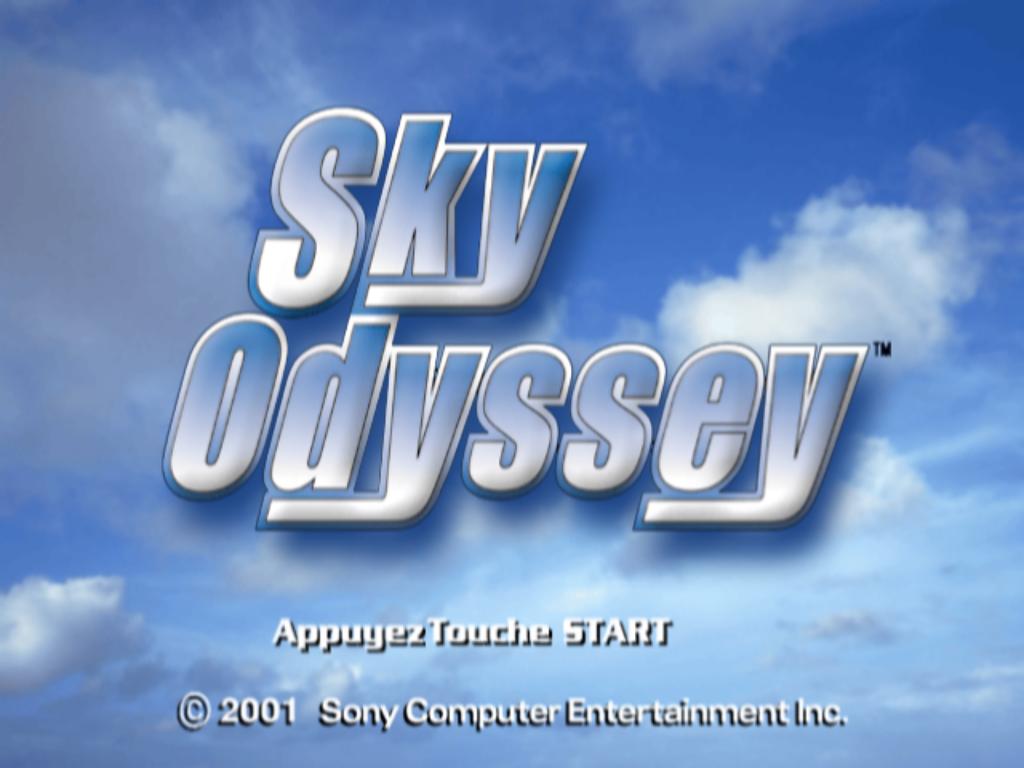
At the Title Screen, press the START button and the Main Menu will appear.
New Game
Begin a new game. First select the control method. You will then be asked to select the Game Mode. See P. 7.
Load Game
Continue a saved game by loading the data from the memory card (8MB) (for PlayStation®2) inserted in MEMORY CARD slot 1. Select the saved game you want to continue. You will then be asked to select the Game Mode. See P. 7.
Options Menu
You can change a variety of settings by using the OPTIONS Menu available in each Game Mode.
•
CONTROLLER SETTINGS: Select the control method and button configuration.
•
VIBRATION: Turn the vibration function ON/OFF.
•
SOUND SETTINGS: Set the type of sound output and volume.
Game Mode Select Screen
Select the Game Mode at the Game Mode Select Screen






_1.png)

_1.png)

