GETTING STARTED
Set up your PlayStation®2 computer entertainment system according to the instructions supplied with your system. Check that the system is turned on (the on/standby indicator is green).
Insert the Space Chimps disc in the system with the label side facing up. Attach game controllers and other peripherals as appropriate. Follow the on-screen instructions and refer to this manual for information on using the software. Memory Card (8MB) (for PlayStation®2)
To save game settings and progress, insert a memory card (8MB)(for PlayStation®2) into MEMORY CARD slot 1 of your PlayStation®2 system.
You can load saved game data from the same memory card or any memory card (8MB)(for PlayStation®2) containing previously saved games.
PLAYING THE GAME
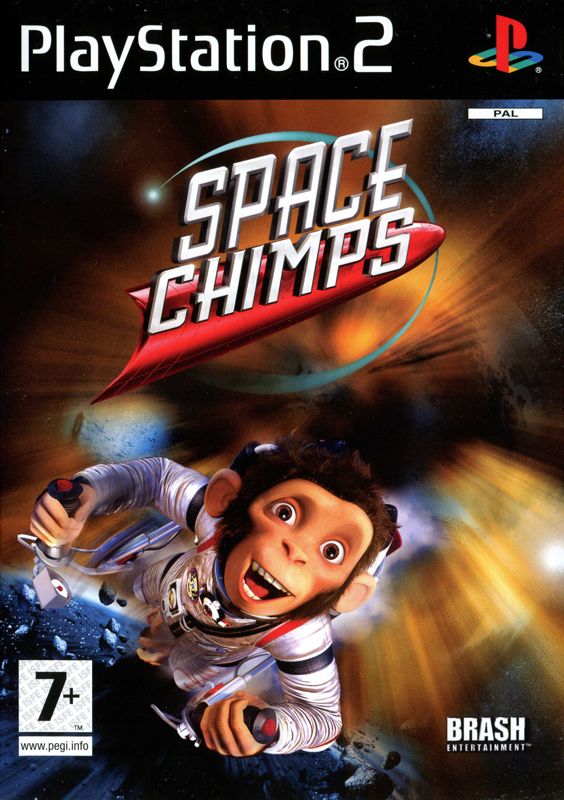
Get ready for the Chimp adventure of your life! When two Space Agency Chimps are marooned on a far distant planet, all they want to do is find the probe they were sent to retrieve and get out of there. Unfortunately Zartog, a local tyrant, is using that very "sky beast" to scare the Malgorians into servitude. When Ham and Luna turn up with a "sky beast" of their own Zartog snatches their ship and their friend. Can the Chimps find their way home or will the hazards of Malgor be their undoing?
GAME SCREEN
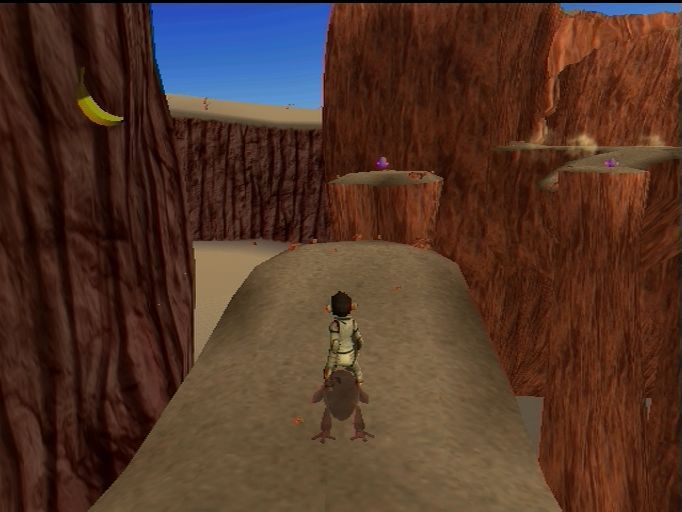
COLLECTIBLES
GLOBHOPPER
Globhoppers are cute little friendly aliens widely distributed across Malgor. Collecting these little guys will unlock a range of bonus content in the game such as movie clips and concept art.
All bonus content once unlocked is available through the game's main menu. You can replay levels from the main menu to pick up any globhoppers you missed the first time.
DOLE® BANANAS
Each level contains a single Dole® Banana collectible. Collecting enough Dole® Bananas will unlock a new costume for Ham or Luna.
Once costumes are unlocked they can be selected through the main menu.
SAVING AND LOADING
Space Chimps automatically saves your progress to the hard drive or memory unit every time you complete a mission. When you start the game you will have the option to either load a previously saved game or select an empty save slot to begin a new game. All globhoppers and Dole® Bananas you have collected are retained when you load a previous game.
FLUVIAN RUN MINIGAME
In the Fluvian Run Minigame you race through the dangerous skies of Malgor on the back of a giant fluvian, encountering wave upon wave of progressively harder flying enemies.
You can battle alone or plug in a second controller and a friend can join you for cooperative or competitive 2-player action. Once unlocked, the Fluvian Run Minigame can be accessed through the main menu. SHOT MULTIPLIER
Every bullet that hits an enemy will increase the amount of damage caused by the next shot. Missing a shot will cause the multiplier to return to normal, so keep concentrating!
GAME MODES
CLASSIC MODE
In Classic Mode you face wave after wave of increasingly difficult foes. See how many points you can rack up before your 3 lives are gone.
TIME ATTACK
In Time Attack mode you have a limited time (5 minutes for single player and 10 minutes for 2-player mode) to see how many points you can get.
Rather than reducing life as in Classic Mode, getting shot in Time Attack mode costs a few seconds of your remaining time.
SURVIVAL
See how long you can last. Things will get hectic fast - before you know it the hardest foes in the game will be teaming up to take you out.
.png)

.png)




_(En,Fr).png)



_1.png)

_1.png)


.png)