SELECT PROFILE
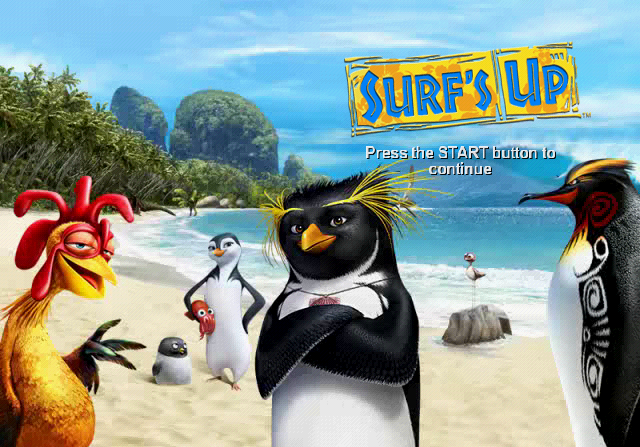
Choose Select Profile and use the left analog stick or directional buttons to move through the options and select your profile. Press the button to confirm the selection.
WORLD MAP
Use the left analog stick or the directional buttons to navigate this menu. Choose a surfing spot and press the button to zoom in to the area. Once zoomed in, you can select the level.
MAIN MENU
Use the left analog stick or the directional buttons to navigate this menu. Press the button to select one of these options:
•
Championship: Start competing in the championship or continue a saved game.
•
Multiplayer: Surf against a friend at the surfing spot of your choice.
•
Leaf Sliding (unlockable): Slide on a leaf inside the volcano's lava-made tunnels.
•
Options: Adjust various settings. The settings you choose are saved to the current game.
•
Extras: Watch videos and production art, enter cheat codes, and view the list of people who helped create this game.
PAUSE MENU
During the game, press the START button to access the Pause menu:
•
Select Music: Select the musical track. The number of tracks will increase throughout the game.
•
Options: Adjust various settings. The settings you choose are saved to the current game
•
Quit Level: Lose your current progress and return to the World Map.
SURFING
Follow these tips and you'll be surfing in no time!
GAINING SPEED
•
Slaloming on the wave makes you gain speed! If you leave the wave, you'll go slower.
TRICKS
•
To perform tricks, jump off the wave or a ramp and gain points and energy.
•
Make sure you finish your trick before landing - otherwise, you'll lose all your points.
FREESTYLE TRICKS
•
Freestyle tricks are launched with the right analog stick, giving you full control of your surfer's rotation.
GRINDS AND FLOATERS
•
To grind, land on a specific object such as a grind rail or trees. Once you start grinding, you have to keep your balance using the left analog stick. Keep your eyes on the balance meter!
•
To perform a floater, hold the L1 button near the wave's lip.
SPEED BOOST
•
Use energy from the energy bar to launch the speed boost by pushing and holding the R1 button. If your energy bar is full, the speed boost will last longer.
•
Use the speed boost to break objects and bump other surfers to gain extra points!
STOKE MODE
•
When your energy bar is full, you can also enter Stoke mode by pressing the button to perform stoke tricks.
•
Stoke tricks have greater air time and faster execution and provide additional points.
COMPLETING OBJECTIVES
•
Each surfing spot has unique objectives. Completing them lets you progress in the championship. They may also give you rewards!
TUBES
•
In some surf levels you will encounter tubes. Surfing in a tube automatically fills your energy bar!
•
Using the Stoke mode in a tube will enable you to perform super moves.
SURFER AND BOARD SELECTION
Select the Character Selection and Board Selection icons on the World Map to change and customize your surfer and board.
SURFER SELECTION
Choose from available surfers or change the surfer you're playing. To customize your surfer, press the button.
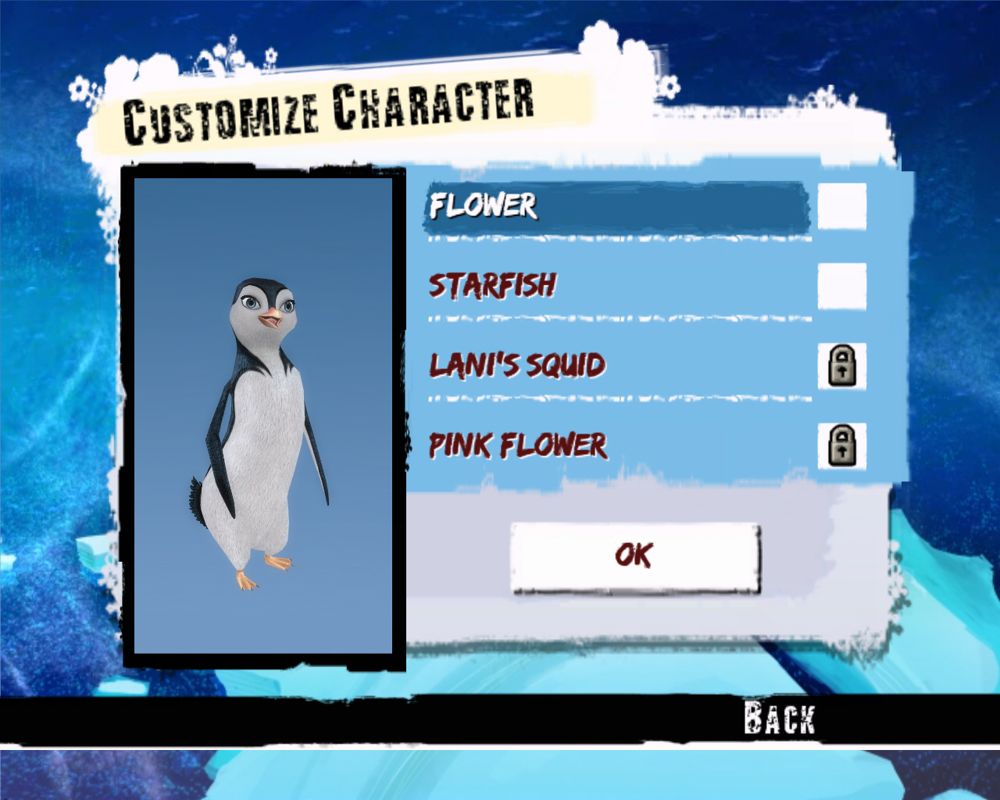
SURFER CUSTOMIZATION
Turn on or off the custom item for the associated body part.
BOARD CUSTOMIZATION
Choose a color and pattern for your board.
•
Select base color: Choose the main color of the board.
•
Select pattern: Choose the pattern that will go over the board's base color.
•
Select pattern color: Choose the pattern's color.
CUSTOMIZE BOARD
BOARD SELECTION
Choose your board from the list of available ones. If your surf board is customizable, press the button to customize it.
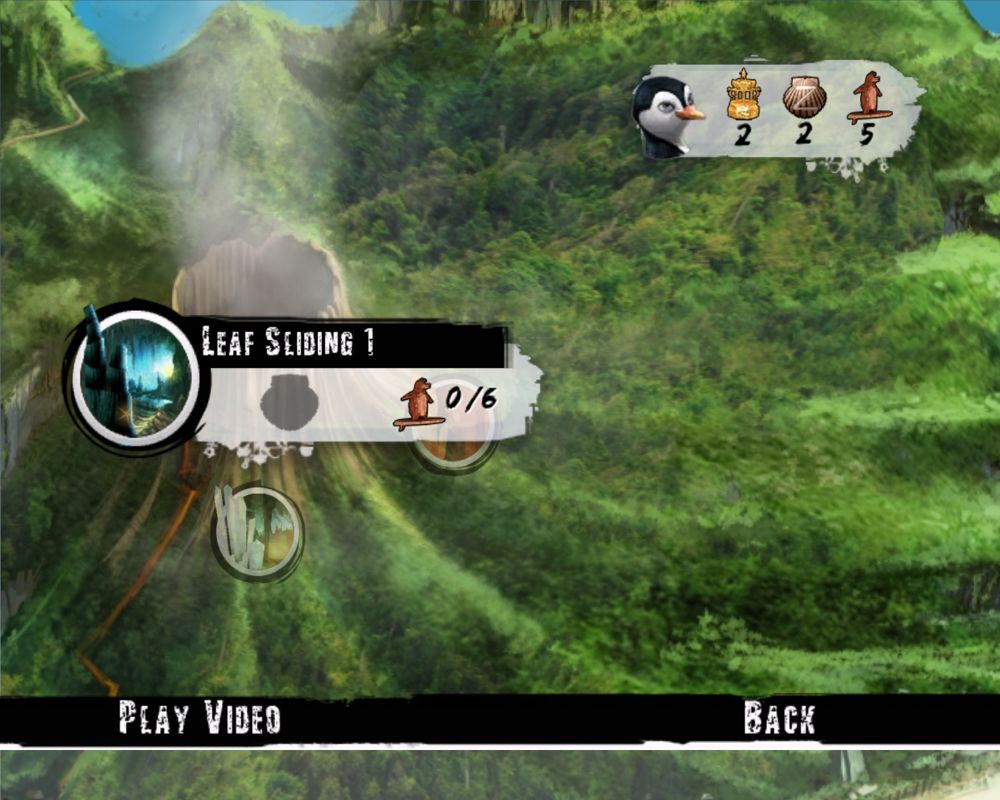
LEAF SLIDING (UNLOCKABLE)
If you need a change of pace, why not try one of the leaf slides? Slide down the lava-made tunnels inside the volcano as fast as you can without falling off the track.
Use the left analog stick to steer while sliding down.
•
Use the button to brake.
•
(Air) Left/Right: Air Control
.png)

.png)