Starting the Game
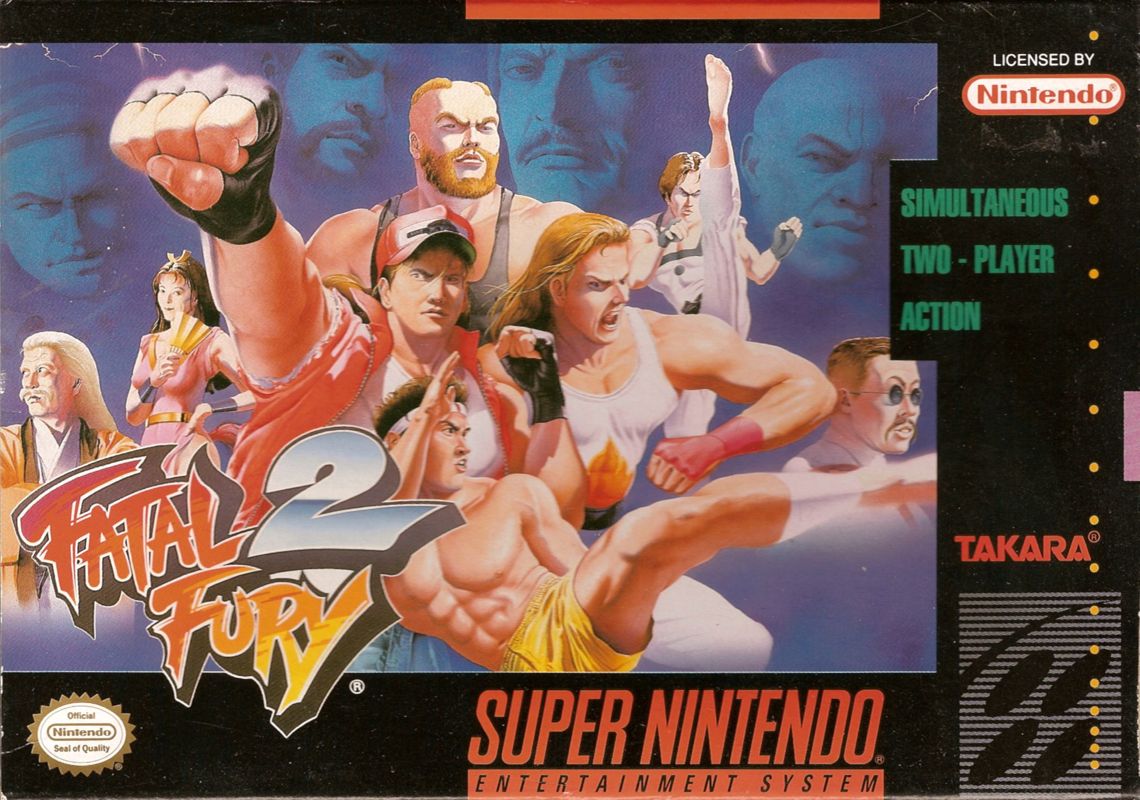
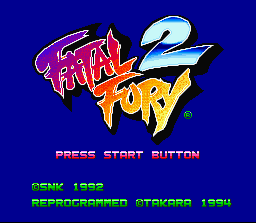
Insert the Game Pak into your Super Nintendo Entertainment System® and turn the power switch ON. The Title screen will then appear.
Press the Start Button at the Title or the Demo screens to select the game mode. Select the game mode with the + Control Pad, and press the Start Button to start the game.
1P vs. Com. (Selectable) Mode
Select your character using the + Control Pad, and press the Start Button to select. Then pick the computer character you wish to fight against.
1P vs. 2P Mode
Each player selects their character. It is possible for both players to select the same character. When each player has set their selection, the Stage and Handicap Selection screen will appear.
Choose an item by pressing up and down on the + Control Pad, and then alter the setting by pressing left or right. The higher the Handicap level, the stronger your attack and defense power will be.
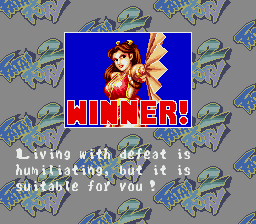
In 1P vs. 2P Mode, the results are displayed at the end of the battle, and you are then returned to the Character Selection screen.
Team Elimination Match Mode
Each player selects 8 characters, and decides the order in which they will fight. The two players then battle it out. If all your characters are defeated, you lose.
Select your characters by moving the + Control Pad left and right, and set the order in which they will fight by moving the + Control Pad up and down. Press the Ⓑ Button to cancel.
To win in this mode, you must think carefully about which characters you can control best and that you are most skilled at controlling.
Player Select Screen
•
1PLAYER: TERRY, ANDY, JOE, MAI, KIM, JUBEI, CHENG, BEAR
•
2PLAYER: JUBEI, BEAR, ANDY, JOE, MAI, KIM, CHENG, TERRY
•
TOTAL RECORD: WIN 00, LOSE 00, DRAW 00
Option Mode
Move the ✚ Button up and down to select items, and move it left and right to set other selections. You can change the button settings of your controller in this mode. Press the Start Button to return to the Title screen and save your options.
•
Game level: Changes the level of difficulty in 1P vs. Com. (Selectable) Mode.
•
Button control: Changes the settings of the buttons on the controller. There are two types of button arrangements.
•
Game time: Changes the length of time each round lasts. It is also possible to set the game so that there is no time limit "∞".
•
Sound mode: Lets you choose either stereo or mono sound.
Rules for the "King of the Fighters" Tournament
•
1) Each match consists of 3 rounds. The first fighter to win 2 rounds wins the match.
•
2) A round ends when a fighter's strength reaches zero, or when he or she becomes unable to stand up. The fighter still standing is the winner.
•
3) If there is a fixed time limit, and no one has bit the dust at the end of a round, the fighter with the most strength remaining is the winner.
•
4) In the event of a double knockout, or when fighters' remaining strength levels are exactly the same, the round will end in a draw.
•
5) If neither fighter has won two rounds at the end of the 3 rounds, there will be a final round to decide the winner. The winner of this round wins the match.
•
6) At the beginning of each round, both fighters' strength levels are completely restored, and they enter the round with full power.
How to Play in the Bonus Stages
In 1P vs. Com. Mode, you will enter bonus stages after defeating your 4th and 8th opponents. Stone pillars will come falling down one by one, and you must destroy as many of them as you can within the time limit. If you destroy all of the pillars, you will receive a further special bonus.
It's not possible for a second player to join in mid-way through during the Bonus Stages.
The Two Bonus Stages
•
Stage 1: In this stage you must attack both the top and the bottom of the stone pillars to destroy them. Attack skillfully and destroy the pillars as fast as you can.
•
Stage 2: You will receive a high number of bonus points in this stage if you use a power attack to throw the pillars to the back line once you have damaged them.
Player Join In
When playing in 1P vs. Com. Mode, a second player can join in mid-way through at any time. Press the Start Button on the second controller and player 2 can begin playing the game.
Game Over and Continue
When you lose a match in 1P vs. Com. Mode, the Continue screen will appear. If you press the Start Button before the countdown reaches zero, you can start playing again from the place you were defeated.
If you press any buttons other than the Start Button, the countdown will speed up.
3D Movements (2-Line Battle System)
The unique 2-line battle system appears once again in "Fatal Fury 2", but this time it's .png)

_1.png)
.png)



_1.jpg)



 (Rev 1).png)


.png)
.png)
_1.png)
.png)
_1.png)

_1.png)