The Objective of the Game
Football is played on a field that is 100 yards long. At each end of the field is an end zone. The middle of the field is marked with a fifty (50) yard line. There are lines every ten yards in each direction marked as the 40, the 30, the 20, and the 10-yard lines. The zero lines are called the goal lines. Ten yards past the goal line is the end of the end zone. Every yard on the field is marked by short white lines.
One team has possession of the ball. They are on offense. The team without the ball is on defense. The offensive team has four tries (called "downs") to score by getting the ball across their goal line. The defensive team tries to prevent a score. Every time the offense moves the ball ten yards (in the direction of the goal line) from the point where they took possession of the ball, then they earn four more tries and get a "first down". If they don't score or get a first down in four tries, the other team gets the ball and tries to score.
How to Play
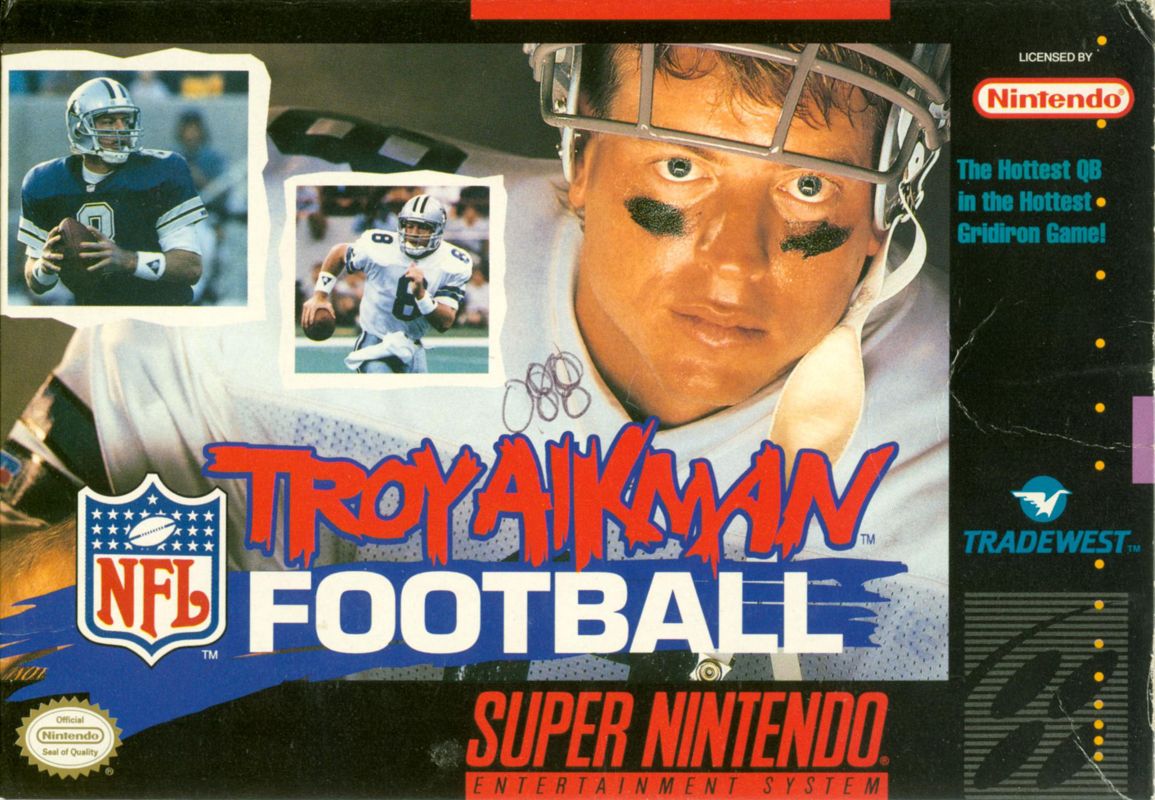
In NFL™ Football, you will pick a team to control from the 28 NFL teams. You call the plays for either offense or defense, then control a player on the field as the action unfolds.
NFL™ Football can be played by one or two players.
Beginning the Game
With the Super NES turned off, insert the game pak into the unit. Now turn on the power. When you are ready to begin, press the START button.
Taking Control
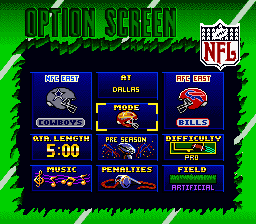
The Main Menu screen will appear. The Main Menu offers six options: Players, Play Mode, Playbooks, Quarters, Sound, and Weather.
To make selections from menus:
•
Move the control pad up/down to get to the option you want to change
•
Move the control pad right/left to make changes for each option
Players
•
1 player—Home; you control the home team.
•
1 player—Visitor; you control the visiting team.
•
2 players; both of you take control of your chosen teams.
•
0 players—Demo; you sit back and watch the battle between two computer-coached opponents.
Play Mode
•
Exhibition; play a game with any two teams.
•
Playoffs; guide a team from the Wildcard Playoffs to the Super Bowl. The game will randomly select teams for the playoff brackets and you can select which one(s) to coach.
•
Password; enter a password to return to a saved Playoff season.
Playbooks
•
Standard; this is preferred by beginners because it lists all the plays in the same order for each team.
•
Team; the plays that a given team is likely to use are placed in the front of the playbook. Selections are based on the strengths of a team and their coach's style.
Quarters
Sound
•
Full sound; hear all the banging and crunching, the announcers and the music
•
No voice; hear the music and sound effects.
•
No music; hear the announcers and sound effects.
•
Sound effects (SFX) only; no announcers or music.
Weather
•
Sunny; perfect weather conditions.
•
Rain; muddy field conditions.
•
Snow; snowy field conditions.
•
Night; stadium with lights turned on.
•
Auto; randomly selects the weather conditions based on the geographical location of the Home team.
Note: indoor stadiums are not affected by weather.
Selecting Teams
When you are done changing these options, press the START button. Then you can change the selected teams. The Home team will be highlighted first. You may select any of the 28 NFL teams. If you choose Playoffs you will go to the playoff tree where you may select any of the eight teams in the Wildcard Playoff round.
•
Press the control pad left/right to switch between Home and Visitor.
•
Press the control pad up/down to change the teams.
•
In one player games press the START button when you have selected the teams you want for competition.
•
In two player games both must press START to begin. Player 2 only has control over the right-side helmet (team selection). Player 1 makes all option selections.
•
In playoff mode, press START when you have the desired match selected. You will only be able to change the left helmet, but each team will appear twice—once as the Home team and once as Visitor.
Matchup Analysis
Teams are rated from A (Excellent) to F (Terrible) in various key categories. A red letter rating indicates which team has the advantage in a given category. When you have had enough time to study the matchup, press START to continue.
The Coin Toss
The Visitors get to make the call when the referee flips the coin. If you are controlling the Visiting team, press the Control pad up for HEADS or down for TAILS.
The Kickoff
The loser of the coin toss will always kick off to the winner. There is a flag in the upper corner of the screen which indicates the direction the wind is
.png)

.png)
 (Proto).png)

.png)
_1.png)

_1.png)
.png)
.png)

.png)
.png)




.png)