Setting Up
•
Set up your Super NES as described in its instruction manual.
•
Plug in Controller 1 for one player.
•
Make sure the power switch is OFF. Insert the Phantom 2040 Game Pak into the Super NES.
•
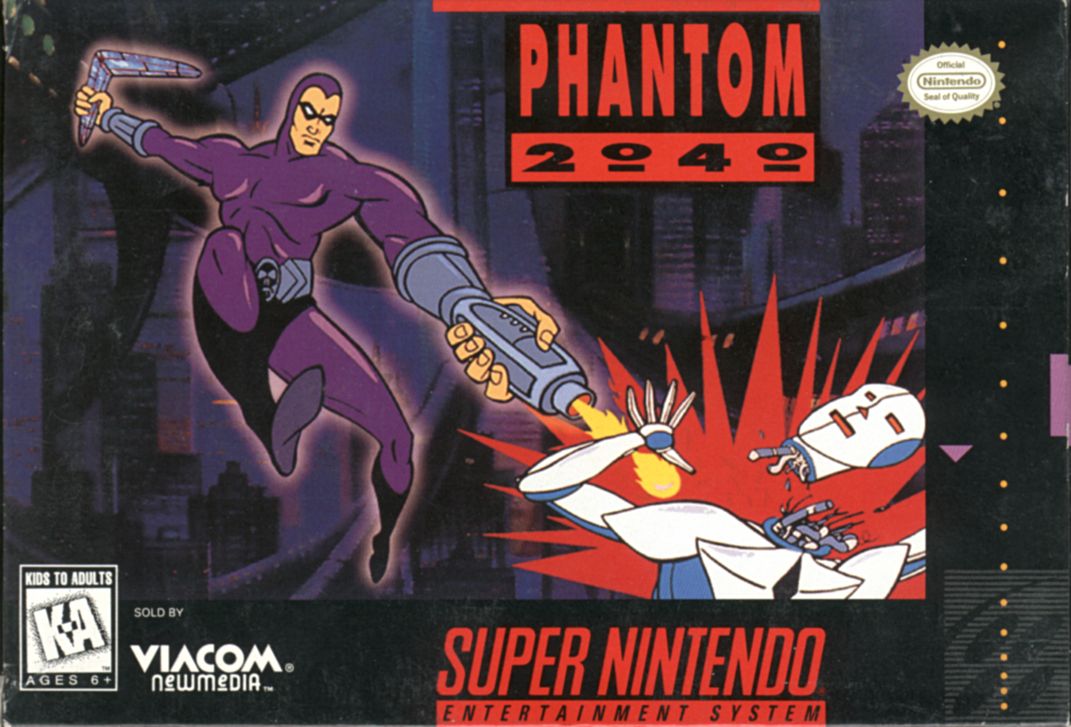
Turn the power switch ON. In a few moments, the Phantom title screen will appear.
•
If the title screen doesn't appear, turn the power switch OFF. Make sure your system is set up correctly and the Game Pak is properly inserted. Then turn the power switch ON again.
Always make sure the power switch is turned OFF before inserting or removing the Game Pak.
Getting Started
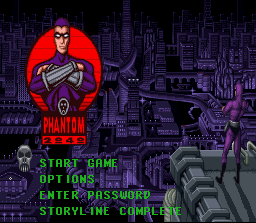
From the title screen, use the Control Pad to move the Skull next to the game option you want:
•
Start Game: Select and press Start to begin. Watch the introductory story or press Start again to play. Press any other button to advance the story screens.
•
Options: Select this and press the Start button to bring up the Options. You can personalize your game setup by changing Start Lives and Music On/Off.
•
Password: Select this and press the Start button to log in the password and enter the corresponding level. Move the selector to each of the digits and press any button to enter, then select END.
•
Storyline: Select this to choose the complete story or the story summary.
You will get a password after each chapter. This allows you to re-enter the game at the beginning of that chapter with the same weapons earned up to that point.
The Map
The Map of Metropia is located in the Communications Center of the Lair. The Map displays the various places in Metropia. The skull shows the exit from each place back to the Map. Places change throughout the game, so you may want to enter a sector more than once.
To open the Map in The Lair:
•
Use the Control Pad to move in front of the left side of Phantom's computer, then press Up.
To enter a sector of Metropia:
•
Use the Control Pad to move the Skull over the Map. Accessible sites are highlighted when the Skull is over them.
•
Click the Start button when the Skull is over the highlighted sector of the site you want to enter.
Phantom's Powers
•
Invisibility: Blends Phantom with his surroundings.
•
Armor: Energy field power up repels bullet and laser attacks.
•
Shadow Panther: Leaps from enemy to enemy, destroying all.
The Items
Items will provide important information or give you access to specific sectors of the city. When you receive an Item, it is automatically registered in the Inventory.
To view Item Screen:
•
Move the Selector to the arrow at the bottom right.
•
Press the A, B, X or Y Button to view the Items.
The Phantom's Database
The Database provides a vast amount of facts and figures. It accesses background information on people and places the Phantom encounters.
To Open the Database:
•
Using the Control Pad, move in front of the right side of the Phantom's computer, then press Up.
To get information on a person or place:
•
Move the skull cursor to a selection and press the A, B, X or Y Button.
•
To return to the Lair, press Start.
.png)

 (En,Fr,De).png)



_1.png)


_1.png)


.png)
