Game Overview
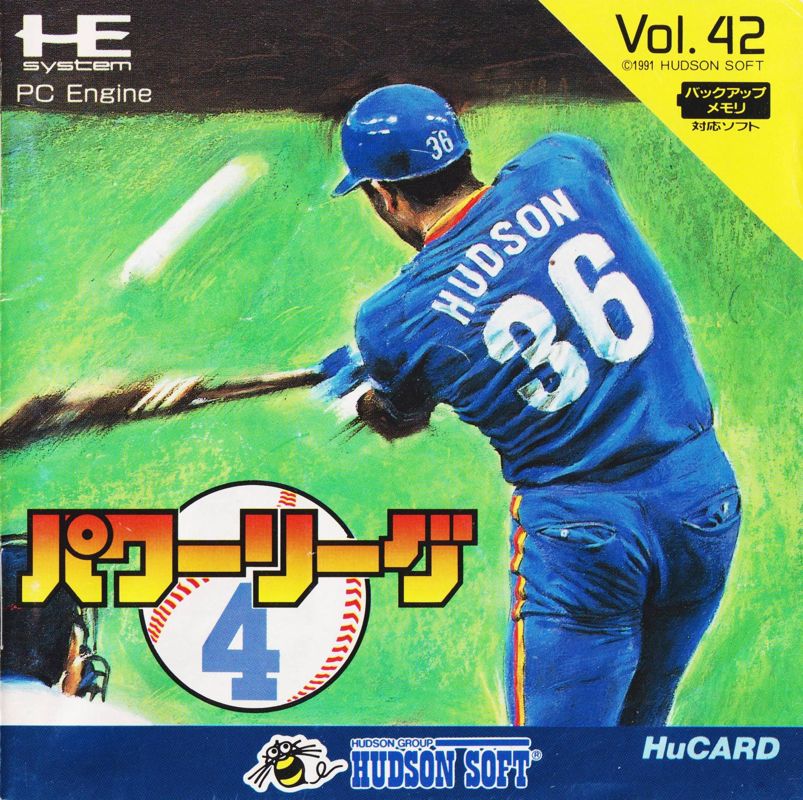
"Power League" is a serious baseball game featuring a total of 13 teams: 12 league teams plus the fantasy team, the Hubies. On the realistic and exciting screen, a heated battle unfolds. Master the diverse attack and defense techniques, and take your time to enjoy it to the fullest. Play Modes
This game contains the following 5 types of modes:
•
VS Mode: A battle mode for competing against another player.
•
Open Mode: A mode for 1-player play against the computer.
•
Pendant Mode: A 1-player victory streak format. After winning the league championship, you can challenge the fantasy team "Hubies" for the title of National Champion.
•
Watch Mode: You can watch computer vs. computer matches.
•
Edit Mode: You can change the starting pitcher for each team.
VS Mode Requirements
VS Mode (2-player play) requires the separately sold Multi-Tap (¥2,480). Connect the pads to connectors ① and ② respectively. Without the Multi-Tap, 2-player play is not possible.
Starting the Game
For normal play, follow this sequence:
When the switch is turned ON, the title screen (Mode Select Screen) appears. First, select a mode. Then, select a team for both players by moving the cursor with the direction keys and pressing the ① button to decide. Press the ① button again to start the game.
Changing the Starting Lineup
To play with a changed starting order, follow this sequence:
In the Mode Select Screen, select Edit Mode. Change the order, warm up, and proceed to the game following the normal play steps. The method for changing the order is detailed in "About Edit Mode."
Password System
In Pendant Mode, a password is displayed when you beat the opposing team. Be sure to write it down. Enter the password by using the left and right direction keys for the up and down values.
Screen Menus
•
Mode Select Screen: Displays POWER LEAGUE, OPEN MODE, PENDANT MODE, MATCH MODE, and EDIT MODE. Choose which of the 5 types of modes to use.
•
Team Select Screen: Displays "SELECT YOUR TEAM" and "PLAYER 1 VS PLAYER 2." Choose your team (and the opponent in Open Mode) from the 12 teams.
•
Edit Screen: Use the direction keys and the ① button to swap players.
Fielding Controls
Pitching
Win with changes in speed and course. By varying speed and course, you can throw off the batter's timing and aim. This is the essence of pitching. The method of pitching is shown in the chart. By manipulating the pad (mainly the directional keys) in various ways, you can throw different types of balls. However, speed and movement vary by pitcher.
•
Holding Up on the directional keys results in a slow ball.
•
Holding Down on the directional keys results in a fast ball.
•
Holding Left or Right on the directional keys at the moment of release determines the break.
•
The more you hold Left or Right on the directional keys after the pitch, the more the breaking ball will move.
Pitcher Change
The method for changing a pitcher is the same as when using a pinch hitter:
1. Press the Select button to access 'Time'.
2. Use the directional keys and the ① button to decide.
3. Use the ② button to cancel.
4. Press the ① button to start pitching.
About Edit Mode
Determine Bench Members and Starting Lineup
In Edit Mode, the players for each team are displayed. Second-team players cannot be used in the game. Once the lineup is changed, it will remain recorded until the power is turned off. However, in Pendant Mode, the lineup cannot be changed.
Swap Players
The starting lineup is changed using the method of "swapping ○○ with ××." You can swap as many times as you like until you have the lineup you want. However, you cannot swap between a pitcher and a fielder.
Using "Mitsutan" and "Klammety" of "G-JANS" as an example, the swapping procedure is:
•
First, include "Mitsutan" in the cursor.
•
Include "Klammety" in the cursor.


_2.png)
_2.png)
_3.png)
 (All Star Version).png)
.png)
.png)


.png)



.png)





.png)


.png)
.png)


.png)


 (En,Es,It) (SGB Enhanced) (GB Compatible).png)

_1.png)