GETTING READY
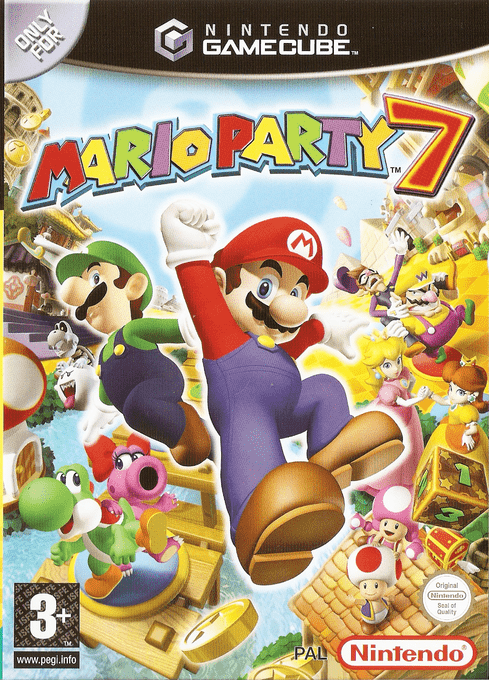
Place the Mario Party 7 Game Disc in the Nintendo GameCube system and close the Disc Cover. Insert a Memory Card into Slot A and the Controller Plug of the Nintendo GameCube Mic into Slot B, then turn the power ON. Press START/PAUSE to skip the opening cinematic.
PLAYING FOR THE FIRST TIME
You'll need to create a game file the first time you play. From the file-selection screen, choose a new file and enter your name to get started.
CONTINUING
To continue your game, choose the game file you want to play on the file-selection screen and press the A Button.
To copy a game file, choose Copy and select the empty file you want to copy to. To erase a game file, choose the file you want to delete and select Erase.
•
Date of the last saved game and Stars collected.
MEMORY CARD INFORMATION
Mario Party 7 requires one file and six blocks on your Memory Card to save your game. You can save up to three games on a Memory Card. CAUTION!
Please consult the Nintendo GameCube instruction manual for information on erasing files on a Memory Card and formatting a Memory Card. Do not remove the Memory Card or press the Power button while data is being saved. You risk erasing saved data. It could also cause the Nintendo GameCube or Memory Card to fail. Once data is erased it cannot be restored. GAME MODES
Select a game file and choose Play to enter the mode-selection screen and access one of the following six modes!
Play with up to four players in Battle Royale, or take those four players and split into two teams to complete in a Tag Battle. You can also slug it out in a 4-Team Battle, where up to eight players split into four teams!
Set sail by your lonesome! You can play against the CPU in Vs. CPU, or against a single friend in Vs. Player.
Have a ball playing minigames built specifically for eight players!
Play all the minigames you've unlocked on the Party Cruise and Solo Cruise.
Step right up and trade in your Cruise Mileage points for a variety of unlockable treasures!
This is the place to adjust your game settings.
RULES
You can view the rules before starting a Party Cruise or Solo Cruise game. It is a good idea to read them before playing for the first time.
SAVING
During a Party Cruise game, the game will automatically save after the end of each turn. During a Solo Cruise game, the game will save when you clear a board. During a King of the River game, you can save when you get to the halfway point.
If you start a new Party Cruise or Solo Cruise game instead of continuing your previous game, your old saved game will be deleted when the game auto-saves.
Please do not switch Memory Cards during a game. If you do, you will not be able to save your game.
PARTY CRUISE GAME SETTINGS
Follow the steps below to set the rules of gameplay. If multiple people are participating, Player 1 will make all the selections.
Set the number of turns from 10 to 50, in increments of five.
•
Character Selection/Forming Teams
With the handicap feature, you can give a player or team an advantage by changing the number of Stars they will start the game with.
•
Battle Royale - Four players compete in a free-for-all.
•
Tag Battle - Four players split into two teams and battle.
•
4-Team Battle - Eight players divide into four teams and create havoc!
If you choose to play a game "With Bonus," special award Stars will be handed out at the end of the game.
Choose one of the following:
•
All Games - You'll play all the minigames.
•
Easy Games - You'll play with only easy minigames.
•
Action Games - You'll play with only action-packed minigames.
•
Hard Games - You'll play with only hard minigames.
•
Weird Games - You'll play with only weird minigames.
•
If all settings look good, select "Yes"
PARTY CRUISE RULES
This is how a turn is played. The process will repeat until the game is over. In a Party Cruise, whoever ends the game with the most Stars wins! Learning the game flow is the first step to victory. Never give up—there's always a chance to turn the tables!
•
Hit a Dice Block to see how many spaces to move. If you want to use an Orb, do so before hitting the Dice Block.
•
When you stop on a Space, you'll trigger an event.
•
The second through fourth characters/teams follow the same steps.
•
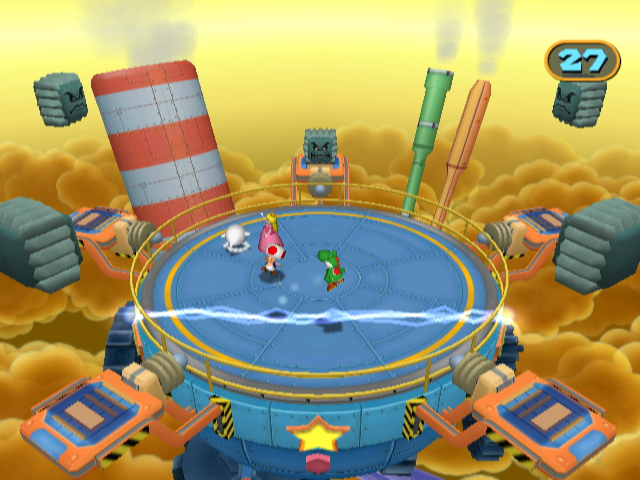
When all players have taken their turn, everyone will play a minigame!
•
After the set number of turns have been played, the game will end.
•
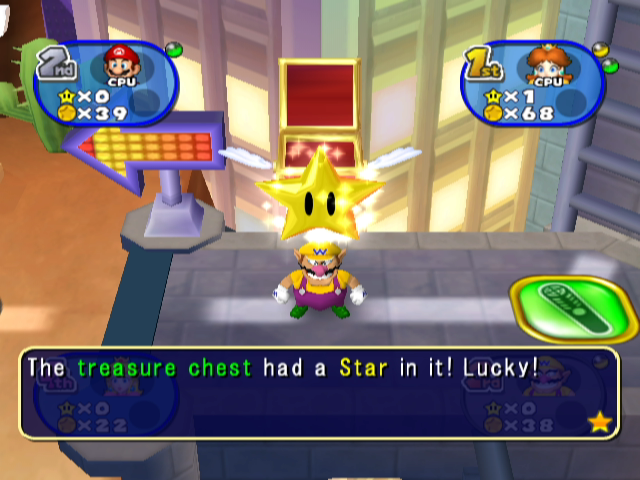
Before the last four turns begin, a special event will add a major new game rule to the mix. You never know what it'll be!
BONUS STARS
If you choose to play "With Bonus,"
.png)

_1.png)

_1.png)